Visitors & plugins
Connect with visitors and extend the site with plugins.
All guides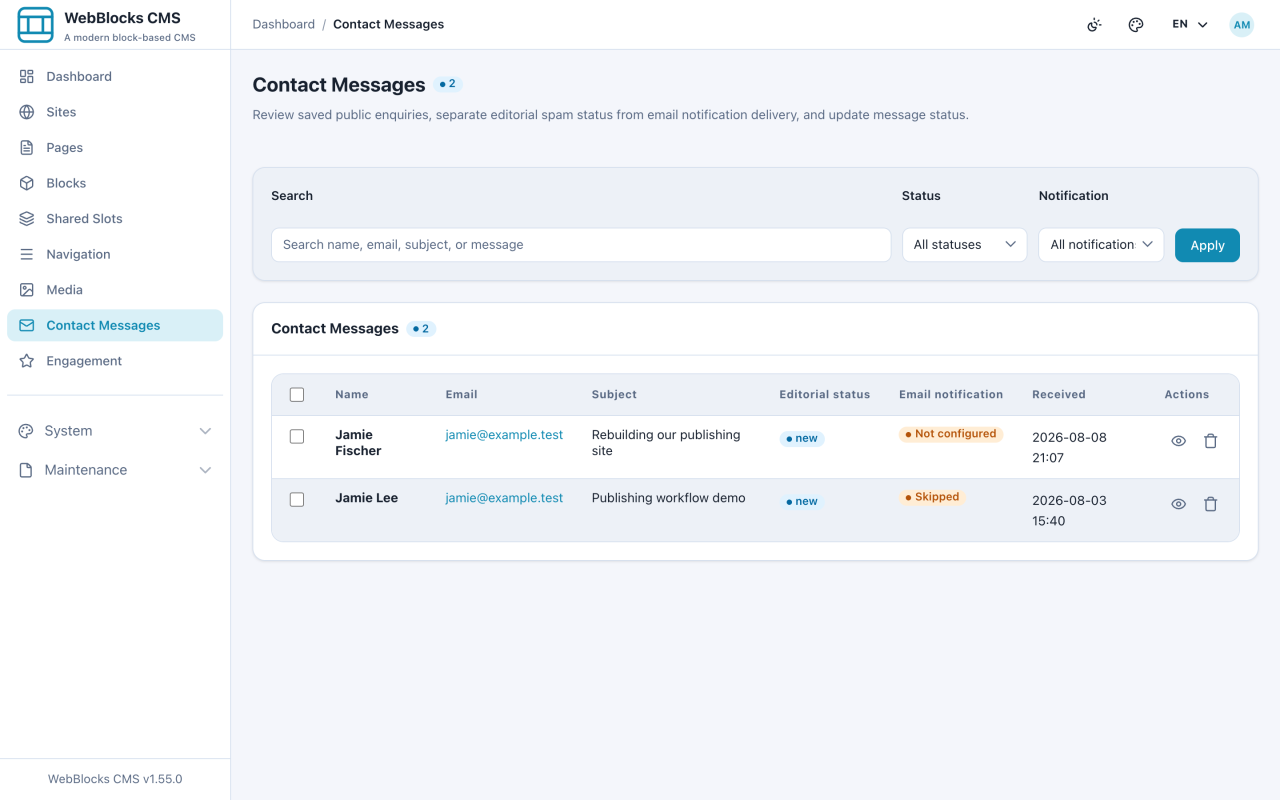
Add A Contact Form And Read Messages
Put a form on a page, then find what visitors sent.
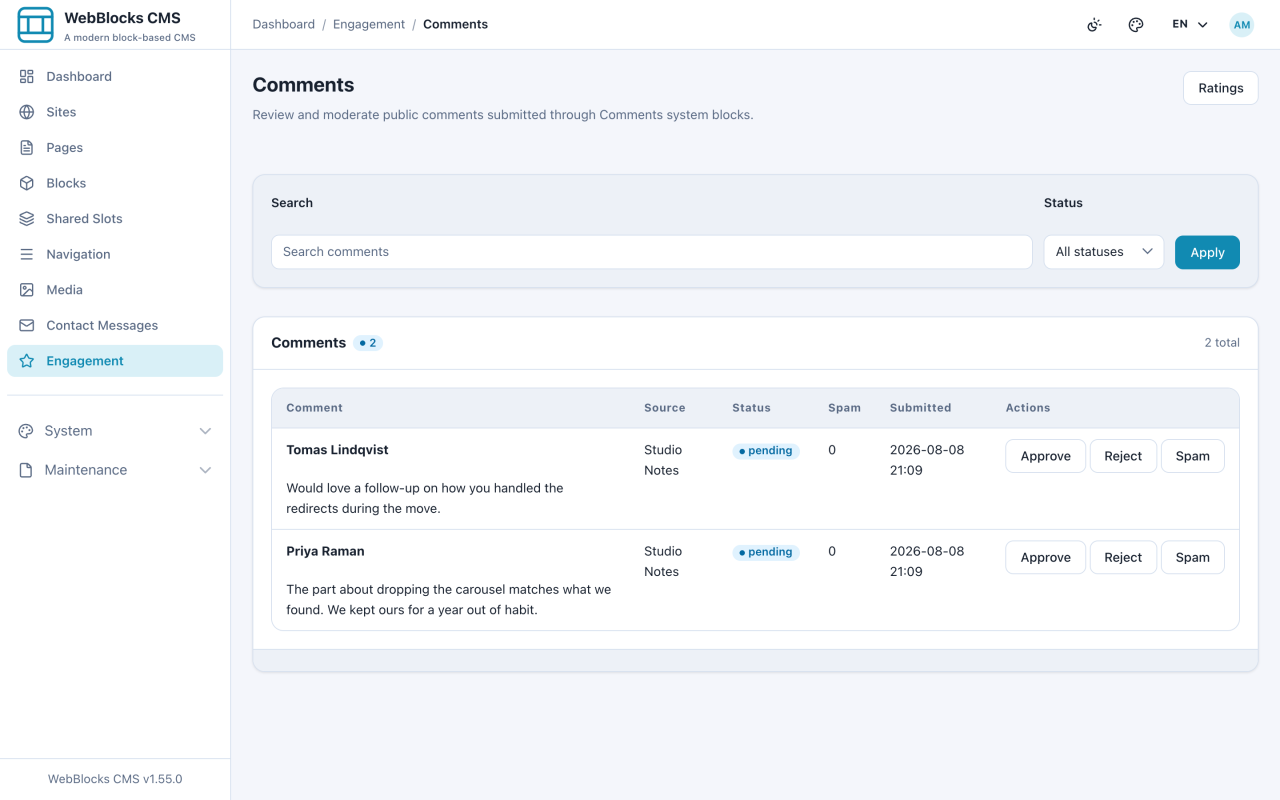
Comments And Ratings
Let readers respond, and review what they say before it appears.
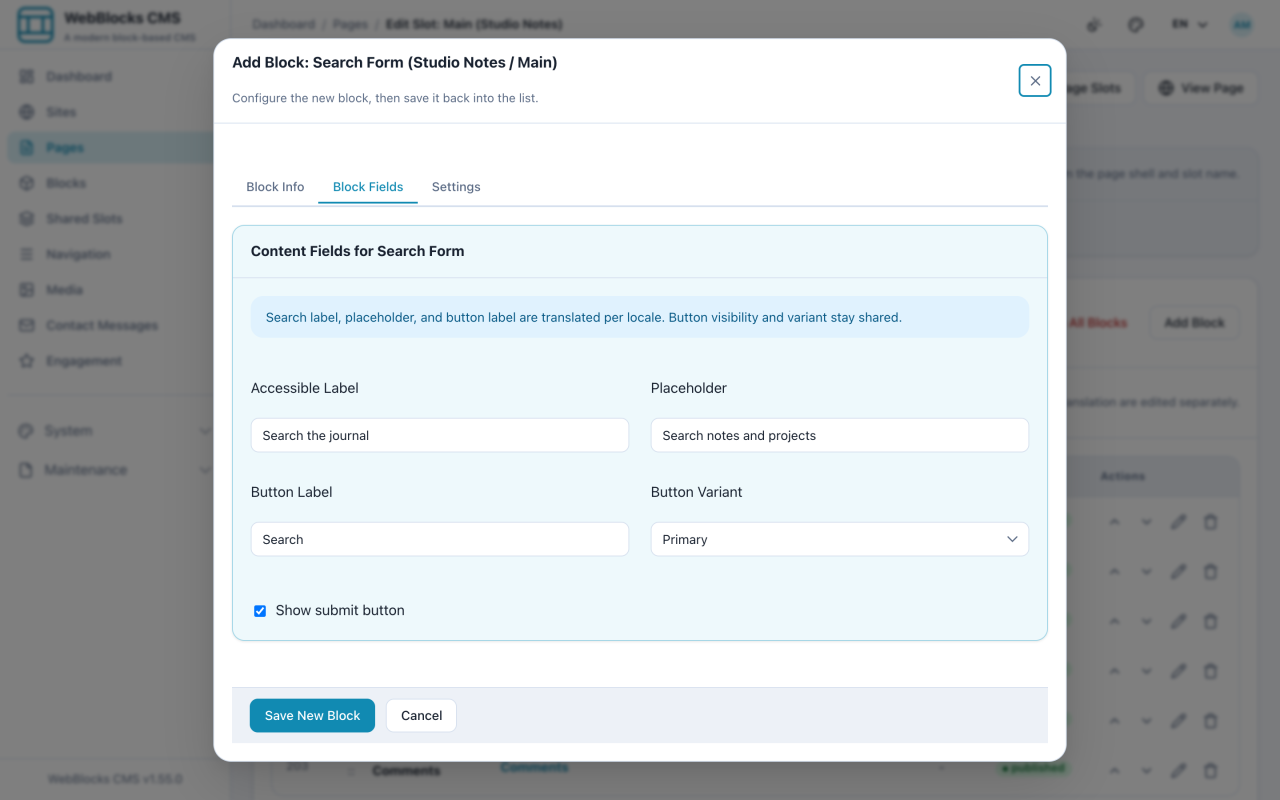
Site Search
Put a search box on the site and keep the index honest.
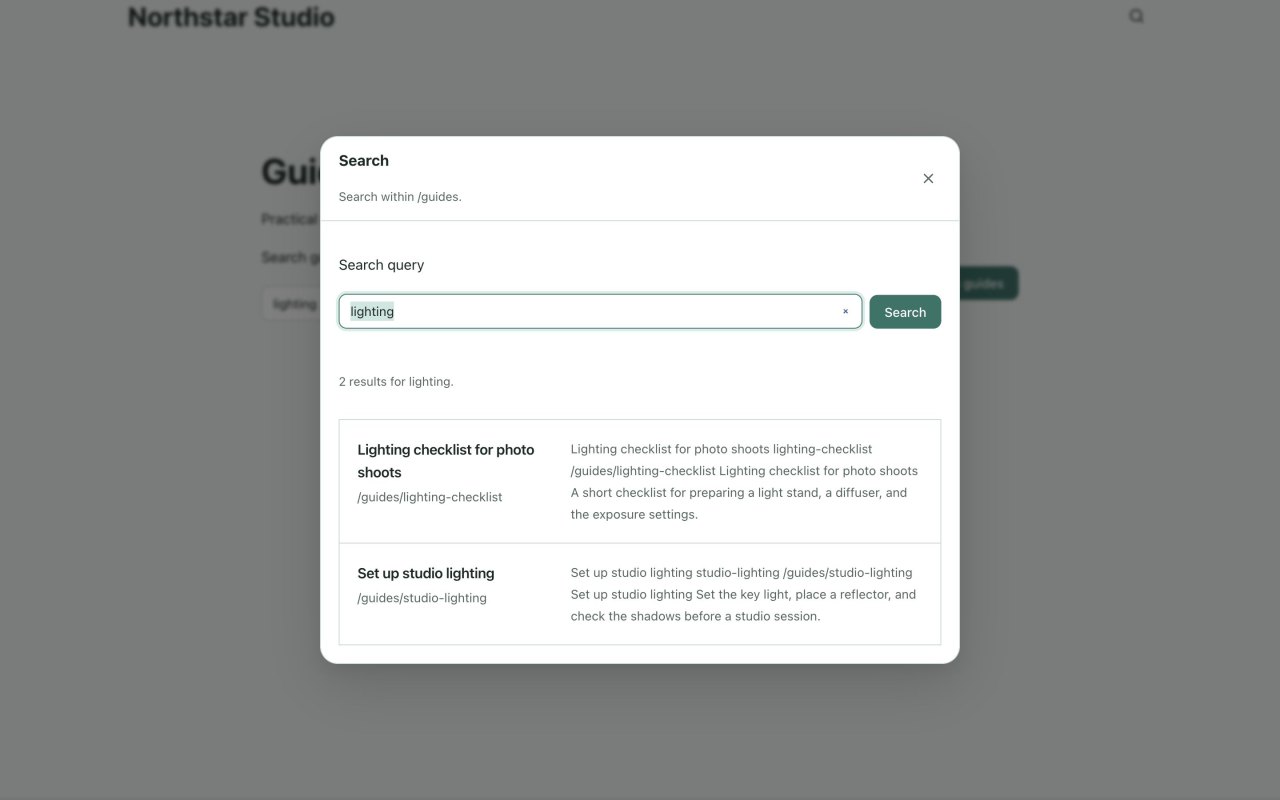
Search a Section of Your Site
Use a path prefix to search one section of your site and compare the results with site-wide search.
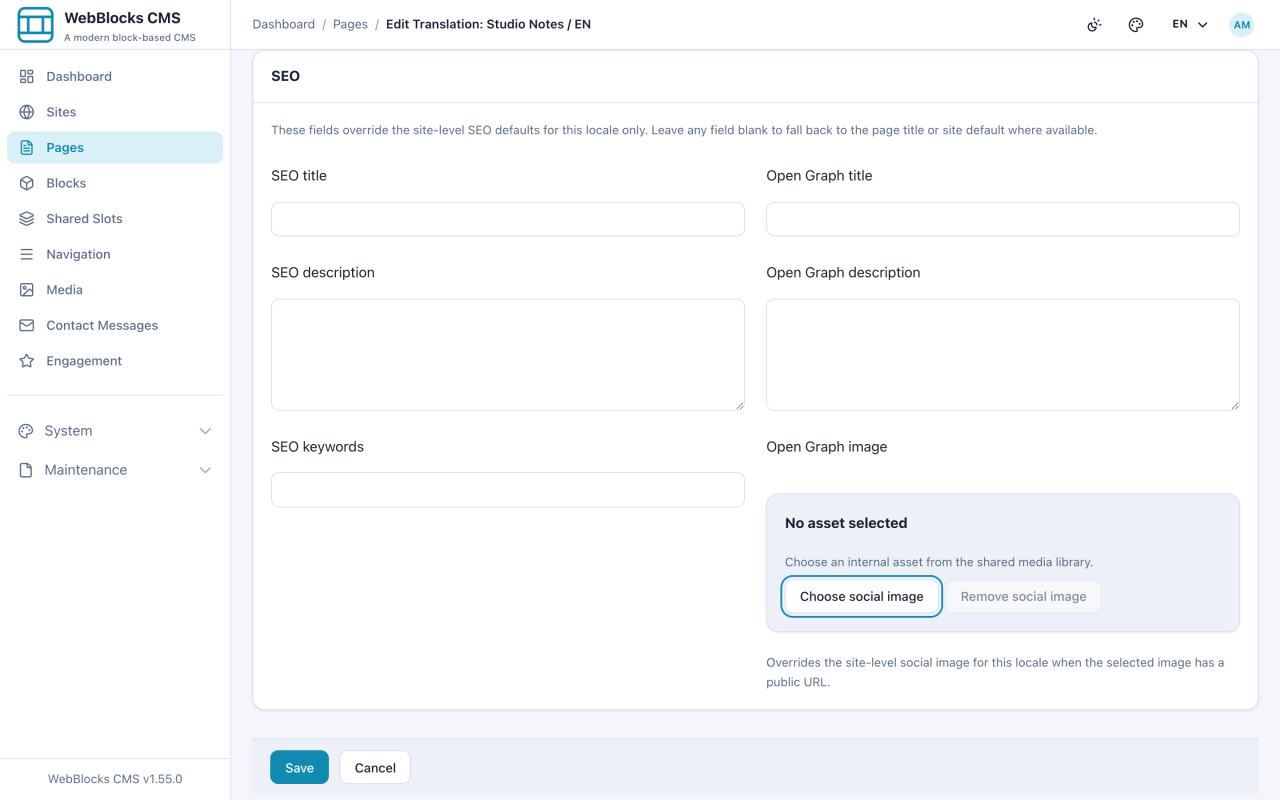
SEO Fields, Social Image, And Favicon
What search results and shared links show, and where to set it.
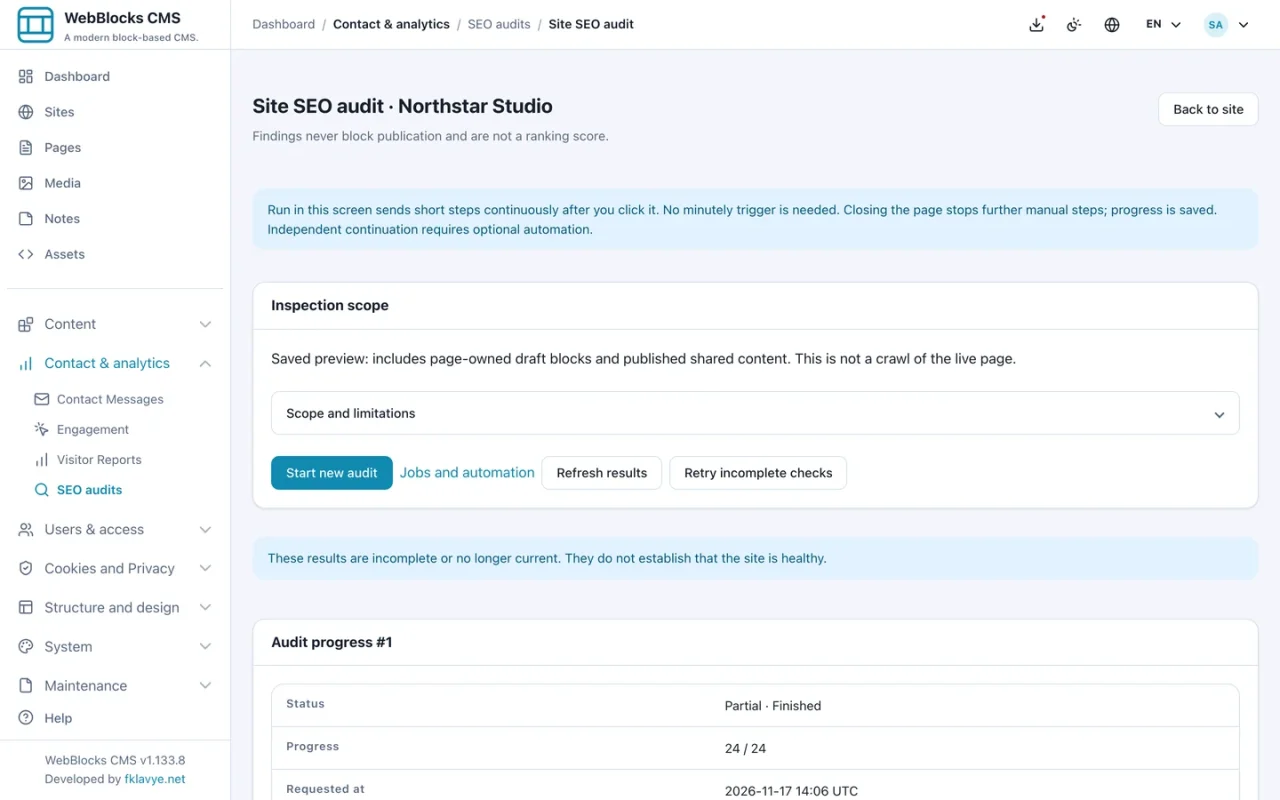
Run a Site SEO Audit
Inspect saved pages across languages and review metadata and internal links.

Design a 404 Page
Prepare a branded not-found screen, edit its starter blocks, and preview it safely.
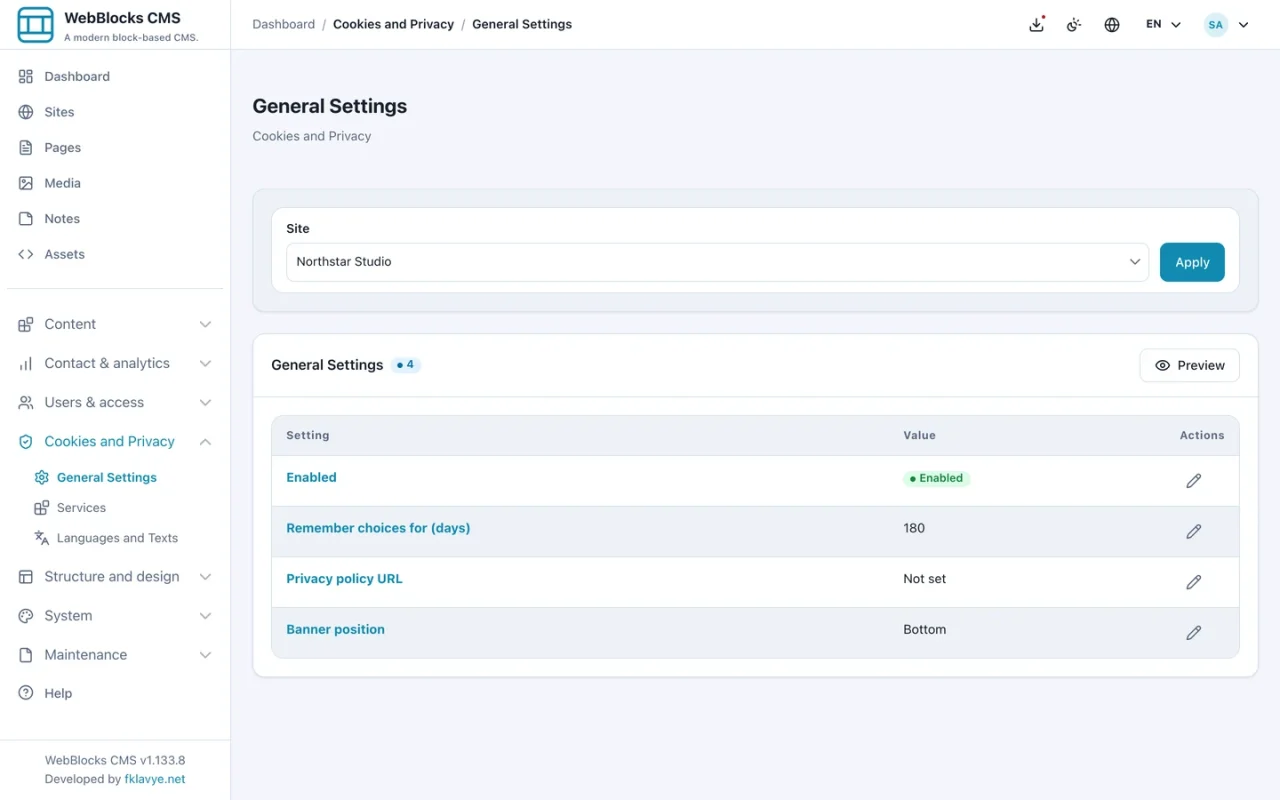
Configure and Preview Cookie Preferences
Check site privacy settings, verify the visitor notice, and reopen preferences after rejection.
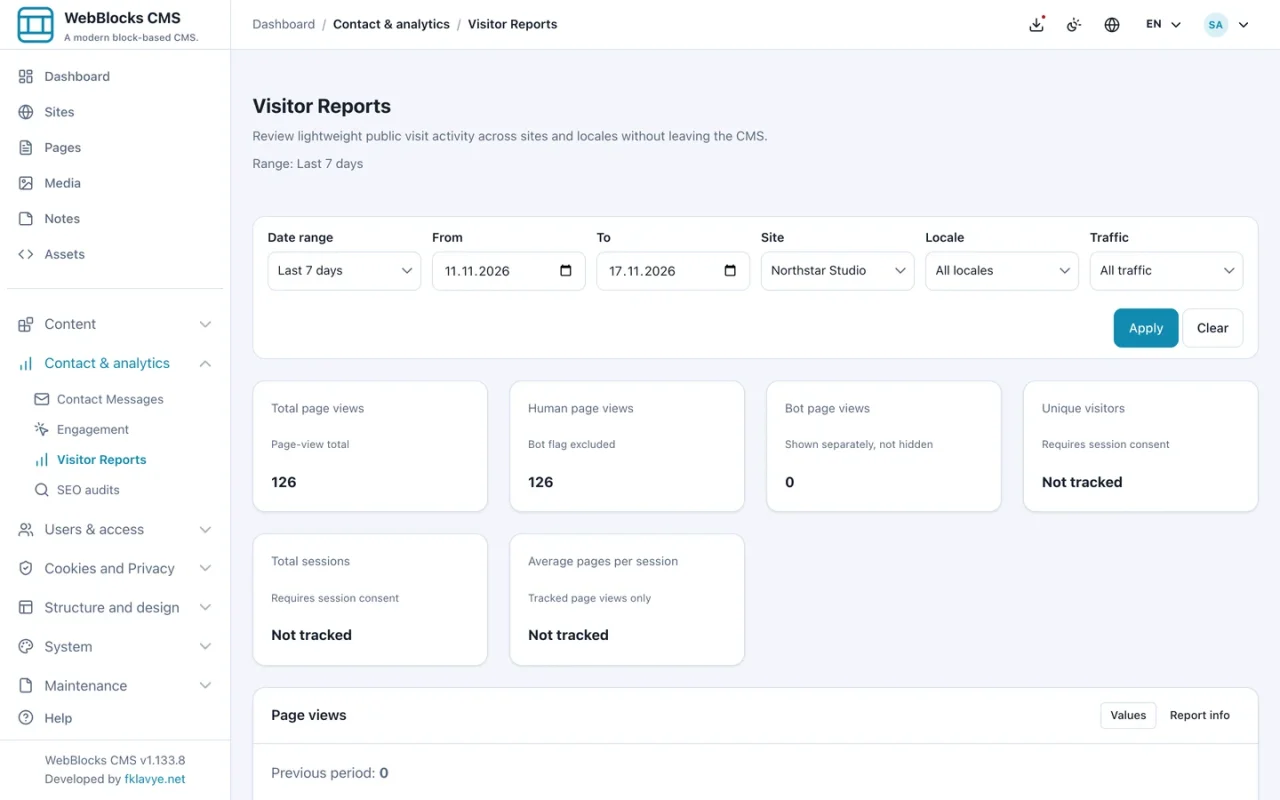
Read Visitor Reports
Filter visitor activity and read page views, traffic trends, and page-level results.
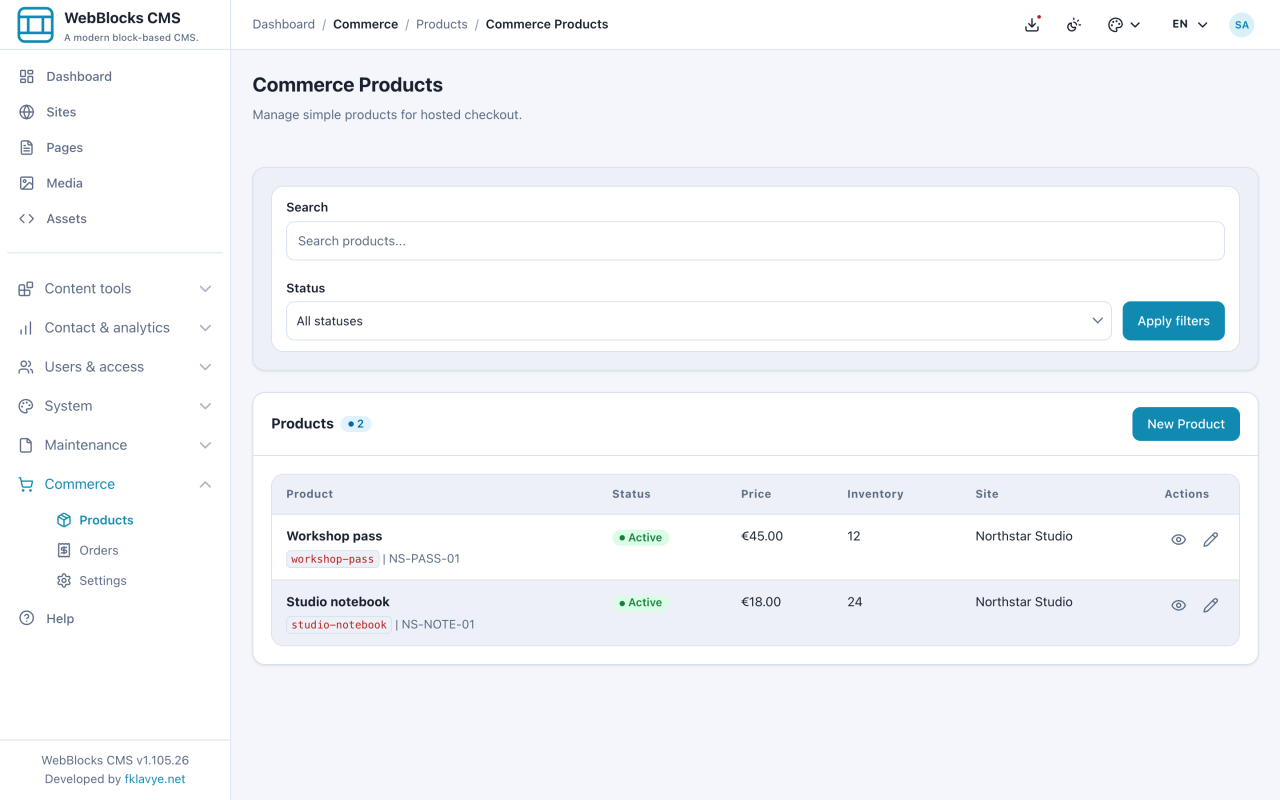
Start Selling With WebBlocks Commerce
Install Commerce, add a product and a native buy button, test an order, and connect hosted payments.
Build A Members Area With WebBlocks Memberships
Set up visitor accounts, free packages and manual grants, protect a page, and prepare recurring paid plans.
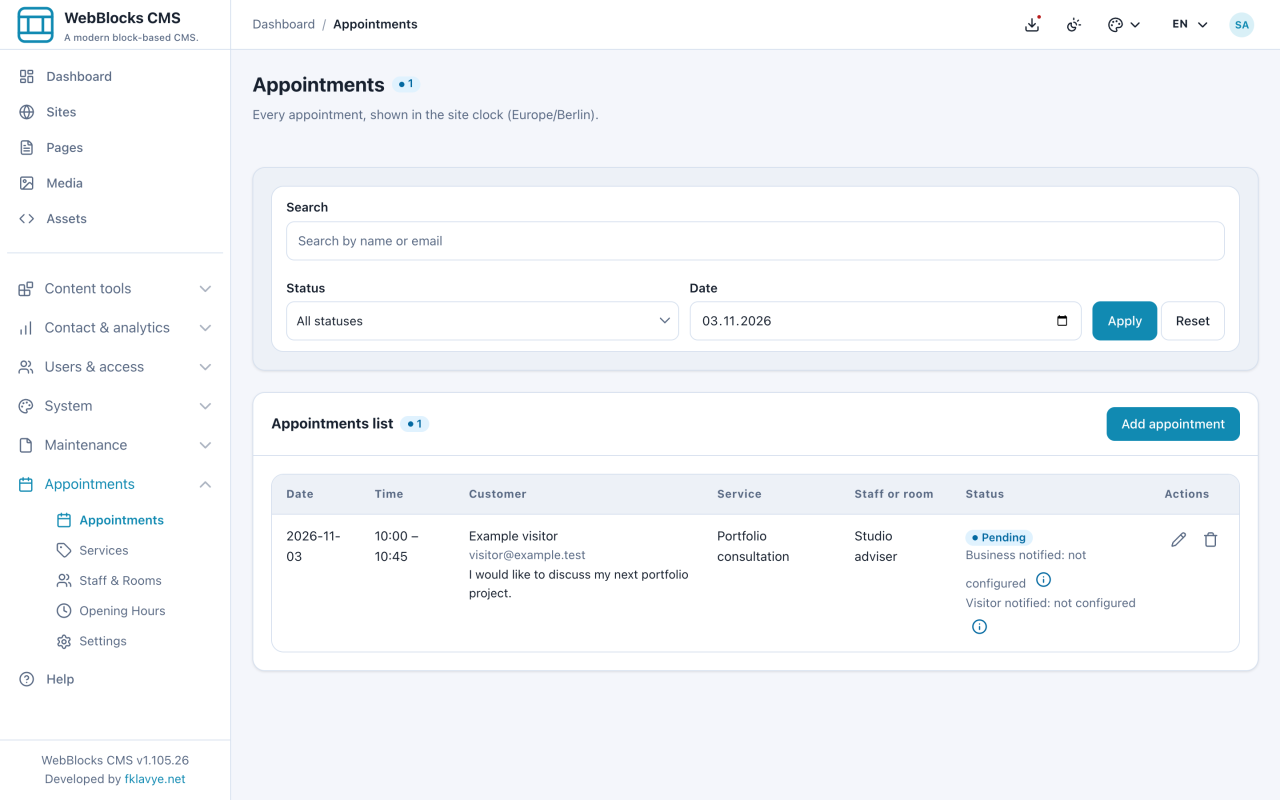
Take Bookings With WebBlocks Appointments
Set up services, resources and hours, take visitor requests, manage appointments, and test reminders and cancellation.
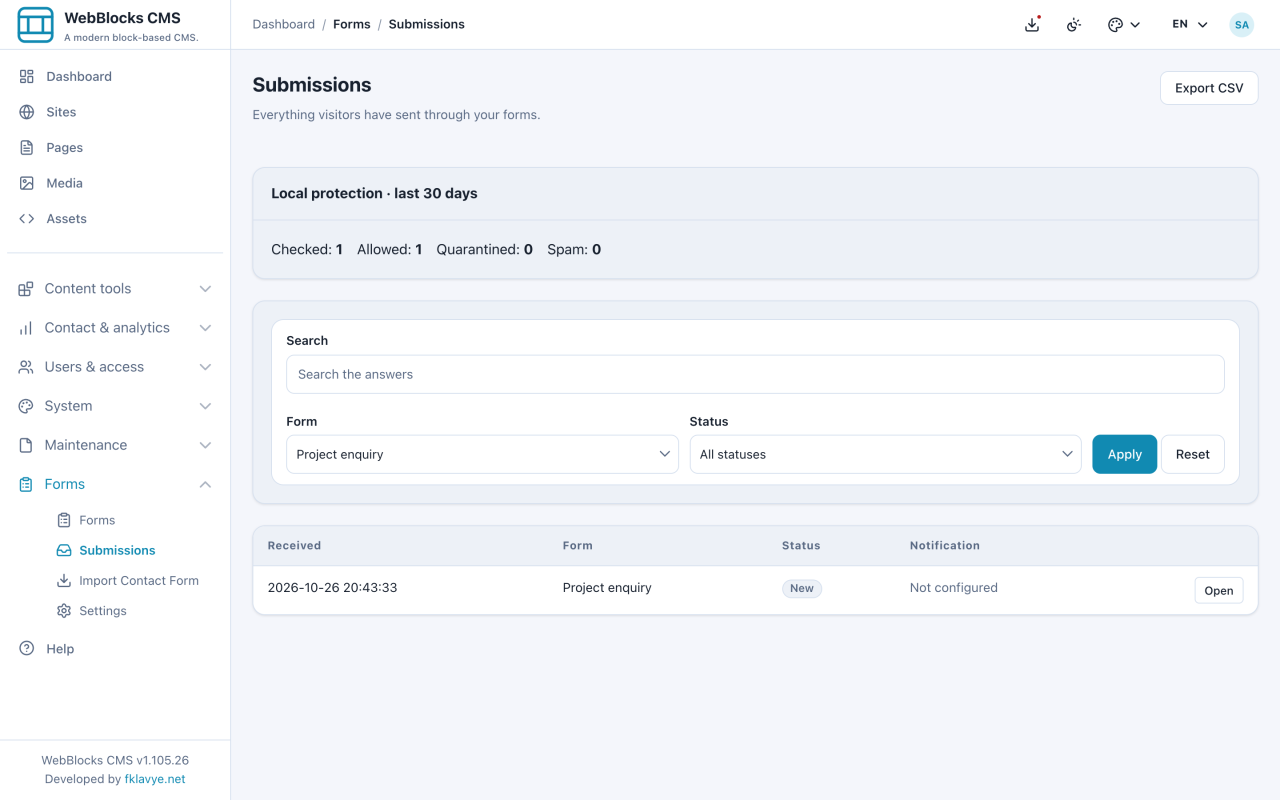
Build Custom Forms With WebBlocks Forms
Build a two-step enquiry with conditional fields and private attachments, then manage submissions, delivery and CSV exports.
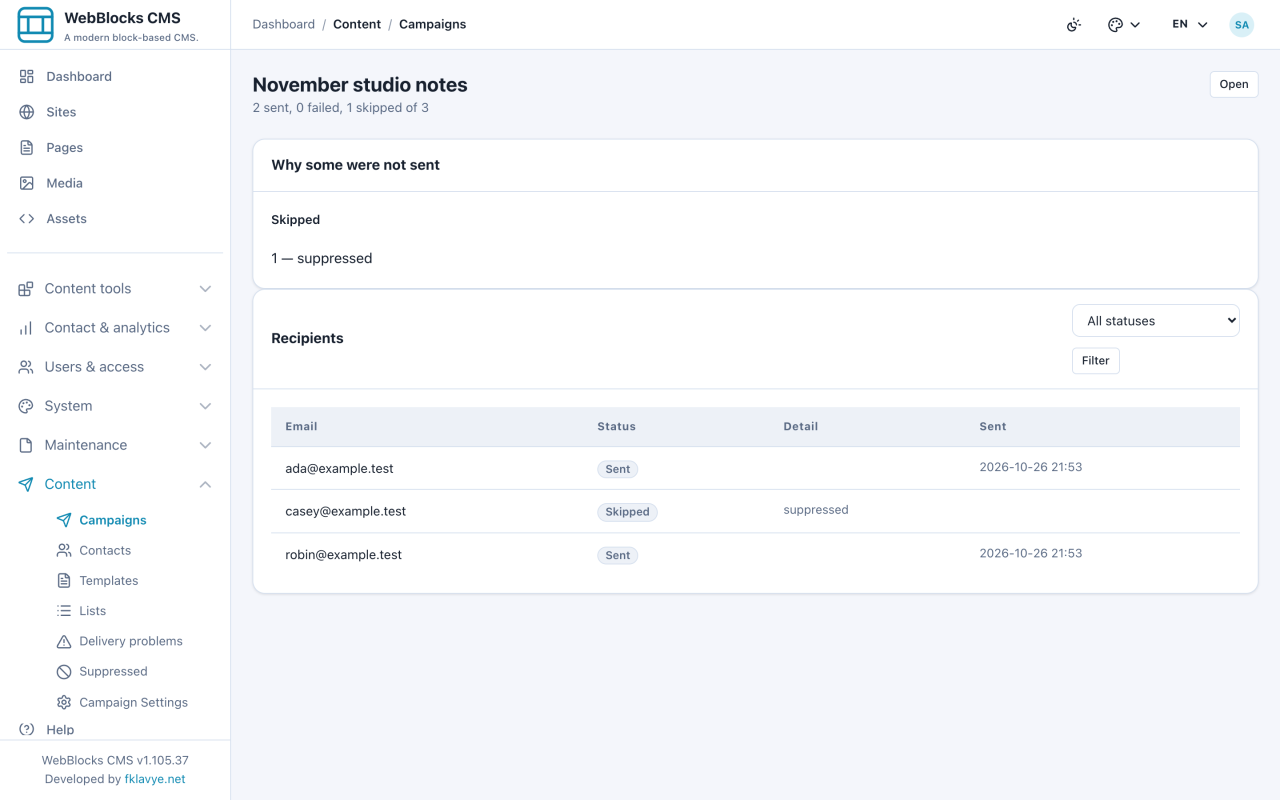
Send Email With WebBlocks Campaigns
Import contacts, collect confirmed subscriptions, prepare personalized messages, and manage campaign sending, unsubscribe requests and retries.
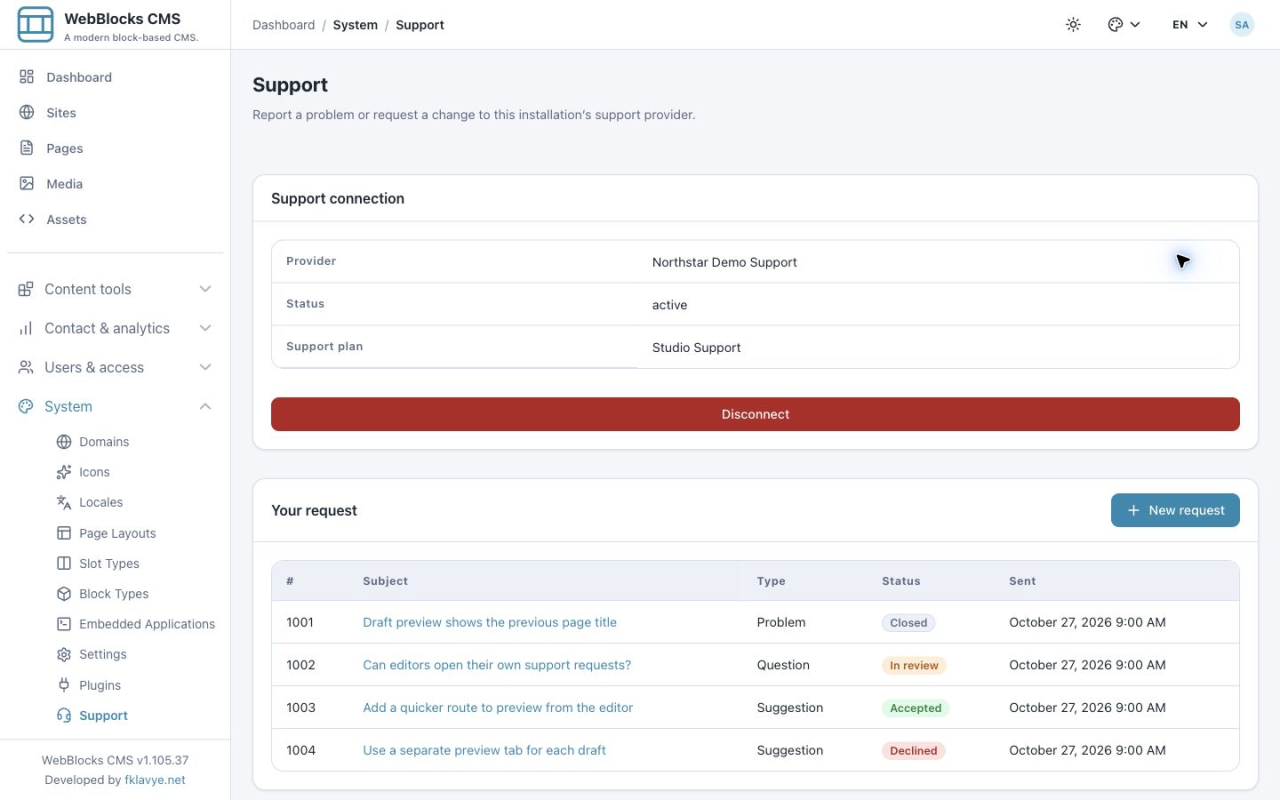
Get Help With WebBlocks Support
Install Support, activate a provider, open requests, follow replies, and approve or decline limited diagnostics.
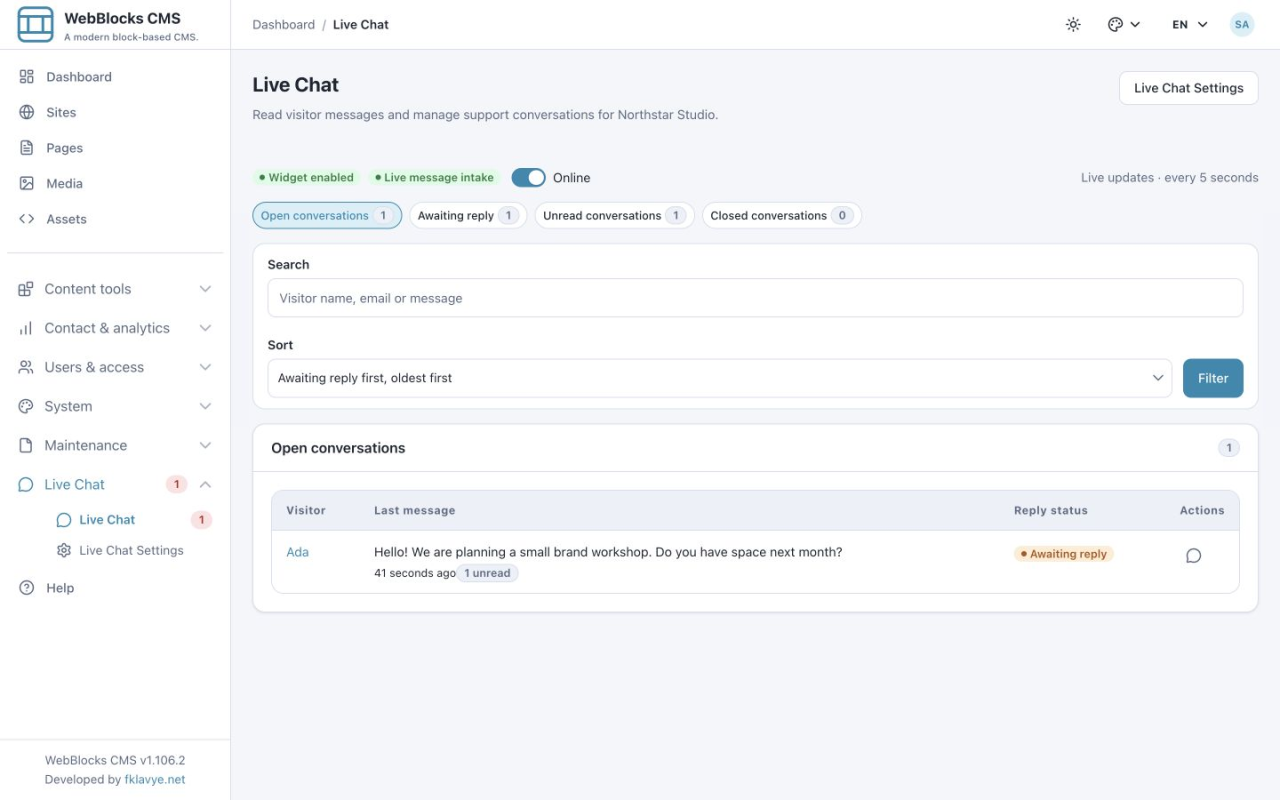
Chat With Visitors Using WebBlocks Live Chat
Configure a visitor widget, answer conversations, manage unread work, and test offline intake and notifications.
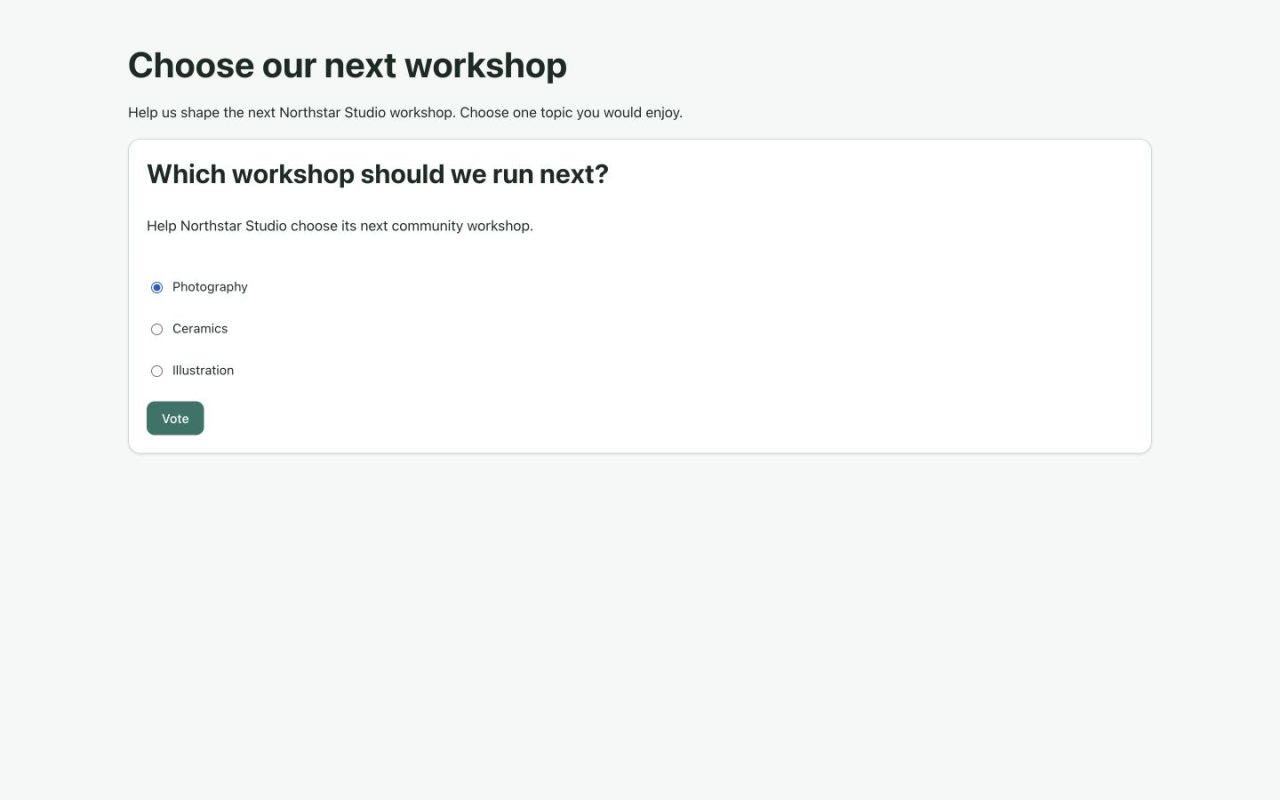
Create And Run Polls With WebBlocks Polls
Install Polls, create questions and choices, place a poll on a page, collect votes, export results, and understand visibility and scheduling.
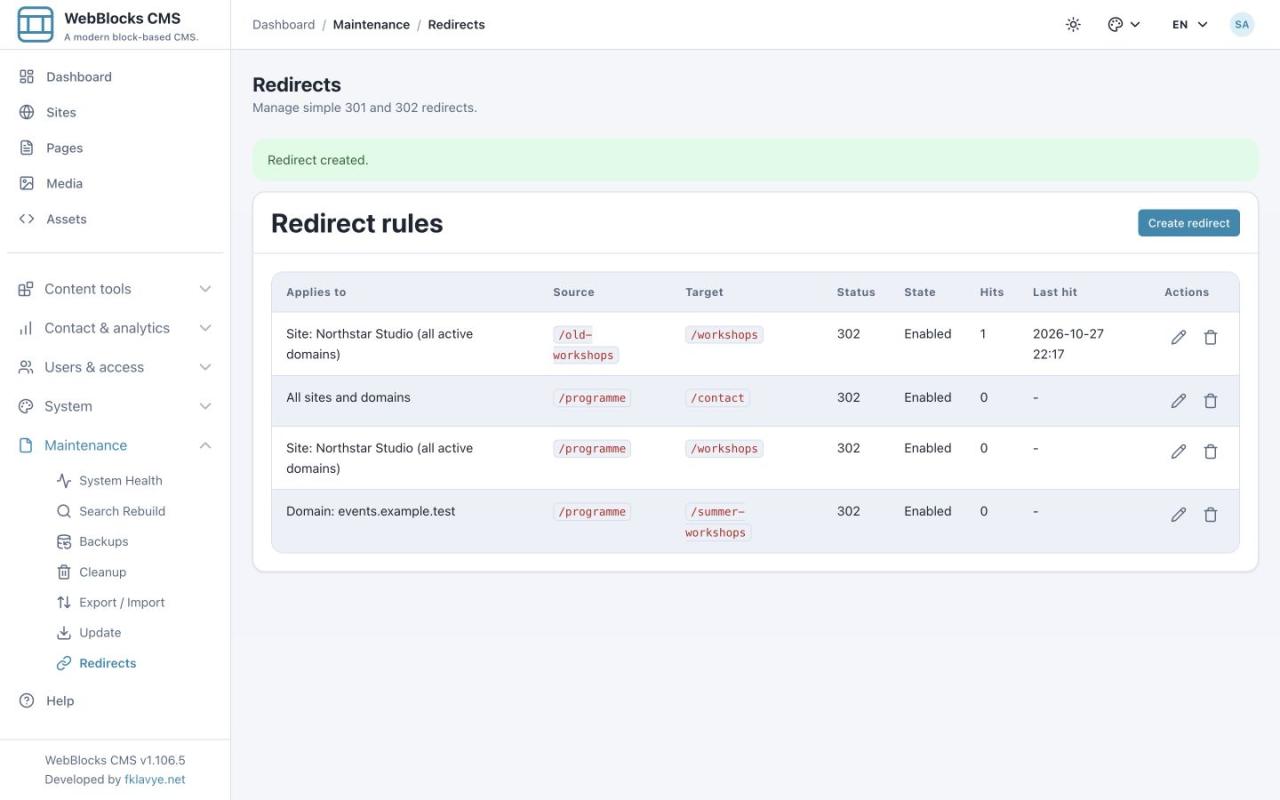
Manage URL Redirects With WebBlocks Redirect Manager
Install Redirect Manager, move old URLs with 301 or 302 rules, choose site and domain scopes, test redirects, and monitor hits.
Connect a Herne hosting catalog
Connect Herne and show live hosting prices, limits, and checkout links in native CMS blocks.
Common tasks
- Check a saved page's SEO in the selected content language before reviewing publication.