Duplicate, Move, And Archive Pages
Goal: Reuse a page you already built, relocate one, or retire one safely.
Time: 4 minutes
You need: A page, and super admin access for moving between sites
Steps
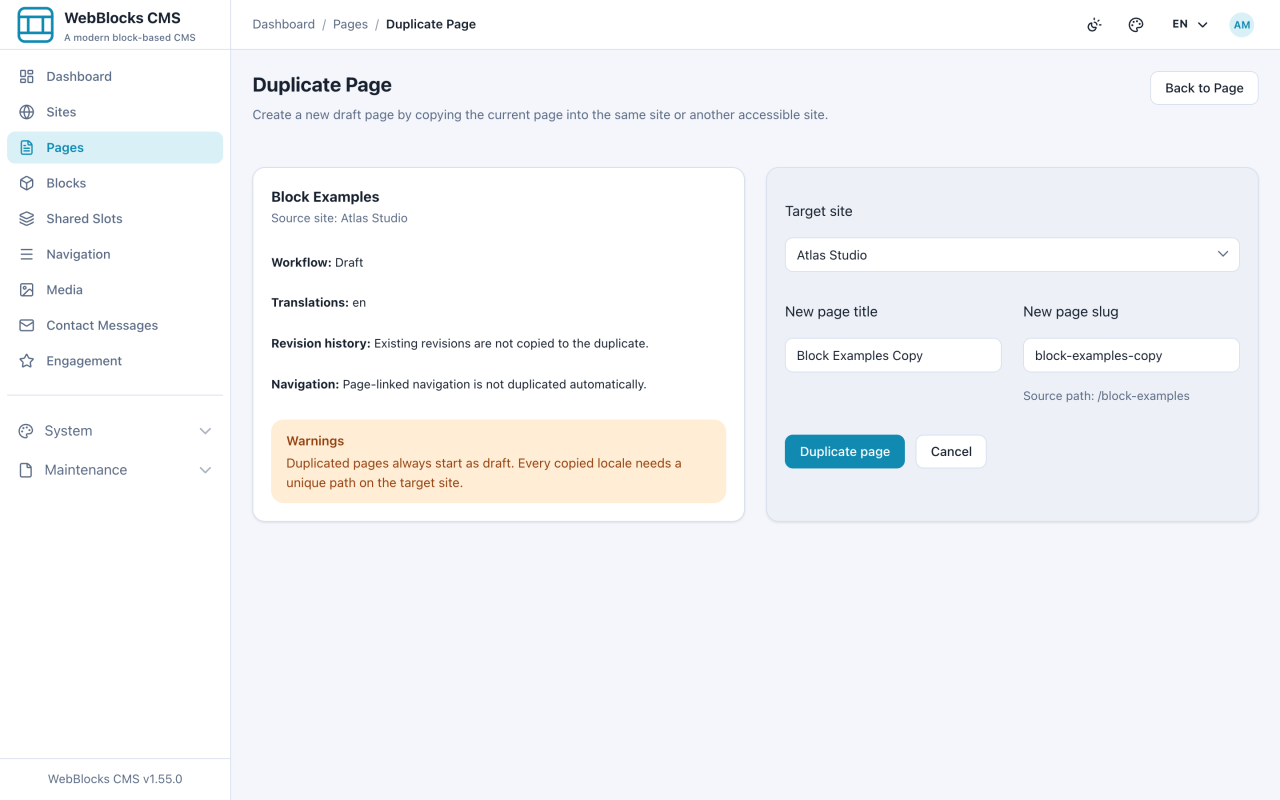
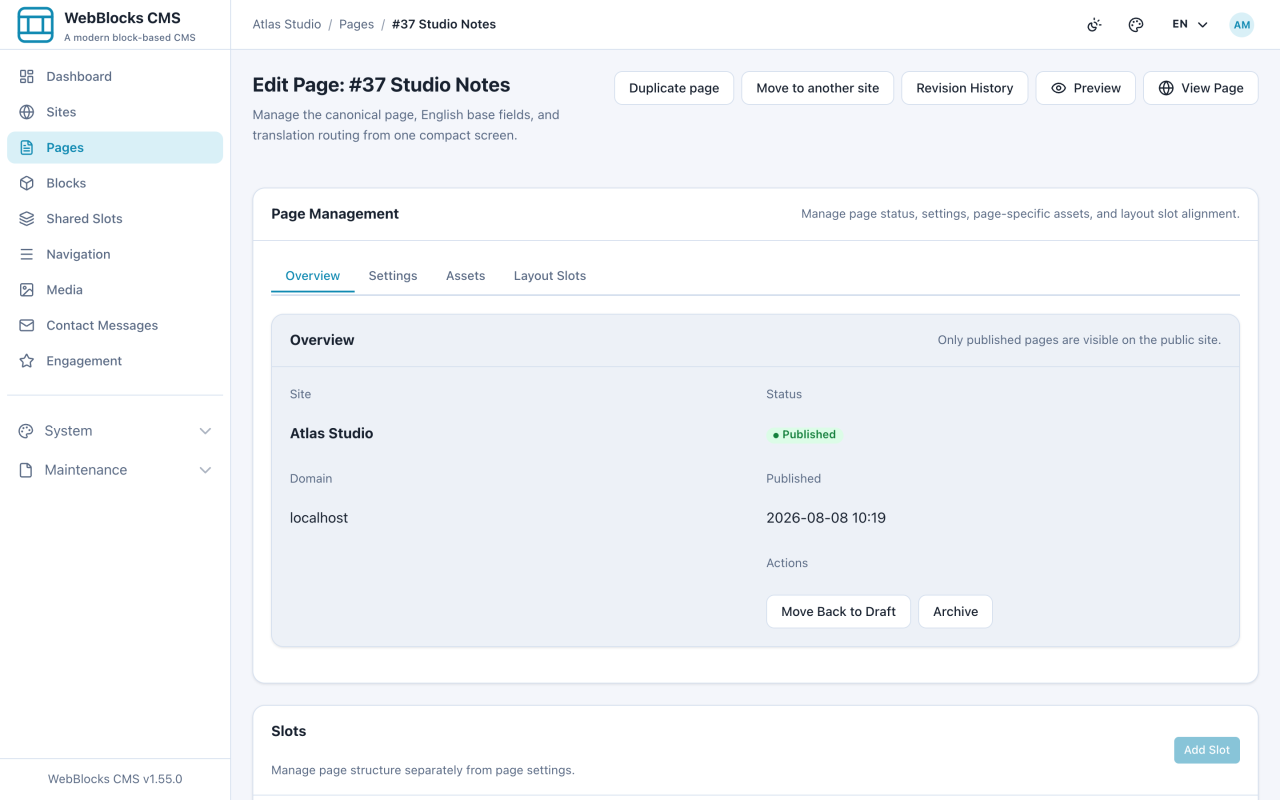
- To copy: open the page, select Duplicate page, pick the Target site, and set New page title and New page slug.
- The panel on the left states what carries over. Blocks, translations, and the layout come along; revision history and page-linked navigation do not, and the copy always starts as a draft.
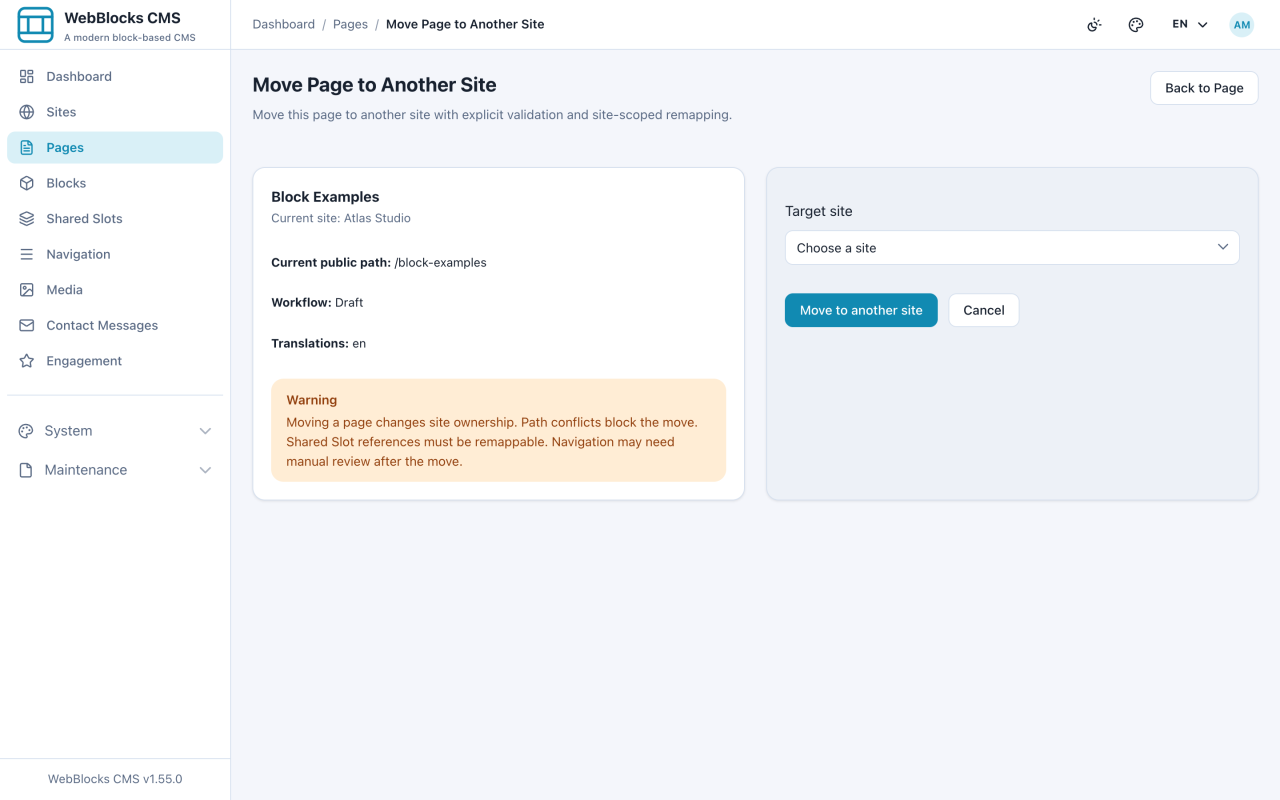
- To relocate: open the page and select Move to another site. Moving is not copying — there is one page afterwards, at a new address, on a different site.
- To retire: open a published page's Overview tab and select Archive. The page stops being reachable, and everything about it is kept.
Notes
- Duplicate is the honest way to make a template. Build one page properly, duplicate it, replace the words.
- Every copied language needs a unique path on the target site. A collision is refused, not silently renamed.
- Navigation does not follow a duplicate or a move. Check your menus afterwards.
- Archive when a page has served its purpose, delete only when it should never have existed. Archived pages can come back; deleted ones need a revision or a backup.
- Moving between sites is a super admin action, because it crosses a boundary that editors are deliberately kept inside.