Link Lists And Tables
Goal: Build a readable index of links, and put real data in a real table.
Time: 5 minutes
You need: A page, a handful of links, and some rows of data
Steps
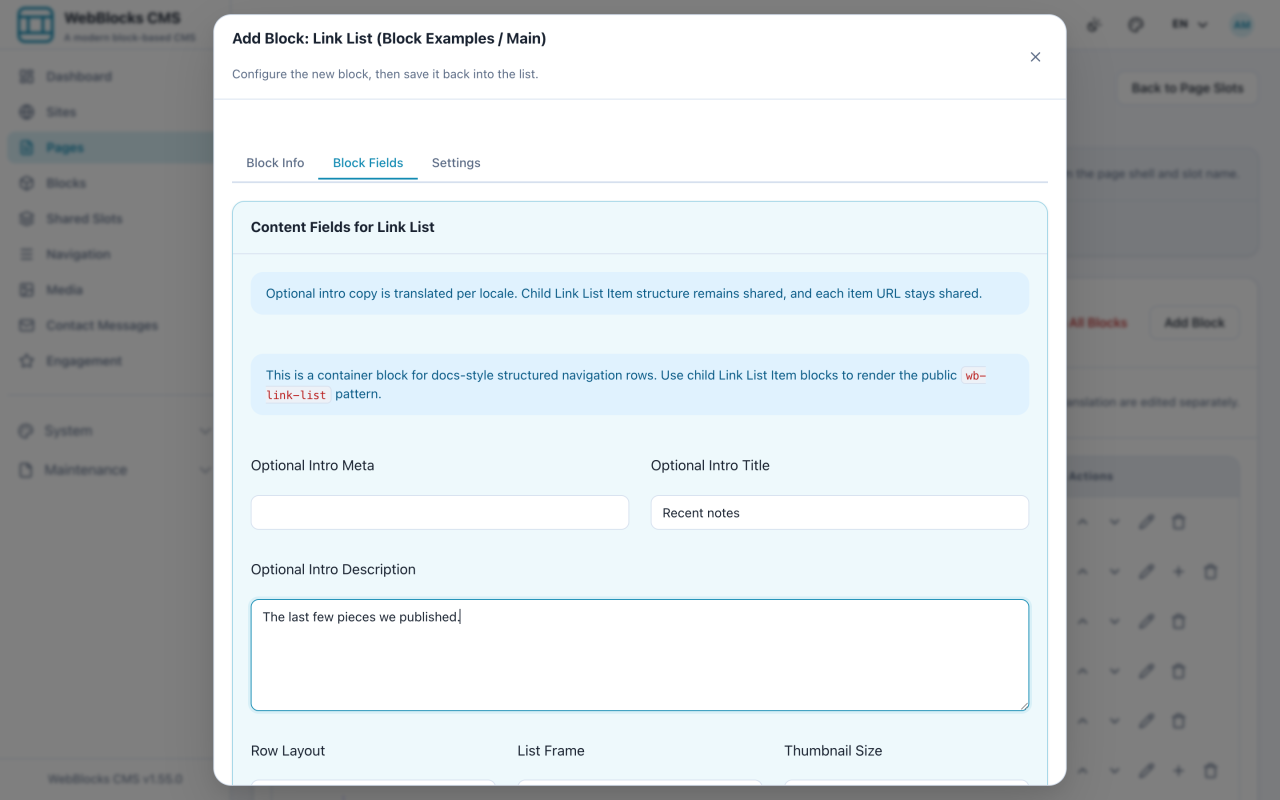
- Select Add Block, then choose Link List.
- Fill in the optional intro: Optional Intro Title, Optional Intro Description, Optional Intro Meta.
- Choose Row Layout (index or stacked), List Frame (joined or cards), and Thumbnail Size if your rows will carry images, then save.
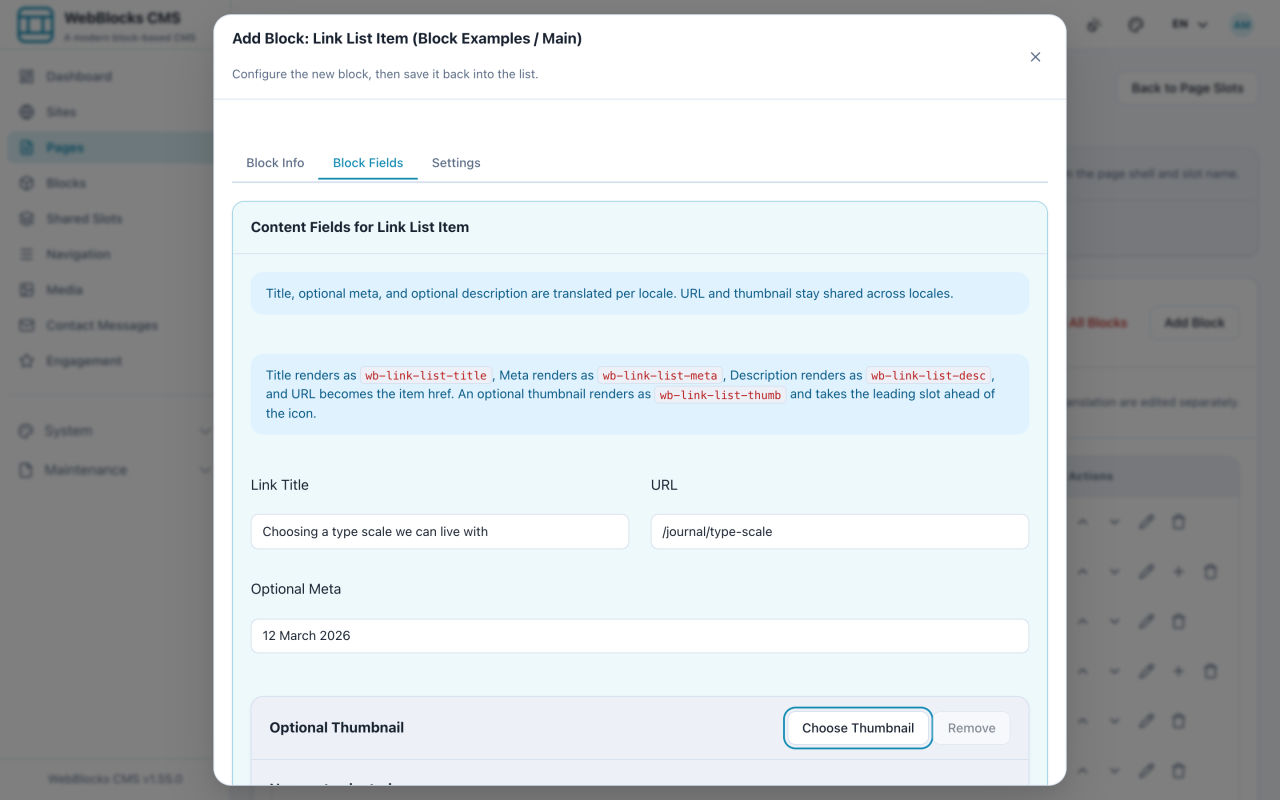
- Add the rows: select Add Block, choose Link List Item, and set Parent Block to your Link List.
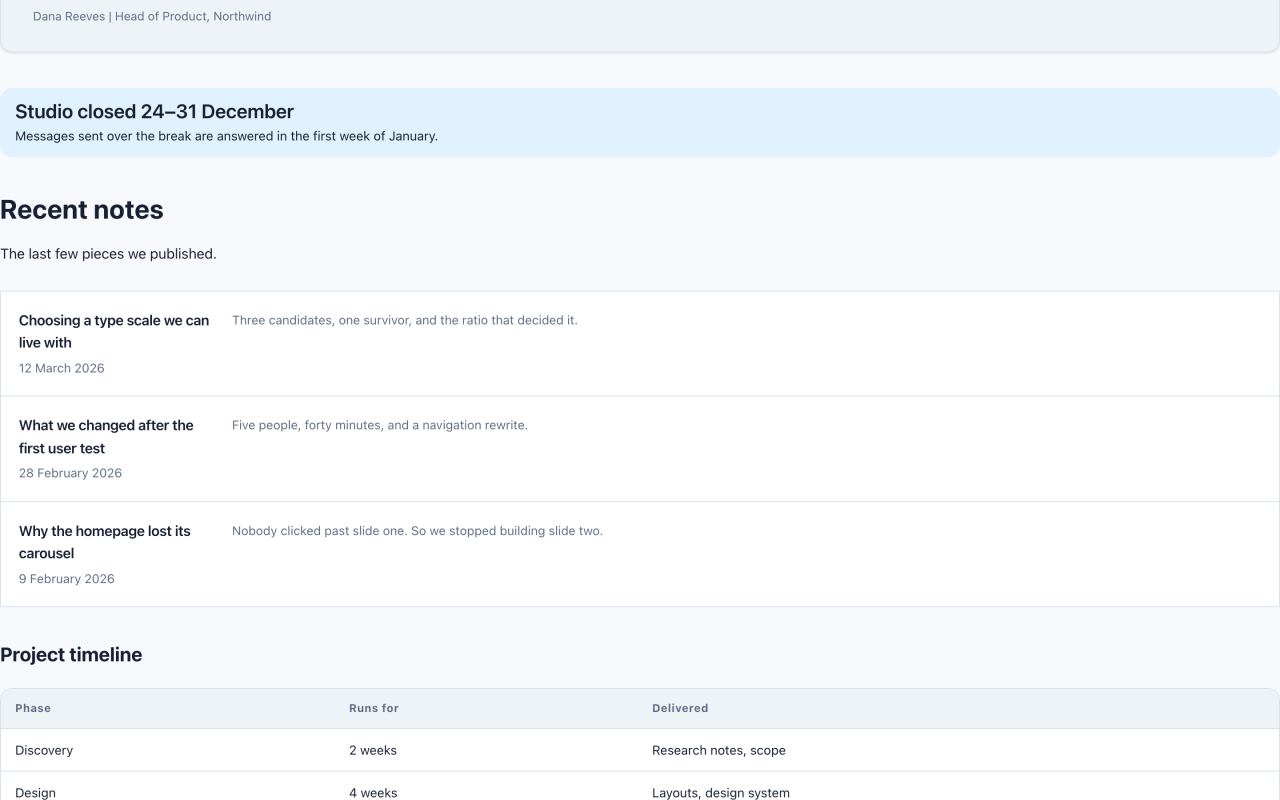
- Fill in Link Title and URL, plus Optional Meta (a date works well), Badge label, and Optional Description. Repeat for each row.
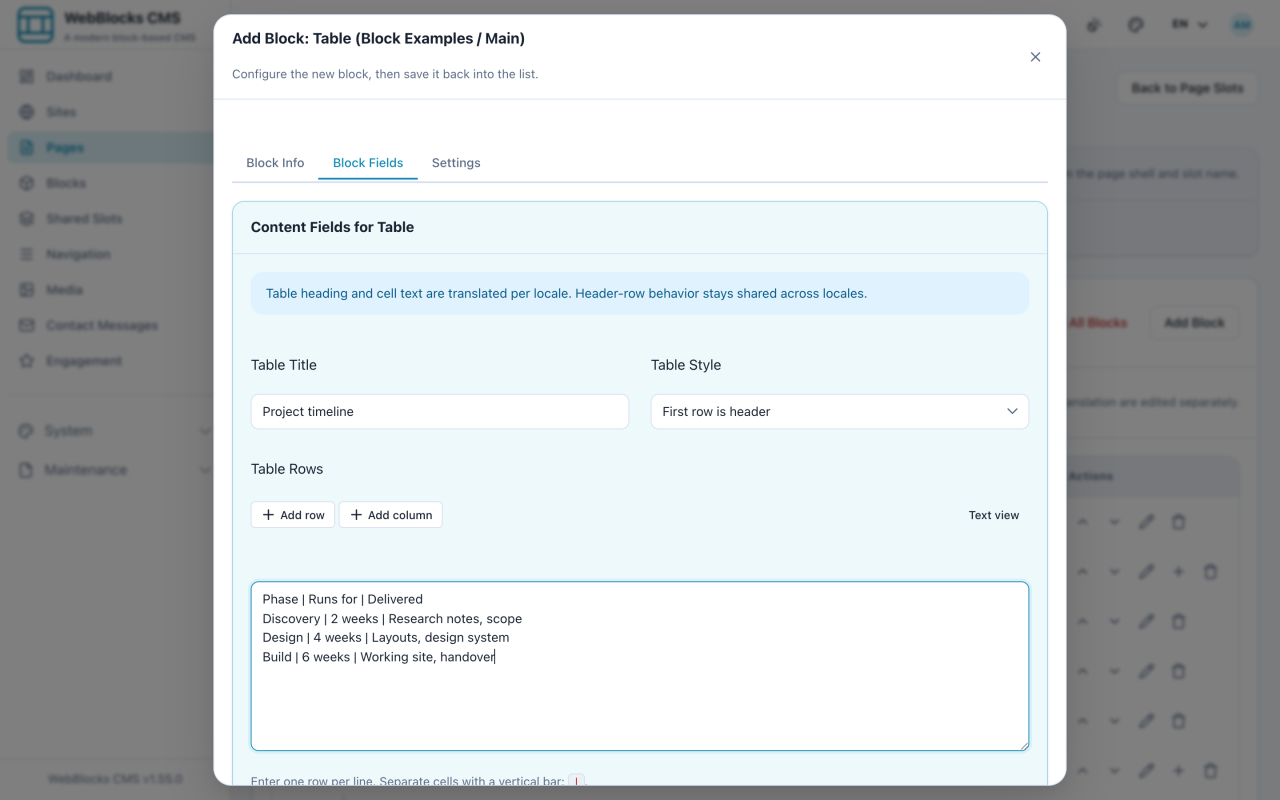
- For tabular data, select Add Block and choose Table. Fill in Table Title, pick a Table Style, and type the rows: one row per line, cells separated by a vertical bar.
Notes
- You can paste a range straight from a spreadsheet into Table Rows and it fills the grid. Press Enter to jump to the next row.
header-rowtreats your first line as column headings. Useplainonly when the first row is data like any other.- A table is for data with rows and columns. A list of links is not data — that is a Link List, and it will read better and behave properly on a phone.
- Do not use a table to place things side by side. Layout blocks such as Columns and Grid are for that, and tables collapse badly on small screens.