Update A Shared Slot Safely
Goal: Change a header or footer without discovering the damage on the live site.
Time: 3 minutes
You need: An existing Shared Slot with pages assigned to it
Steps
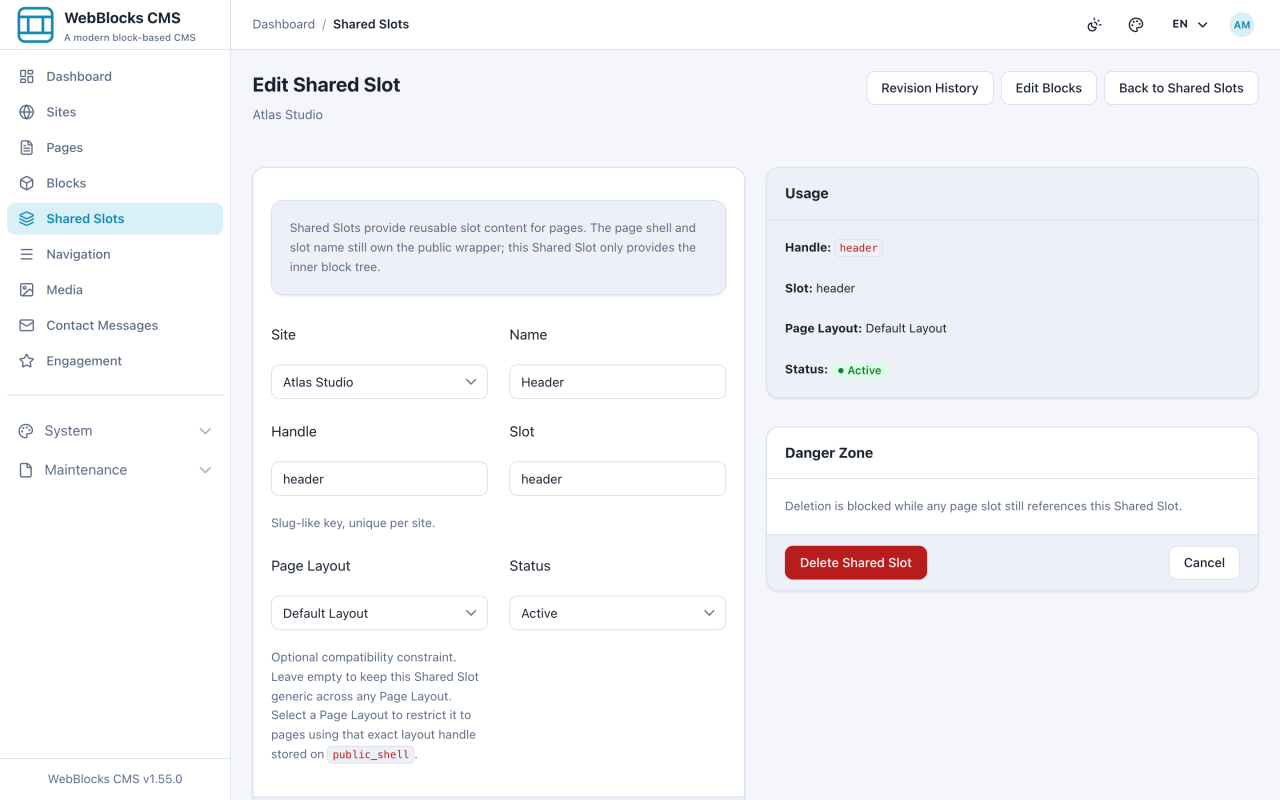
- Open Shared Slots and select the one you are about to change.
- Read the Usage panel first. It lists every page this slot renders on — that is your blast radius.
- Make the change in Edit Blocks.
- Open one of the pages from the Usage list and check the result on the real page, at a narrow width as well as a wide one.
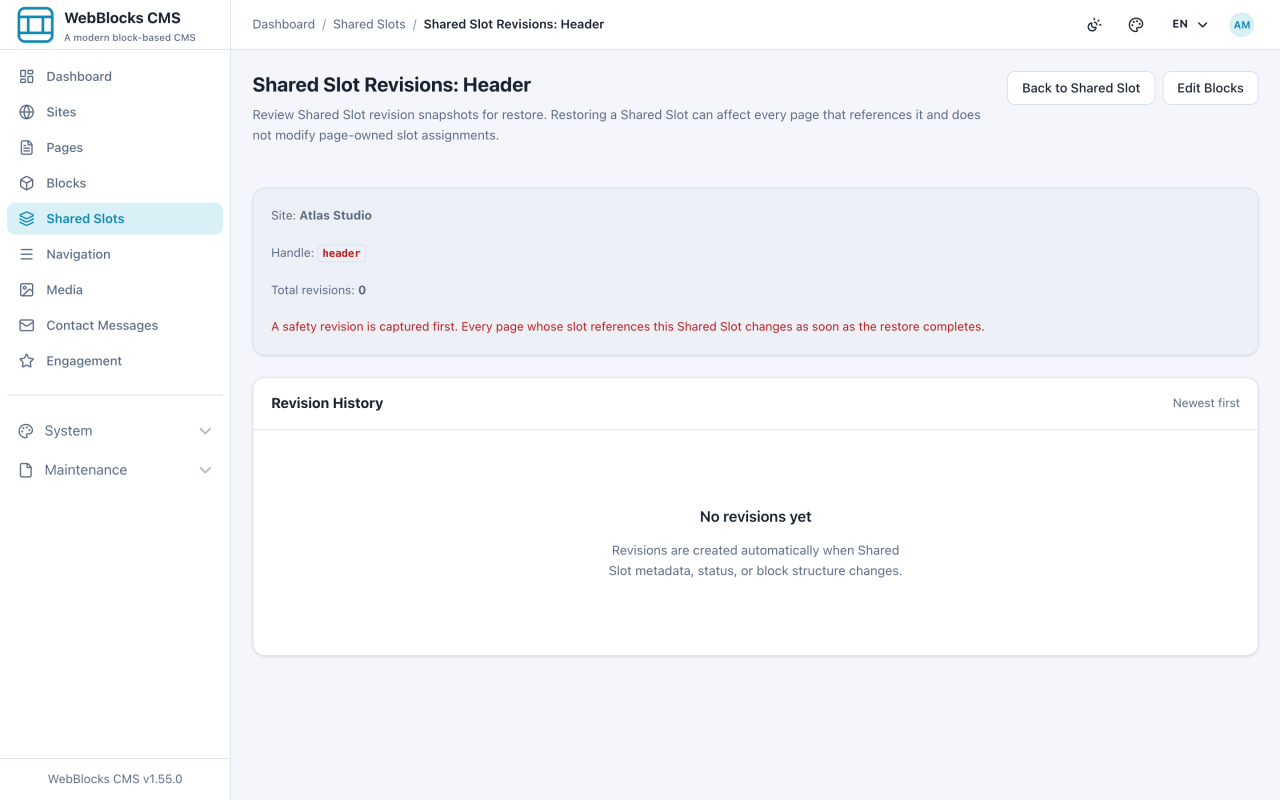
- If something went wrong, open Revision History, find the snapshot from before your change, and restore it.
Read This First
A Shared Slot has no draft. A page can sit in draft while you work on it. A Shared Slot cannot: it is shared, and the pages using it are already published.
That means an edit here is live on every assigned page as soon as it saves. There is no preview step that covers you, and no publish button standing between you and the visitor.
What Is Risky, And What Is Not
- Editing text in a block — low risk. It is one string, and revisions have your back.
- Adding a block — low, but check the narrow width; headers run out of room fast.
- Reordering blocks — higher. It changes every page at once, immediately.
- Deleting a block — highest. It disappears everywhere, and deletion needs the destructive permission for exactly that reason.
Notes
- Publishing a page does not publish its Shared Slots, and vice versa. They are reviewed and published separately, on purpose.
- Revisions are per Shared Slot. Restoring one does not touch the pages that use it, because the pages never held that content.
- Changing a slot's Handle or Slot after pages are assigned is not a rename you should do casually. Create a new Shared Slot and reassign instead.
- If you need a change on one page only, that page should not be using the Shared Slot. Switch its slot source back to Page Content and give it its own blocks.