Quote And Alert
Goal: Set a quotation apart, and give a notice the visual weight it needs.
Time: 3 minutes
You need: A page, and something worth quoting or announcing
Steps
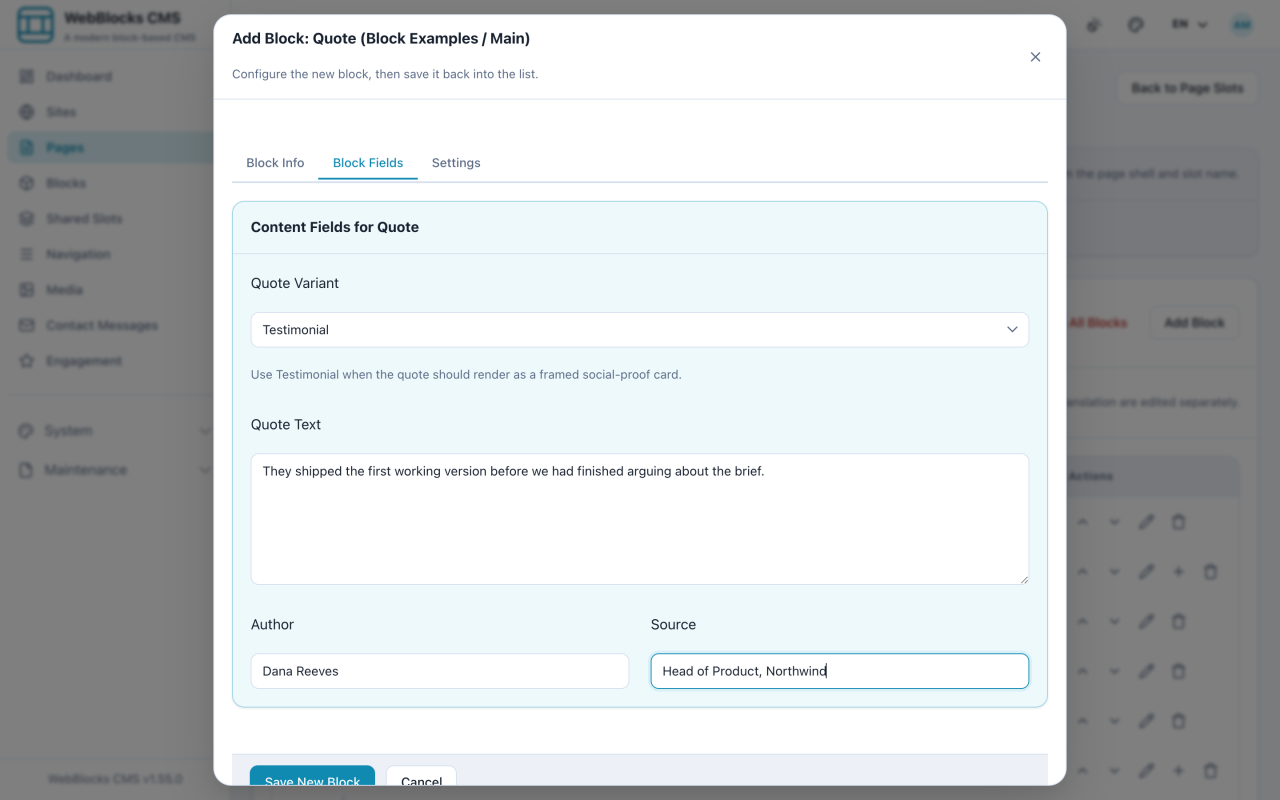
- Select Add Block, then choose Quote.
- Put the words in Quote Text, the person in Author, and where they are from in Source.
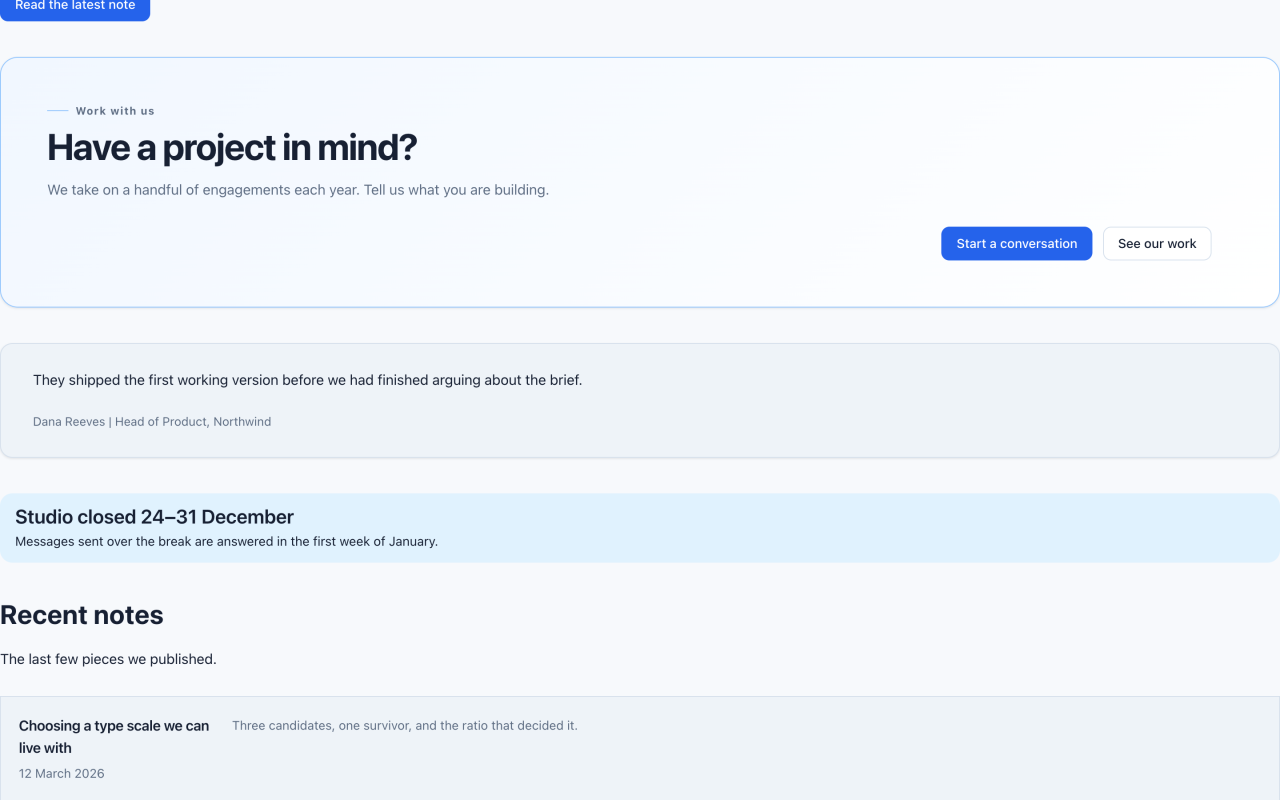
- Pick a Quote Variant:
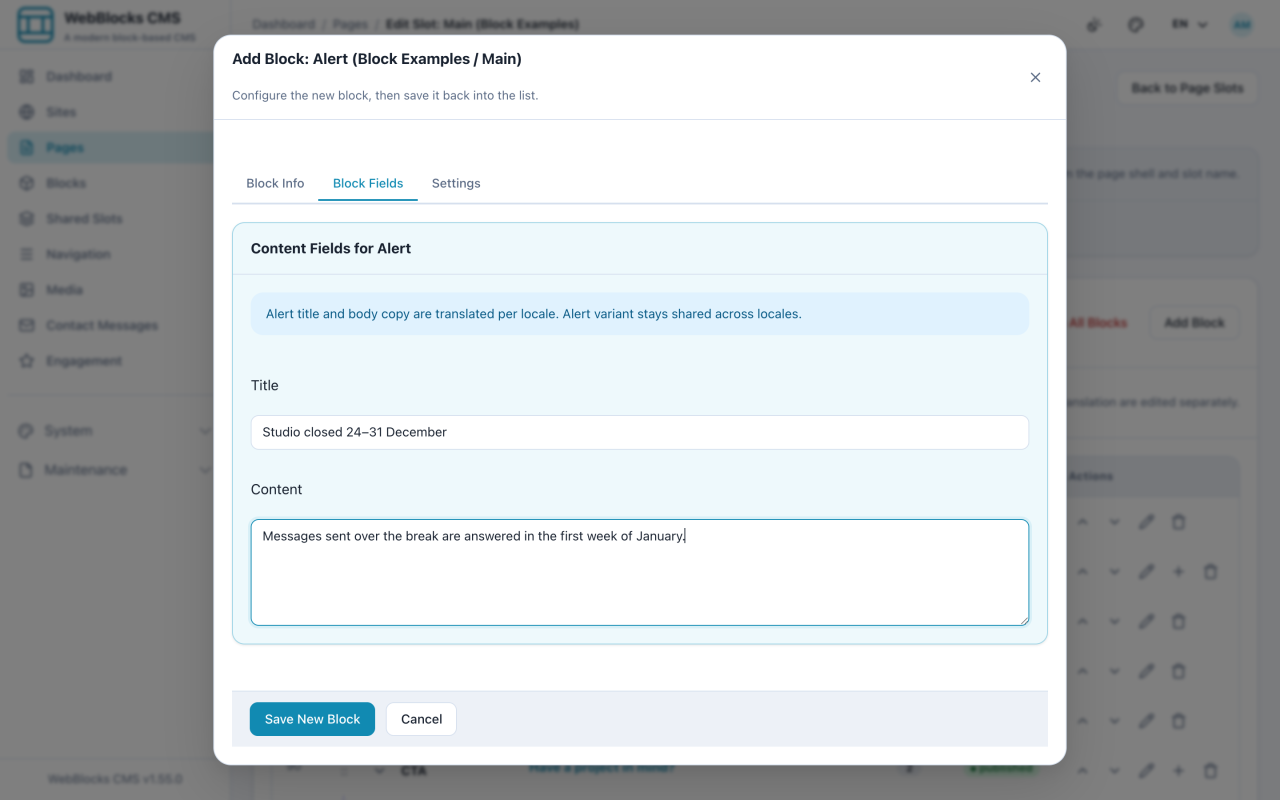
defaultfor a pull quote inside an article,testimonialfor a customer voice on a marketing page. - Select Add Block, then choose Alert.
- Fill in Title and Content, then pick a Variant: info, success, warning, or danger.
- Select Save New Block.
Choosing An Alert Variant
info— neutral context: opening hours, a note about scopesuccess— something went right, or a change has landedwarning— act carefully; there is a consequencedanger— something is broken, unsafe, or about to be lost
Notes
- Colour is not the message. The Title has to make sense in black and white, because for some readers it will be.
- An Alert on every page trains people to skip alerts. Keep them for the sentence you would repeat out loud.
- Quote is for someone else's words. Your own emphasis belongs in Rich Text or a Header.
- Rich Text also has a quote button, which is the right tool for a quotation inside a paragraph flow. The Quote block is for a quotation that stands alone.