Blogs
Articles about WebBlocks CMS, Laravel architecture, structured publishing, and practical content workflows.

A practical way to define, review, and measure a small AI-assisted content change.

Give an MCP client access to the Studio visit draft for an SEO edit while a colleague’s Exhibition draft stays outside that connection.
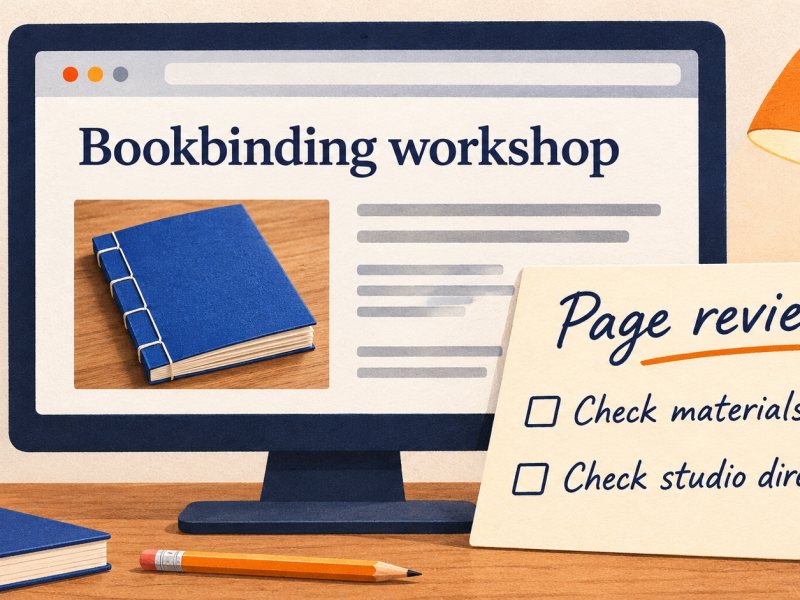
Follow a Northstar Studio workshop handoff from a shared note to each editor’s own read status.
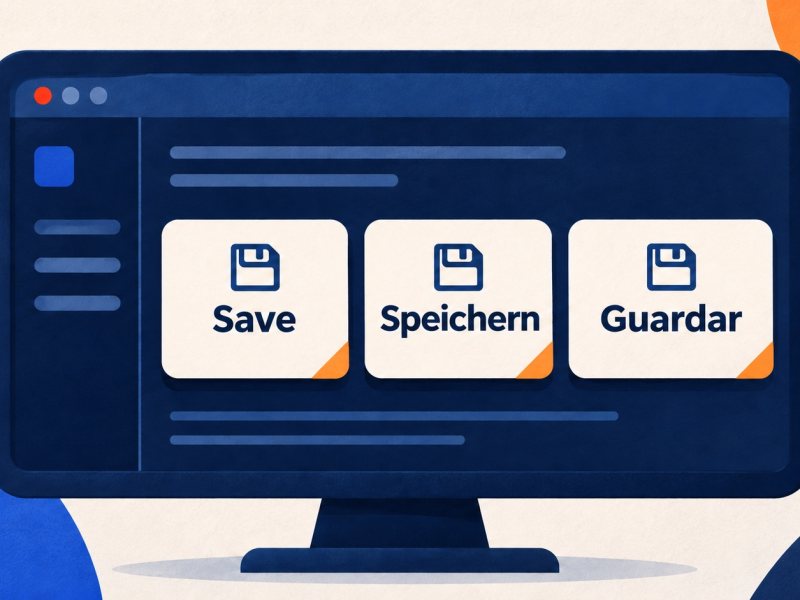
Give editors a new language for their daily work. Follow a Portuguese catalog from template download to activation.
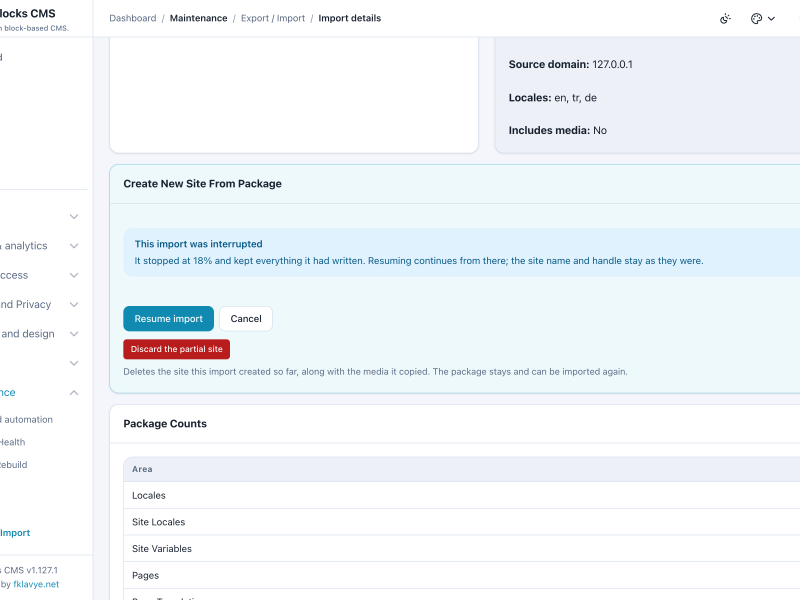
Follow a Northstar Studio transfer from a pause at 18% to a completed import using the same record.
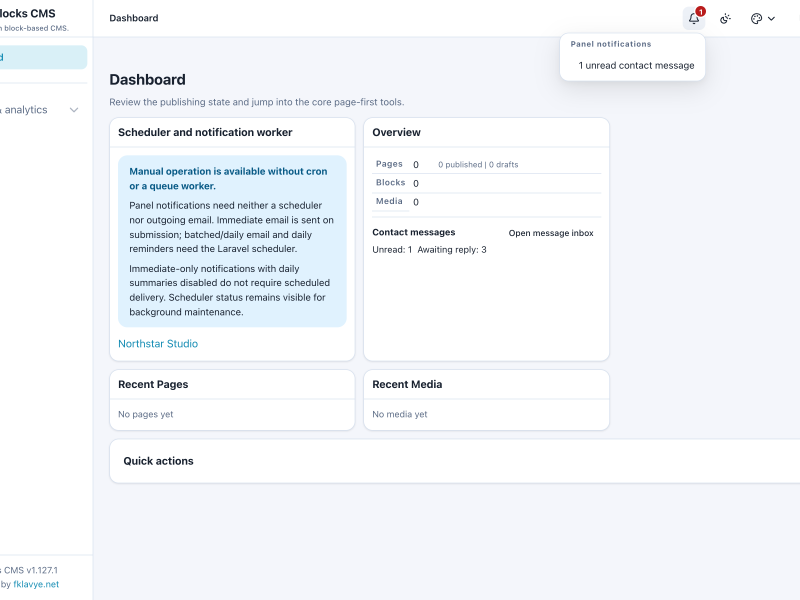
Two Northstar Studio editors change the status of the same messages and check what the shared inbox counts after each handoff.
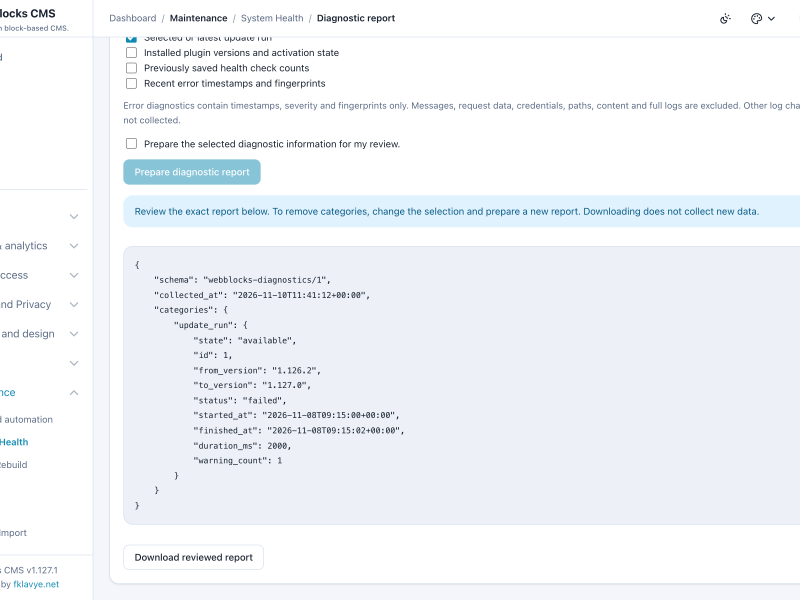
Use a failed update from Northstar Studio’s history to prepare, inspect and download a diagnostic report for that specific run.
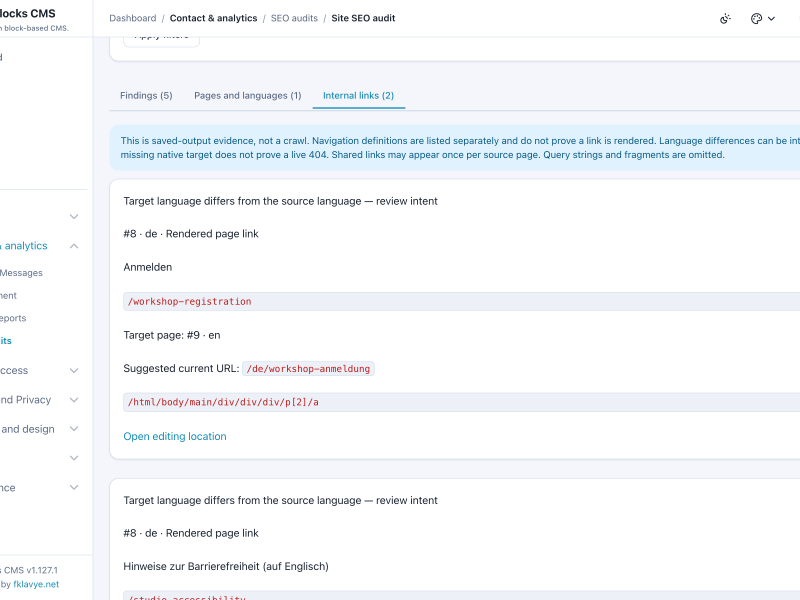
A German workshop page sends visitors to English registration. Follow the link from the SEO audit to its source block and verify the corrected destination.
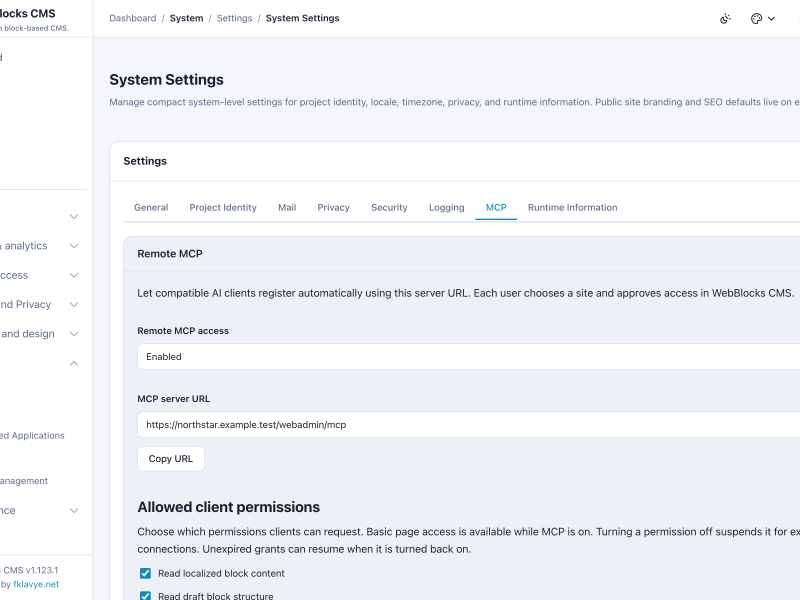
Give an AI client access to one site, prepare a workshop page in a draft and review the result in a private CMS preview.
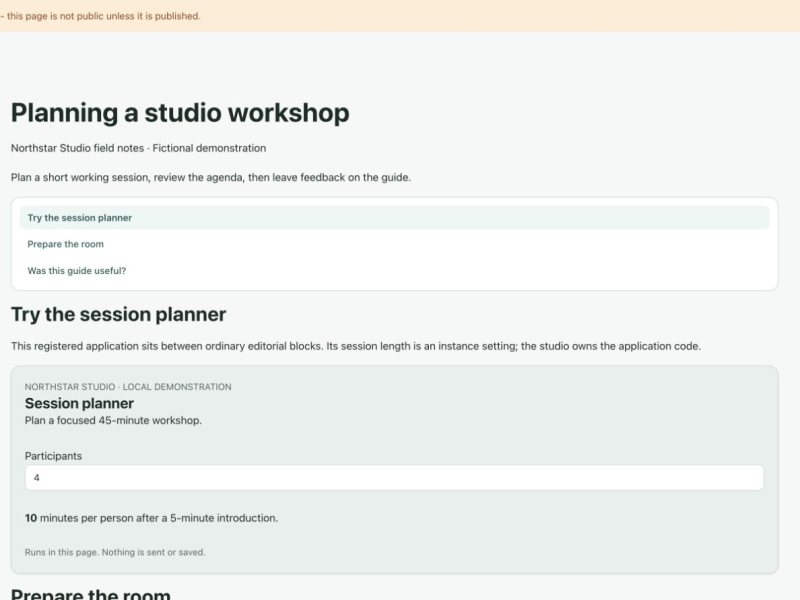
A studio guide combines navigation, a generated contents list, page feedback and a registered application. Here is what each system block owns.
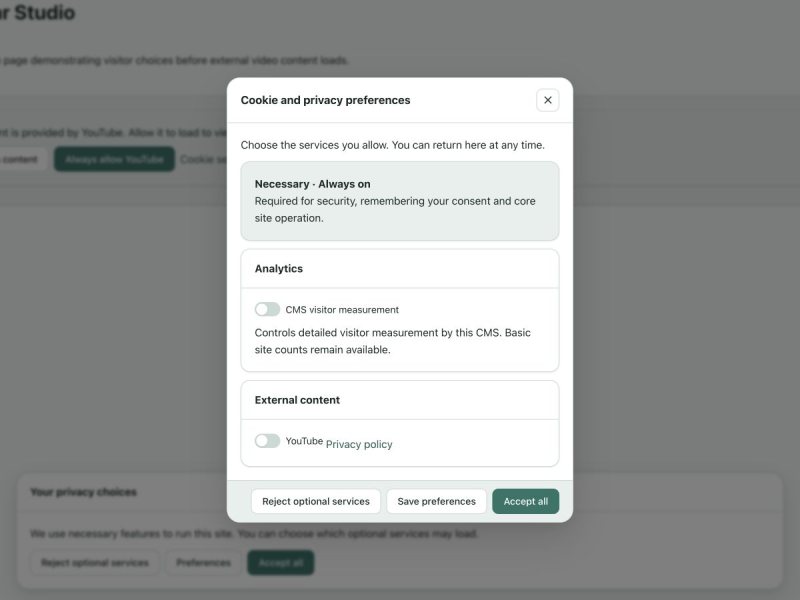
A studio video stays blocked until the visitor chooses to load it. Follow site settings, services, translated notices and the preference window.
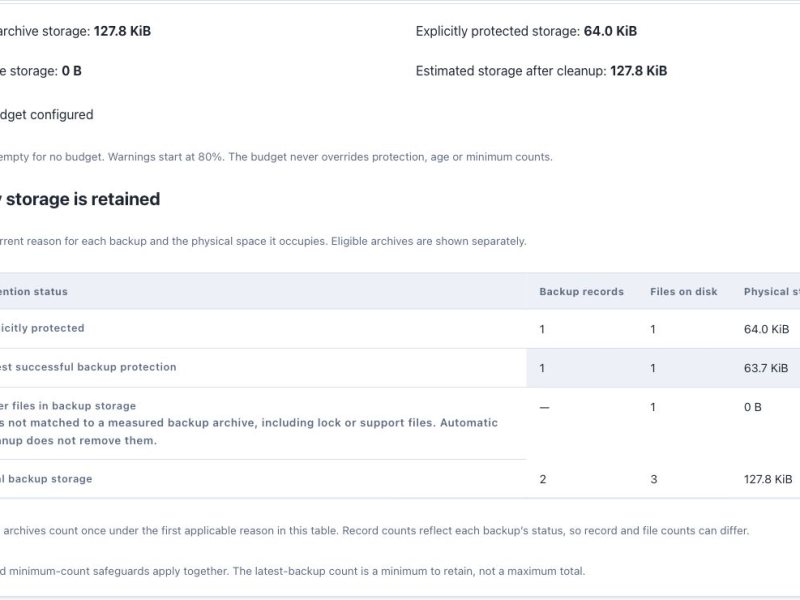
Keeping the latest five backups does not mean keeping only five. Read retention reasons, age limits and scheduler evidence before cleanup.
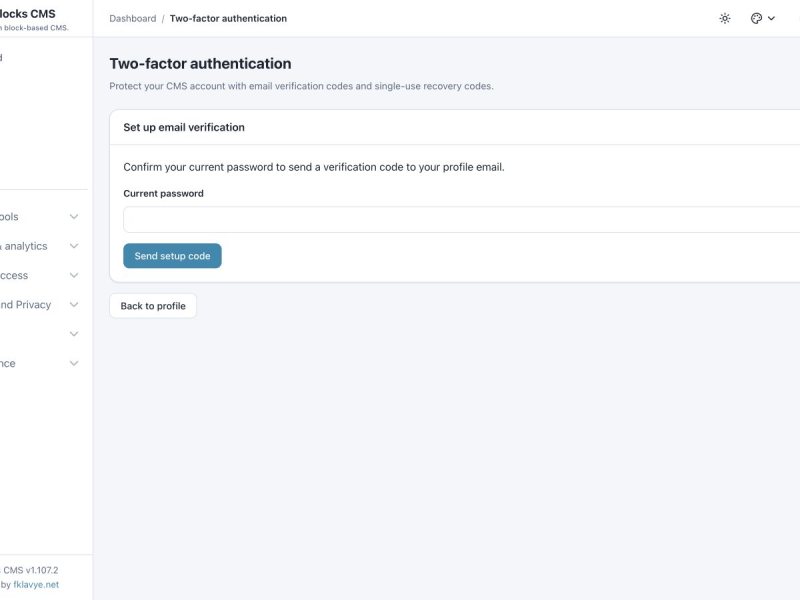
Follow a studio editor through verification setup, a mailbox change and account recovery, with screenshots of the actual CMS controls.
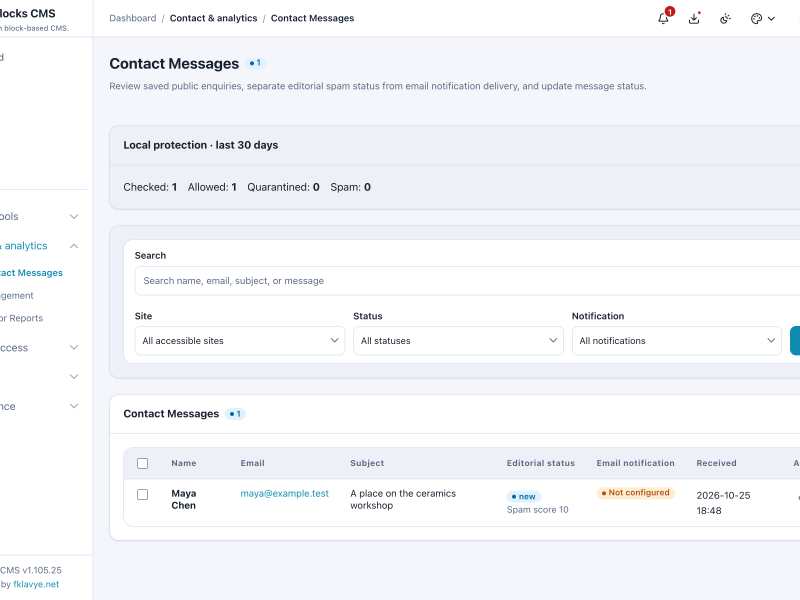
Follow a workshop question through Contact Form, the saved CMS message, email notification and reply. Know where to look when no email arrives.
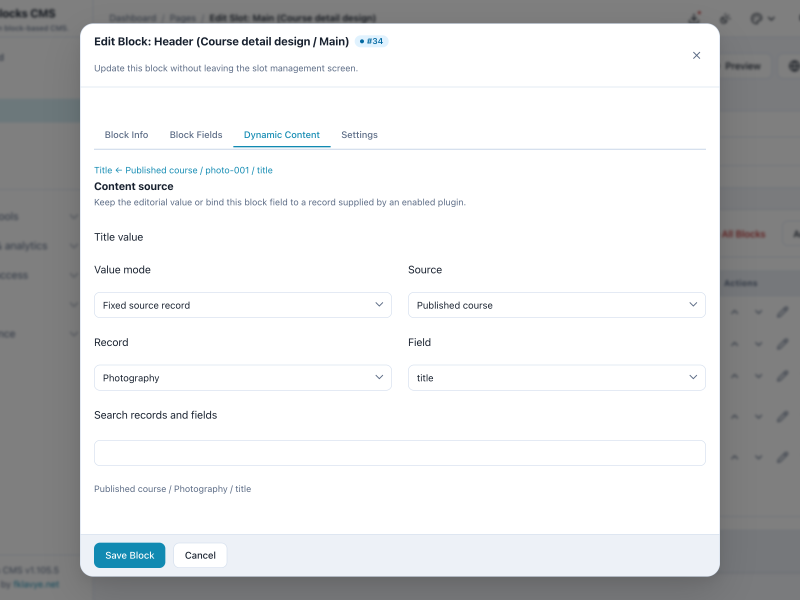
One course list, different detail addresses and a shared design. Screenshots show exactly where course names, programme text and images are connected.
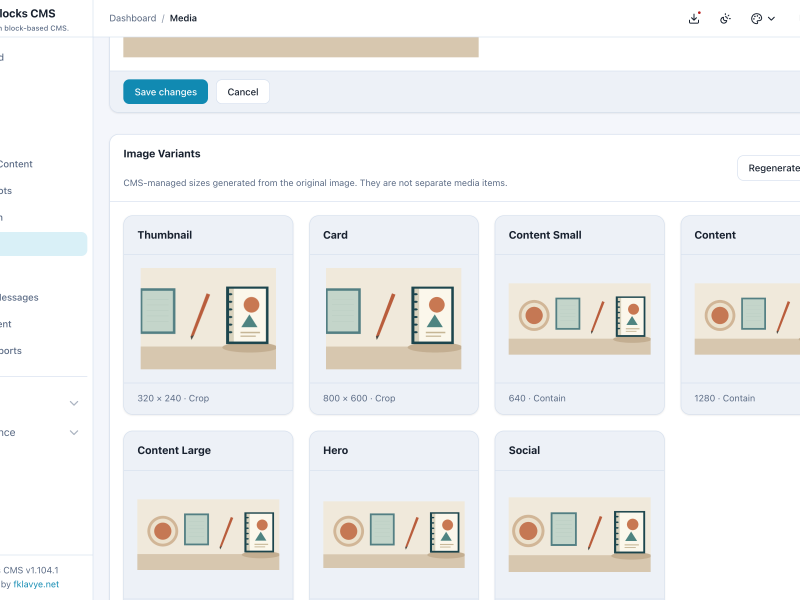
One workshop illustration shows the difference between automatic sizes, focal-point crops and a separate mobile composition.
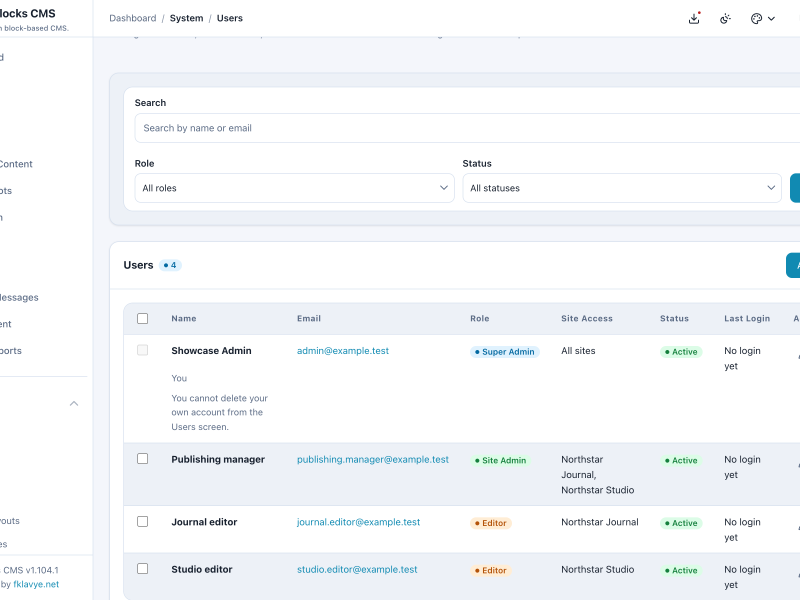
Two Editors, two sites and one publisher show how roles, site assignments, shared media and review responsibilities fit together.
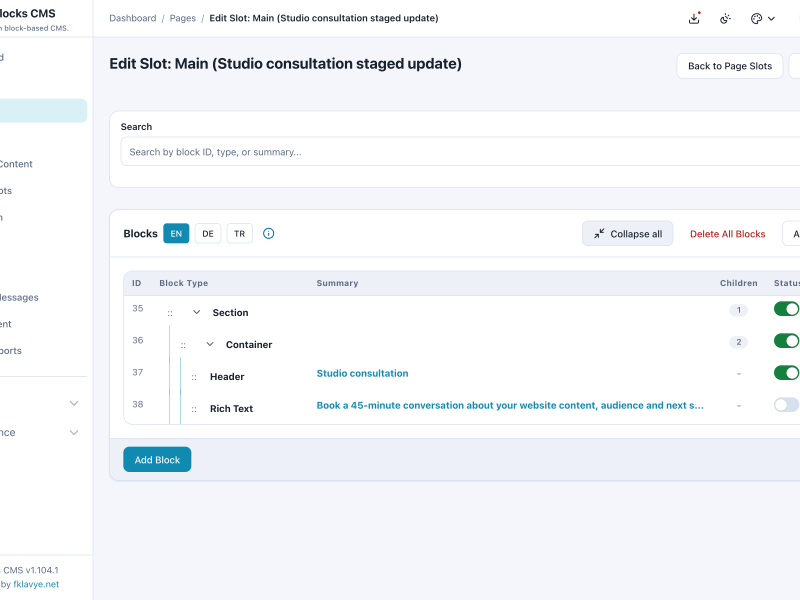
A small service-page edit shows how to keep live copy available, review a prepared update and check page, block and version scope.
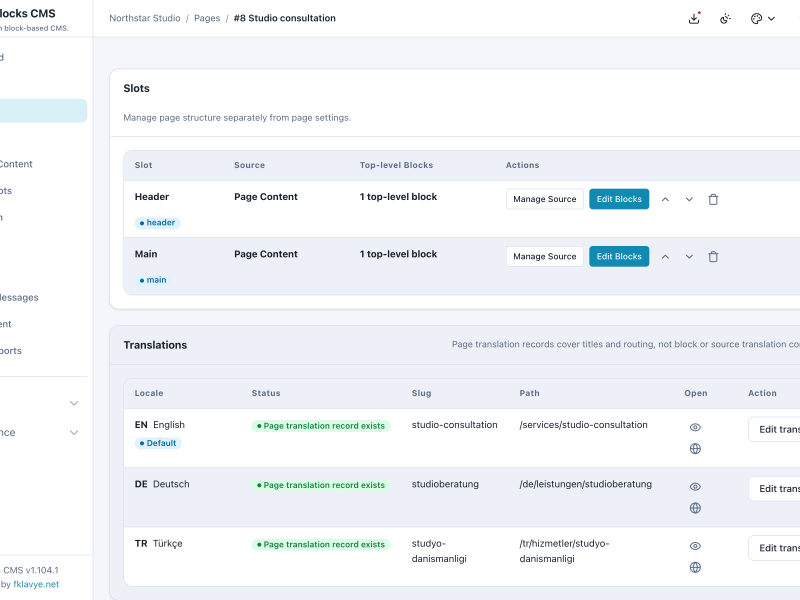
A three-language consultation page shows why translation records, block copy, image descriptions and localized links all need review.
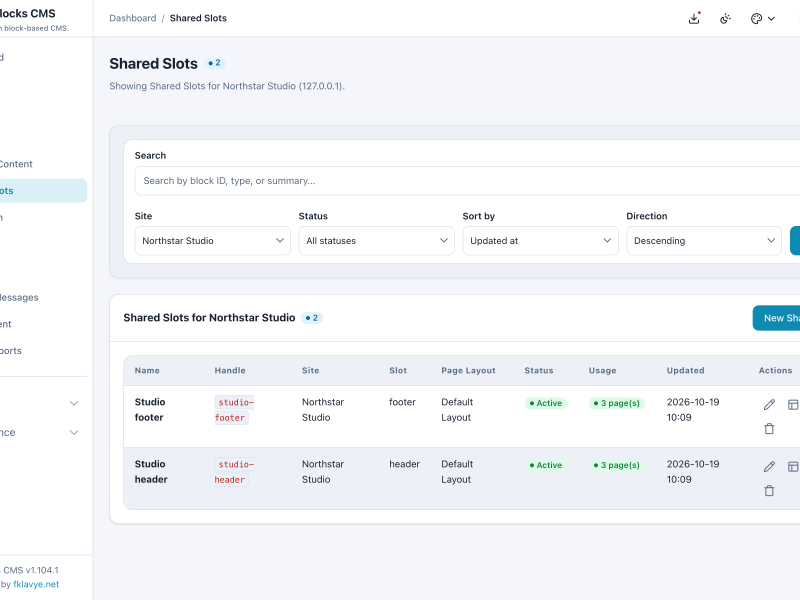
Maintain one header or footer across several pages, see which pages depend on it, and handle shared changes separately from page drafts.

Publish polls, take bookings, collect enquiries, sell products and help visitors with WebBlocks CMS and eight free plugins.
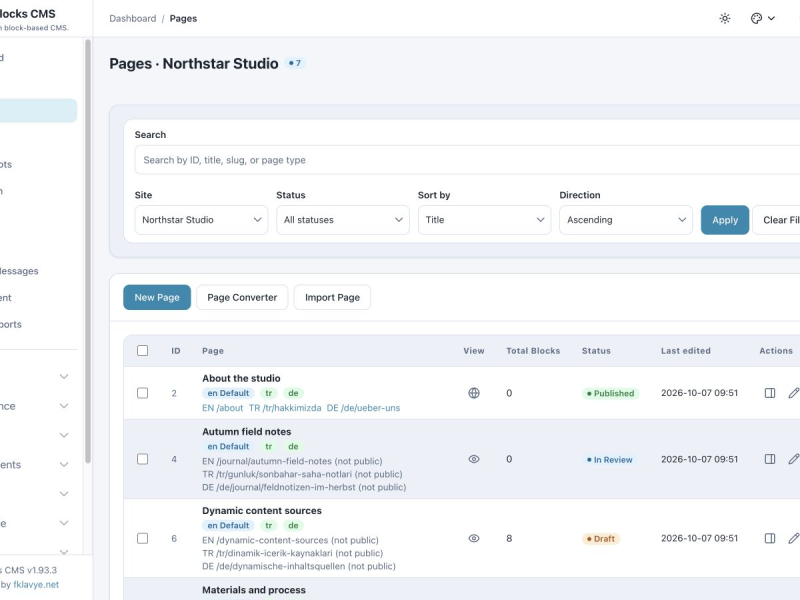
A practical introduction to WebBlocks CMS: its purpose, features, Laravel integration, costs, limitations and answers to common questions.
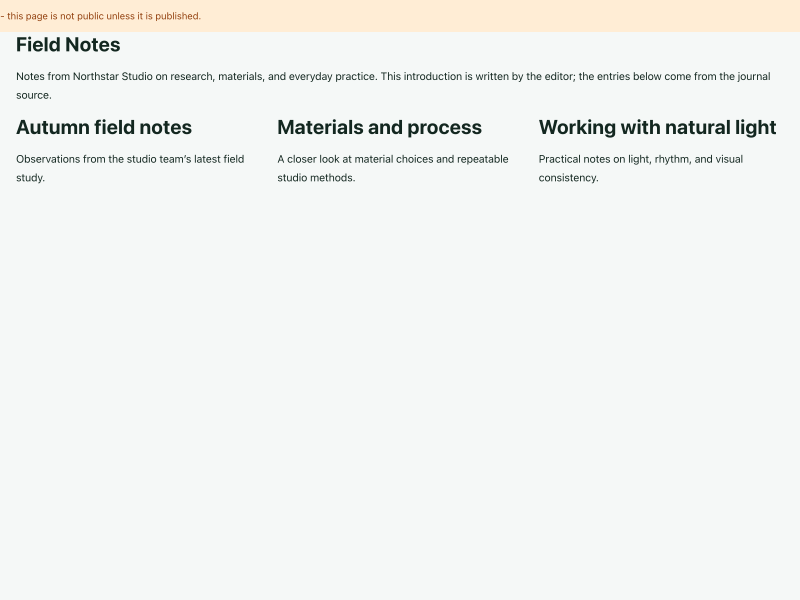
Combine an editor-written introduction with a dynamic journal list, then decide how empty results, source failures, and page revisions should behave.
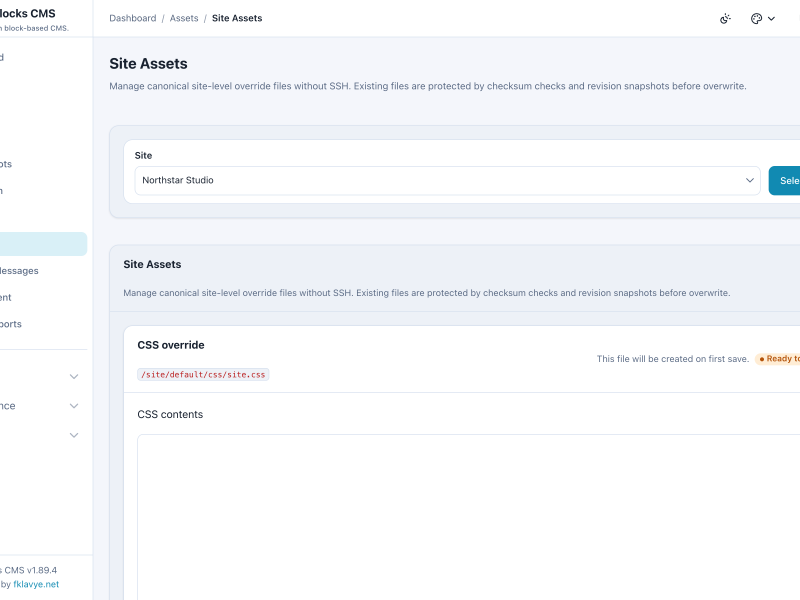
How WebBlocks CMS publishes, versions and separates product-owned browser assets from site-owned CSS and JavaScript.

Why a Composer package can add structured publishing without taking ownership of the Laravel product—and where that boundary still costs work.
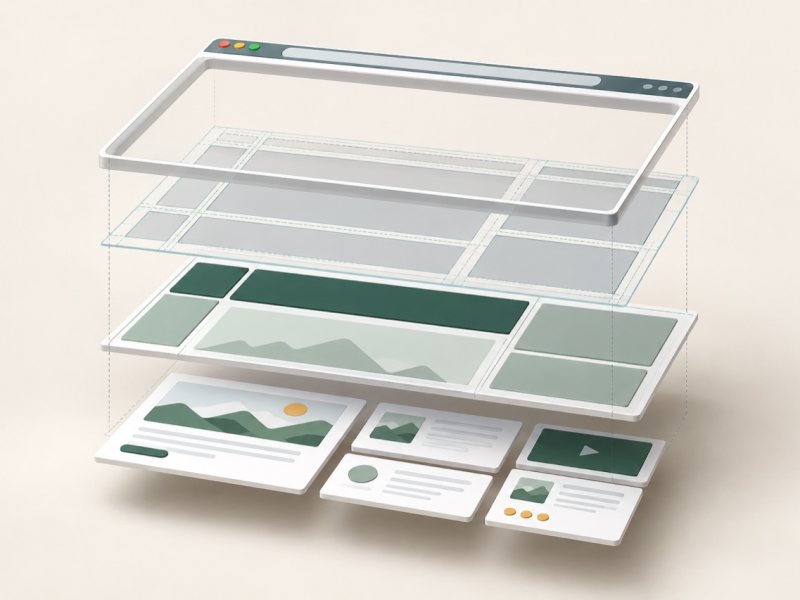
A practical guide to what pages, layouts, slots and blocks each own—and how to tell when a CMS boundary absorbs change or merely adds ceremony.
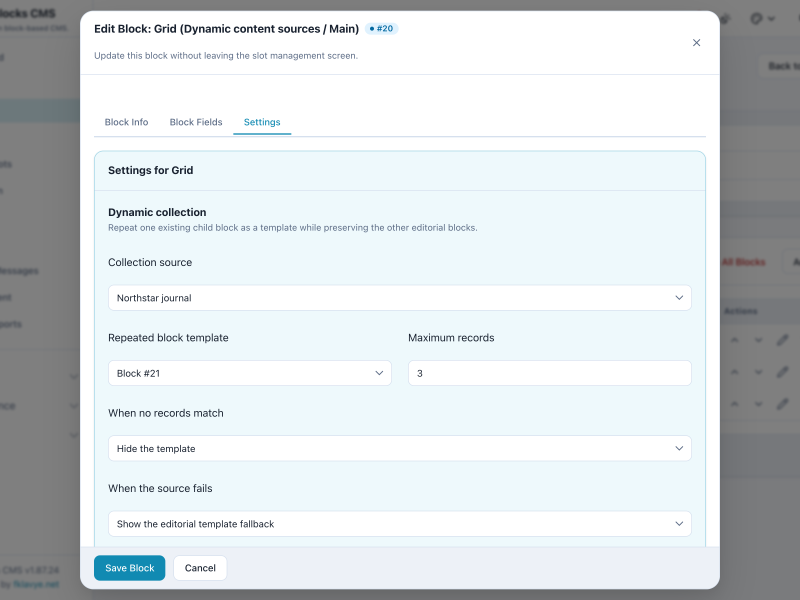
Connect plugin-owned records and collections to familiar CMS blocks while keeping layout, rendering, and safe editorial fallbacks under CMS control.
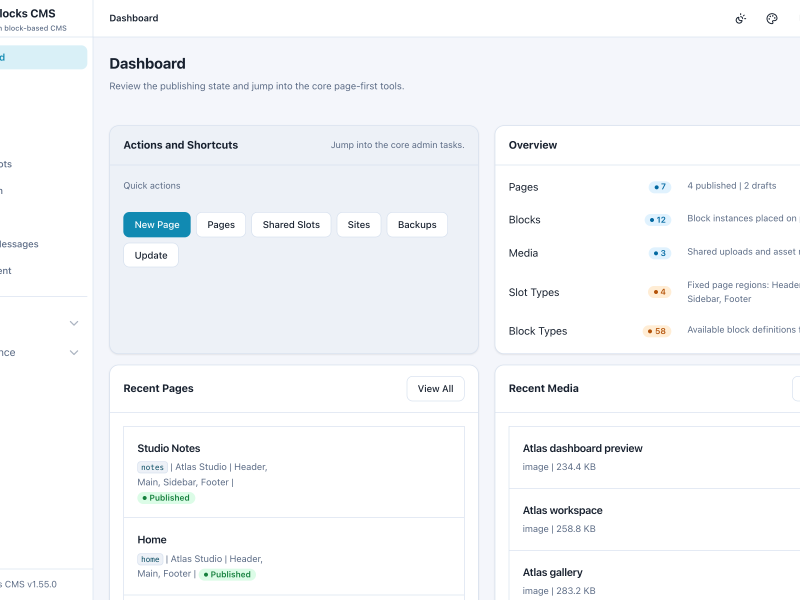
A practical look at how WebBlocks adds structured publishing, public rendering, and permission-scoped AI workflows to an existing Laravel application.
A field note on API discovery, structured content plans, scoped permissions, and controlled AI-assisted publishing.