Why WebBlocks CMS is a Composer package
A CMS can run inside a Laravel product without taking ownership of the product itself.
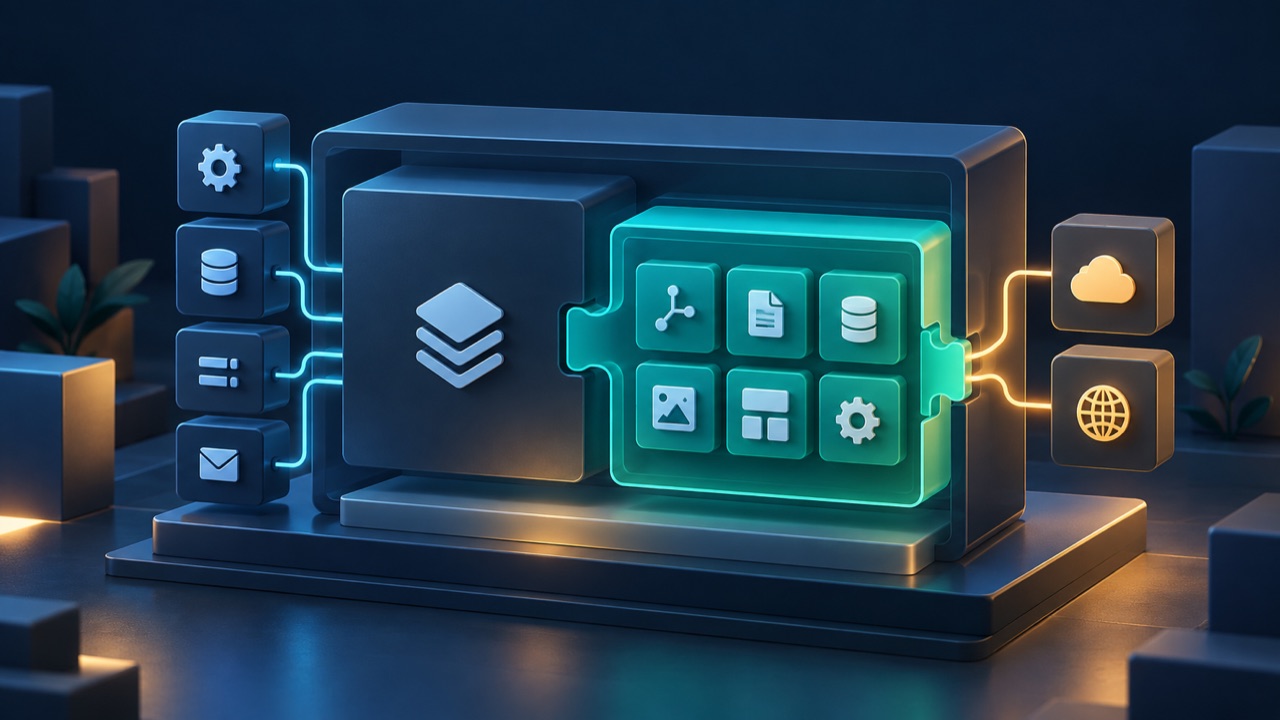
When an existing Laravel product needs pages, navigation, media, localization, and an editorial workflow, the first question is often framed as: should the CMS be part of the application or a separate headless service?
That framing skips a useful middle option. A CMS can run inside the Laravel application without becoming the application itself.
WebBlocks CMS is distributed as the Composer package fklavyenet/webblocks-cms. The choice is less about installation convenience than ownership. The package contributes a content system; the host remains the Laravel product.
What the host application continues to own
Installing the package does not hand the project root to the CMS. The host still owns its bootstrap, environment, database connection, cache, queues, mail, scheduled tasks, deployment, backups, public document root, and product-specific code.
It also owns its domain. A learning platform keeps its courses and students. A commerce application keeps its orders and customers. The CMS may publish marketing pages or documentation beside those features, but it should not turn host concepts into CMS concepts merely because both run in one process.
This is why namespaces matter. WebBlocks uses /webadmin; it does not assume the host's /admin belongs to the CMS. Static CMS assets use /cms. Route names, views, configuration keys, tables, and authorization need similarly clear ownership.
What the package contributes
Laravel discovers the package service provider through Composer. The package registers its routes, namespaced views, translations, migrations, configuration defaults, commands, policies, and static assets.
The result is a substantial feature set—pages, layouts, blocks, media, localization, revisions, Shared Slots, navigation, content APIs, and the operator interface—without copying CMS controllers and models into the host's app/ directory.
This matters during updates. Package-owned code has one canonical location. A removed CMS file can disappear with a package replacement instead of lingering as an old root-level override. Host files and package files can follow different release lifecycles because ownership is explicit.
Why not require a separate service?
A headless service buys real isolation. It can scale, deploy, and fail independently, and multiple products can consume it across technology stacks. When those properties are requirements, an HTTP boundary may be the right one.
It also creates integration work. Authentication, authorization, previews, localized routing, media access, cache invalidation, deployment coordination, and failure handling cross a network boundary. Content that needs application data usually requires another API or synchronization layer.
A package makes a different trade. It reuses the host's Laravel runtime and can participate in the same transactions, policies, routing, and deployment. For one Laravel product with one operational owner, that may be a simpler boundary.
Operational separation should pay for itself. A network service is not automatically more decoupled when every useful workflow still depends on custom glue between the service and the product.
Sharing a process is not isolation
Composer packaging has honest costs. The CMS and host share a PHP process, dependency solver, Laravel version, and database server. Routes, middleware, config, tables, authentication assumptions, and public paths can collide if boundaries are carelessly designed.
Schema ownership needs discipline too. Package migrations may create CMS tables, but they must not infer ownership of an existing host table because a name happens to match. Partial installations need detection and explicit repair, not destructive guessing.
Users are a good example. A shared host may use one users table for identity while CMS access is represented by CMS roles and site assignments. A host administrator is not automatically a CMS super administrator, and the reverse is also true. Reusing identity must not collapse two authorization systems.
These are not arguments against the package model. They are the work required to make it real.
A package is an ownership boundary, not an isolation boundary.
Test the boundary outside the flagship site
One practical test catches many architecture mistakes: imagine installing the package into an unrelated Laravel product.
Would it see a route, asset path, domain, seed record, or application definition that belongs only to the original host? Would the CMS require the host to adopt its admin URL or frontend build chain? Would an update overwrite site-owned content or configuration?
If the answer is yes, the feature probably crossed the package boundary.
WebBlocks applies the same rule to executable applications. CMS core provides a generic registry and permission model; real host application definitions belong to that installation's database or repository. The package should not smuggle one customer's filesystem conventions into every consumer.
The installation shape is an architectural promise
Install with Composer becomes an architectural promise only when ownership stays clear after installation:
- the host owns the Laravel application and operations;
- the package owns reusable CMS product code;
- site content and overrides belong to the installation;
- host domain data remains host domain data;
- authentication may be shared while authorization remains scoped;
- publishing capability does not silently become deployment authority.
That promise is why WebBlocks CMS is a package. The goal is not to make every Laravel application look like WebBlocks. It is to add structured publishing to an application that should remain recognizably its own.
Choose a separate service when independent operations, cross-stack reuse, or security isolation justify the network boundary. Choose a package when content and product need close integration and one Laravel runtime is an advantage rather than a liability.
Which responsibilities do you need to separate—and which ones become harder when you do?