Pausing and resuming a site import in WebBlocks CMS
You need to step away while WebBlocks CMS is importing a site. Choose Pause and exit and wait for the current step to finish. When you come back, the import record shows how far it got and gives you a way to continue.
In the fictional Northstar Studio showcase, we imported a package with seven pages and translations in English, Turkish and German. The import paused at 18% and finished from the same record. The progress dialog behavior described here is available from WebBlocks CMS 1.123.1.
Pause after the current step
In Maintenance → Export / Import, choose Run Import, upload the site package and select Validate Package. Open the validated import record and review the source site and language list. Enter the new site's name and handle, then select Run Import again on the details page. In this example, the new site is Northstar Studio Import and the optional domain is blank.
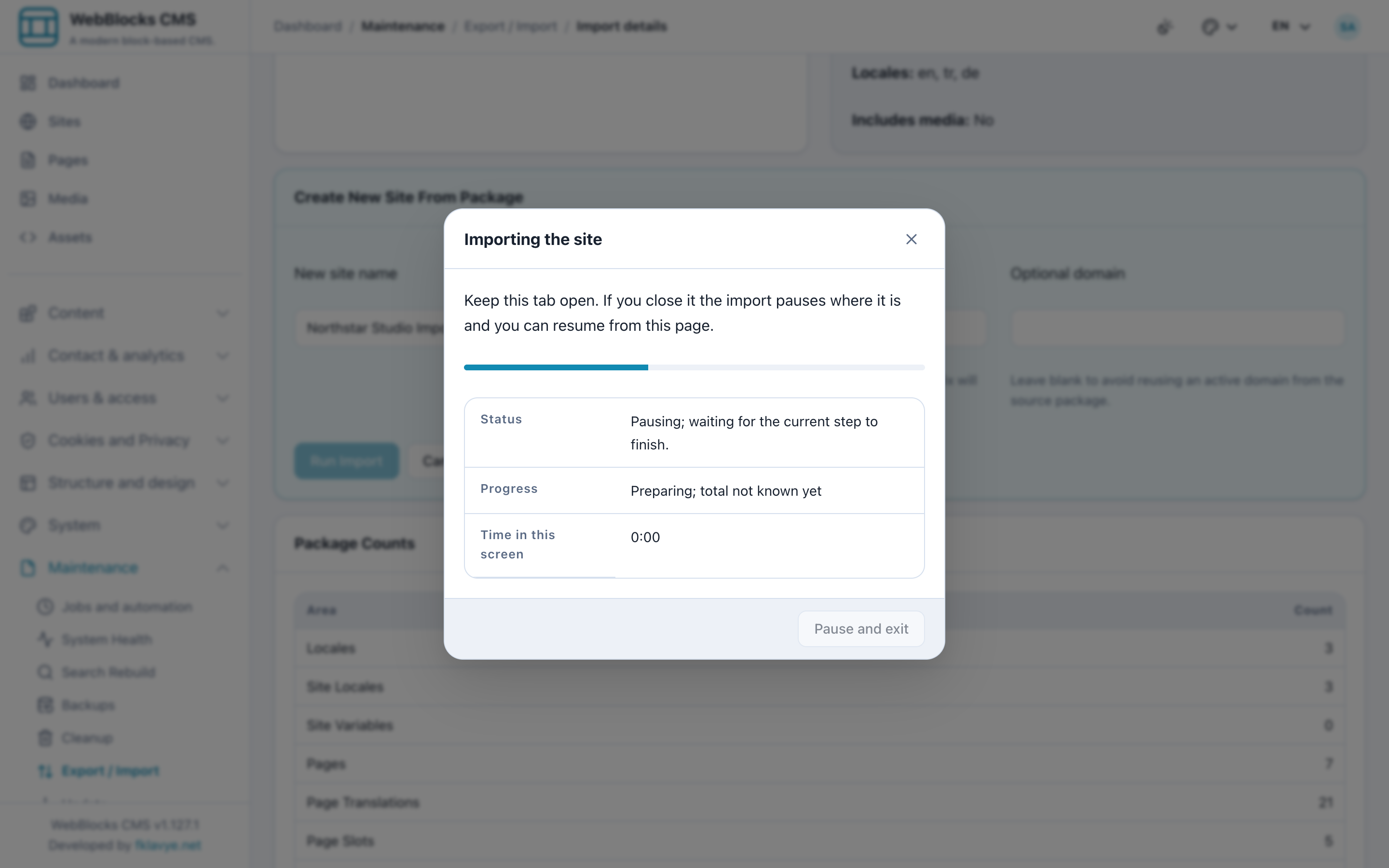
While the progress dialog is open, select Pause and exit. The dialog shows that it is waiting for the current step to finish. Once that step returns, the panel confirms that the import paused at the last saved step and stops sending further steps.
Open the saved import record
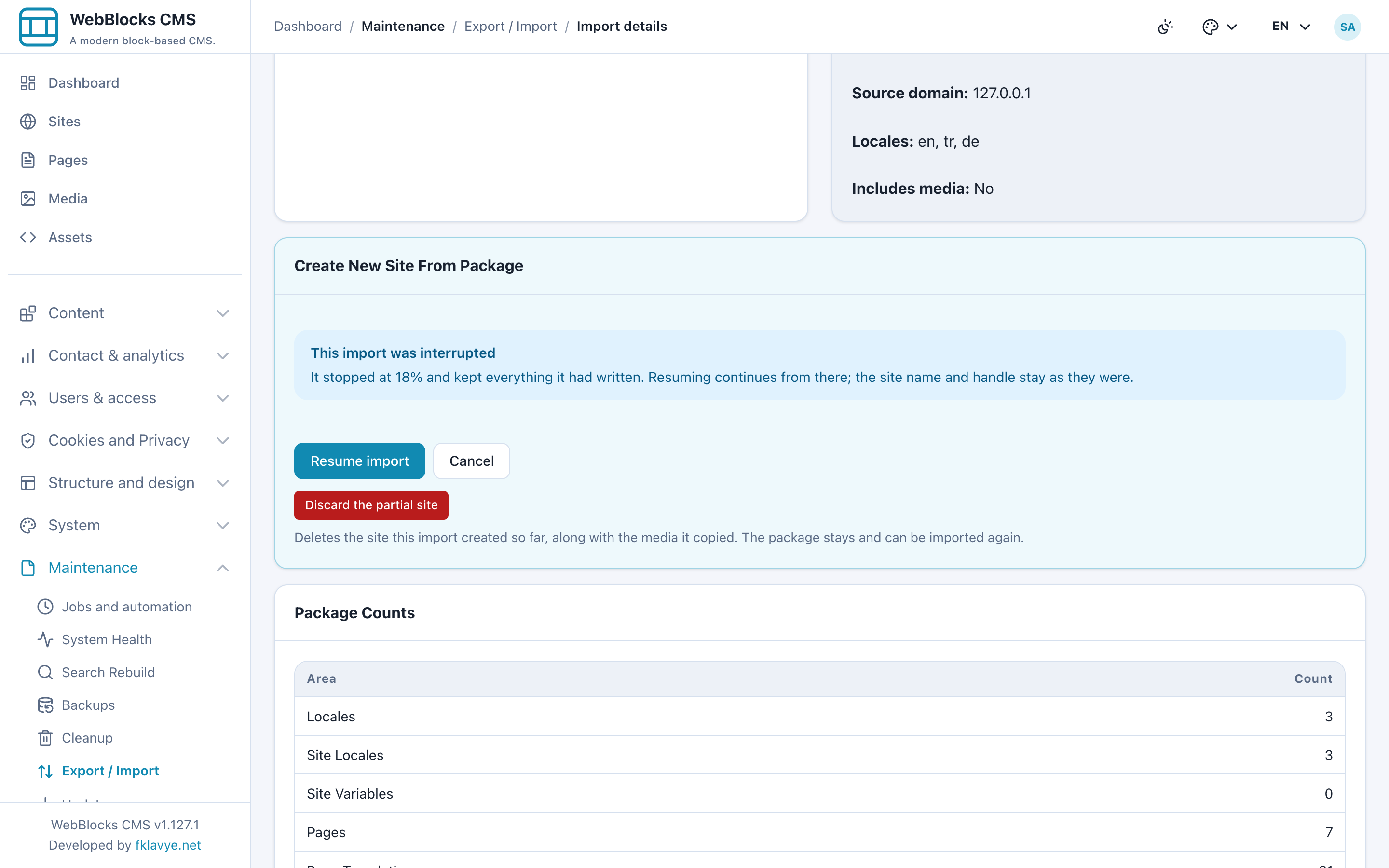
Select View results to return to the import details. The dialog had counted 22 of 118 work units. The details page still showed 18% when it reopened. The target site and its seven pages were already saved. The notice explains that resuming keeps the site name and handle chosen when the import started.
Resume and verify the result
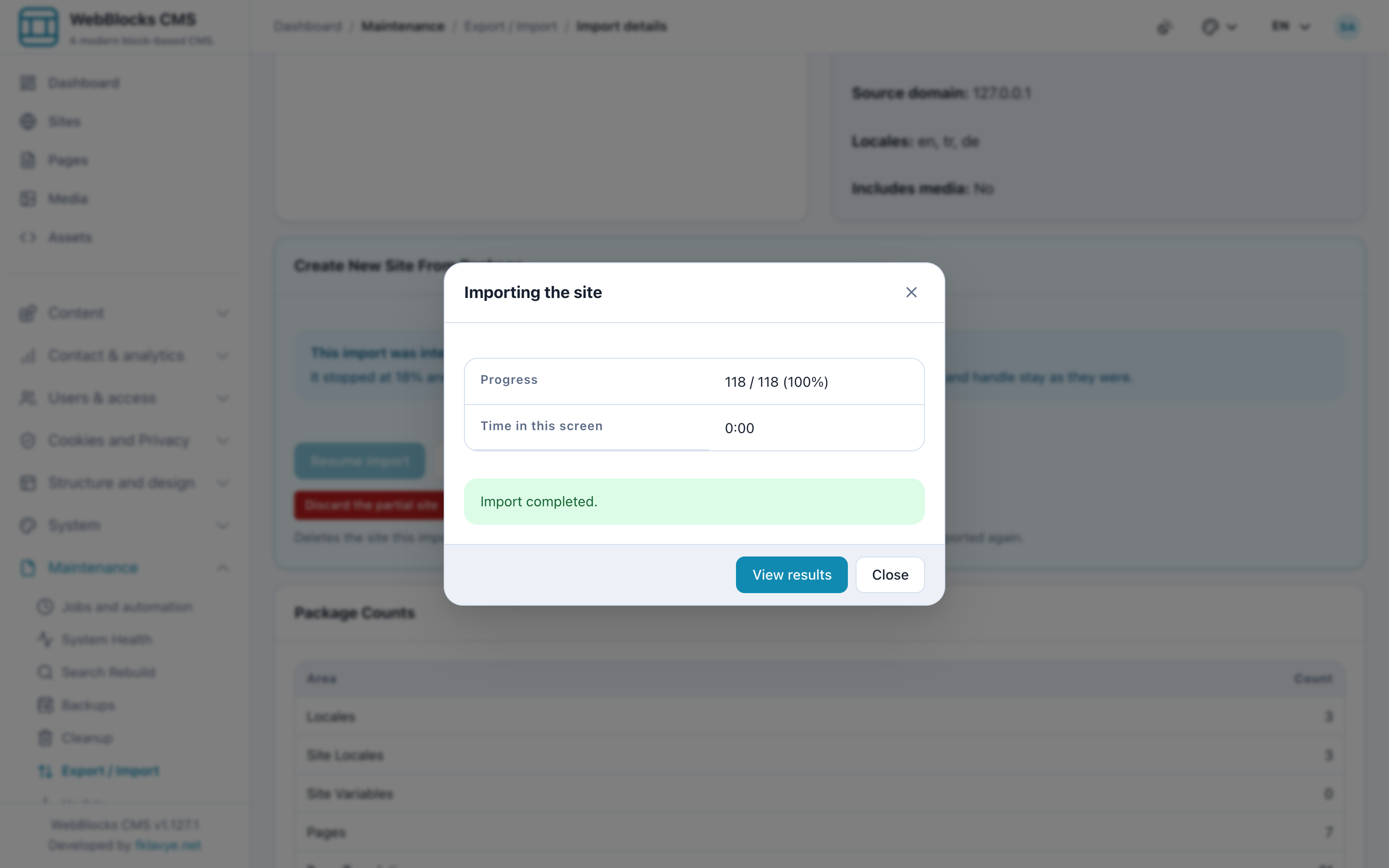
Choose Resume import on that record. In the showcase, the progress dialog reached 118 of 118 (100%) and showed Import completed. View results then opened the same record with status Completed. Open Imported Site takes you to the resulting site.
The completed import kept the same target site and seven page records, with 21 page translations and 26 blocks. If a pause or completion result is unconfirmed, check the saved import details before sending another request. WebBlocks CMS Operations
Was this article useful?
Rate it or share a suggestion below.
Comments and suggestions
Comments are reviewed before they appear.
Comments
0No approved comments yet.
Leave a comment