Your Profile And Language
Goal: Update your own account details and switch the admin panel to your language.
Time: 1 minute
You need: Your own account
Steps
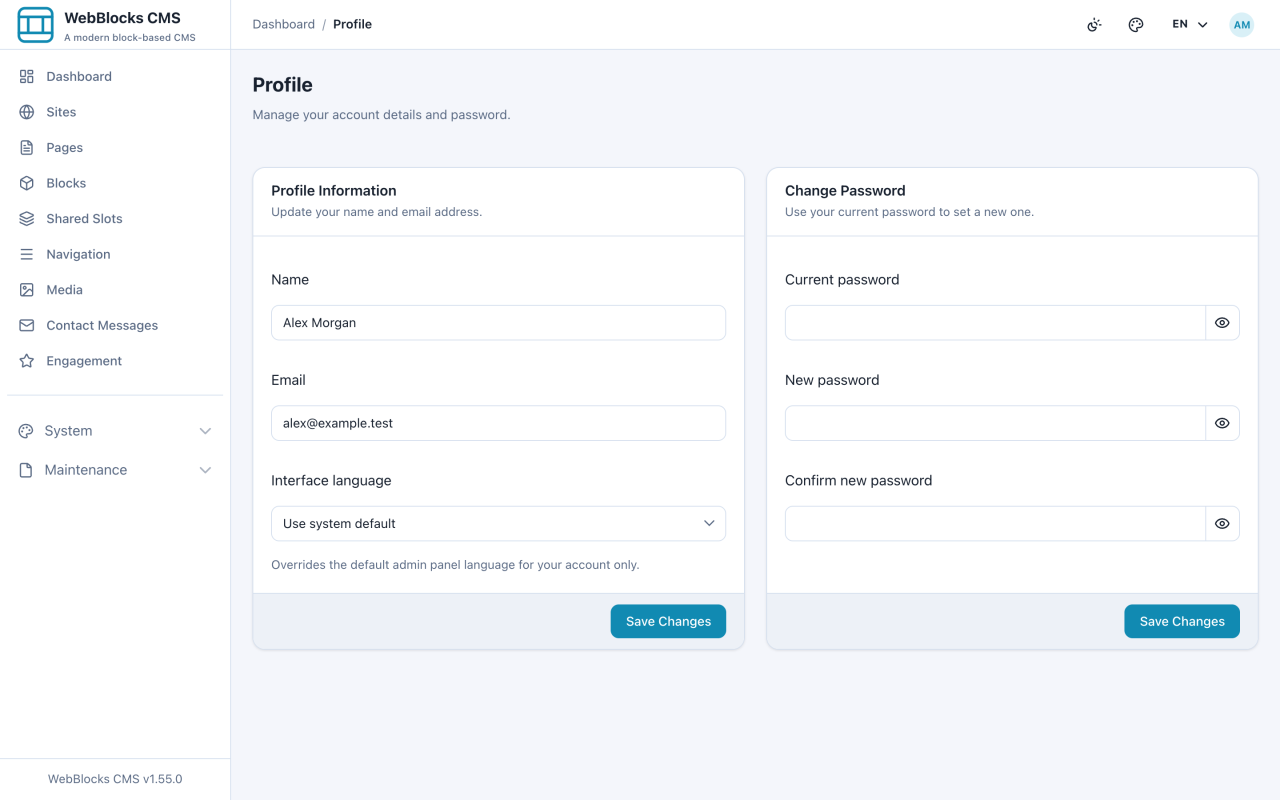
- Select your initials at the top right, then open Profile.
- Under Profile Information, update your Name, Email, or Interface language, then select Save Changes. Leaving the language on Use system default means you follow whatever the installation is set to.
- To change your password, fill in Current password, New password, and Confirm new password under Change Password, then select Save Changes.
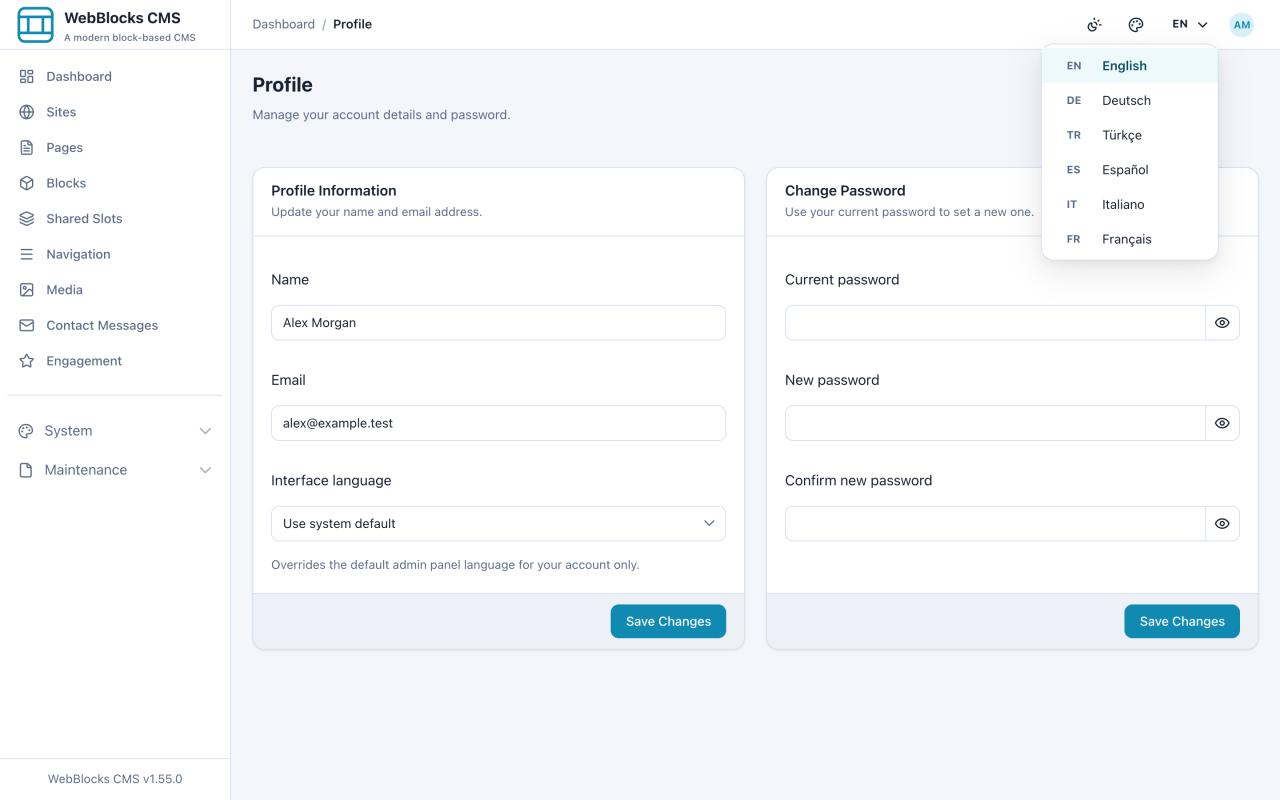
- For a quick language switch without opening Profile, use the language button in the top bar.
Connect A Tool
Open Manage API Tokens from your profile to create a personal token. It delegates only the capabilities and sites allowed by your current account. Expiry and request limits sit beside the site choices. See Connect Your AI Safely for setup and revocation.
Notes
- This changes the admin interface language only. It does not translate your site content, and visitors see nothing different.
- The interface language is stored per user, so your colleagues keep theirs.
- The theme and accent controls next to the language button are personal display preferences too. They do not change the public site.