Offer A Downloadable File
Goal: Give visitors a file to take away, with the label doing the explaining.
Time: 2 minutes
You need: A page, and a document in the Media Library
Steps
- In the Main slot, select Add Block, then choose Download.
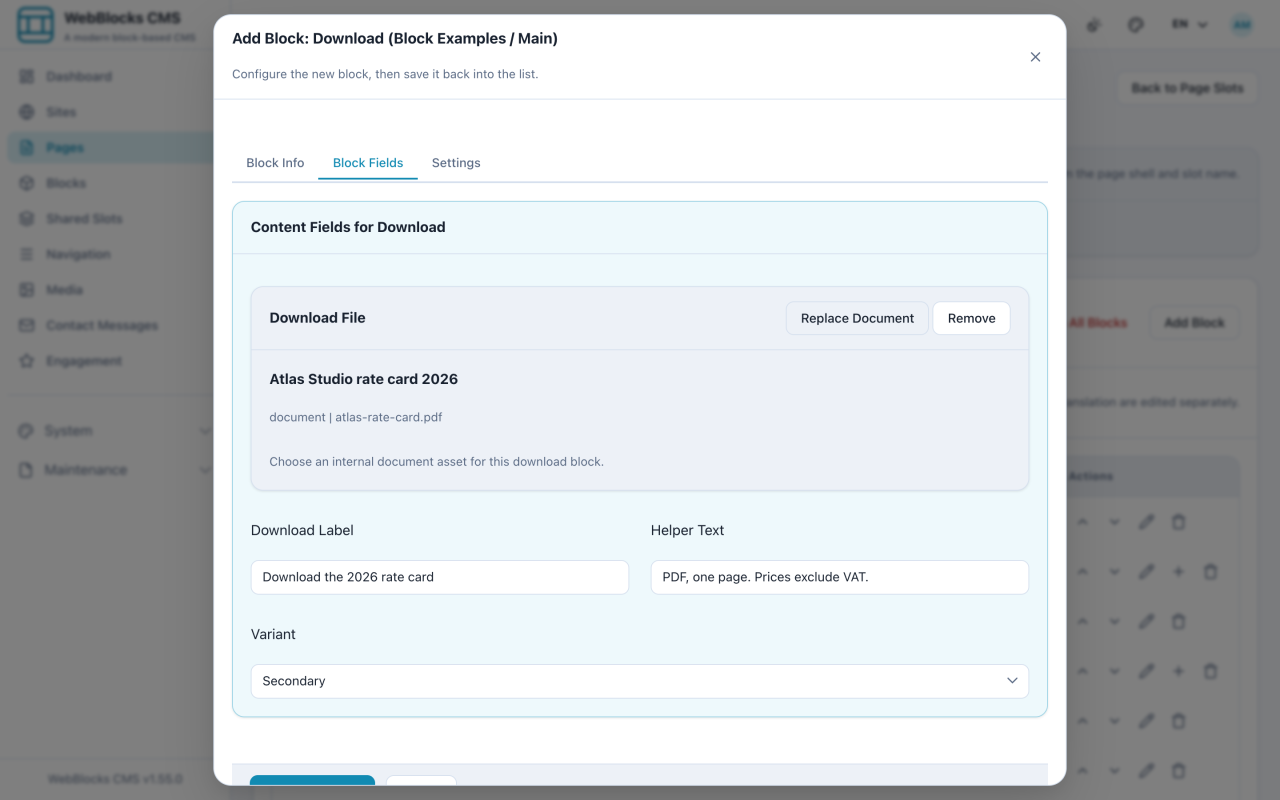
- Write the Download Label as the action: what the visitor gets, not the filename.
- Use Helper Text for the practical details — format, length, anything that affects whether they bother.
- Select Choose from Media and pick the document.
- Pick a Variant if you want the action to sit quieter or louder on the page, then select Save New Block.
Download Or File?
Both exist, and they are not the same thing.
Download is an action. It expects a document from your library and presents it as something to take away.
File is a reference. It also accepts an external file URL, so it can point at something hosted elsewhere.
If the file is yours and the point is "take this", use Download.
Notes
- Say what it is in the label.
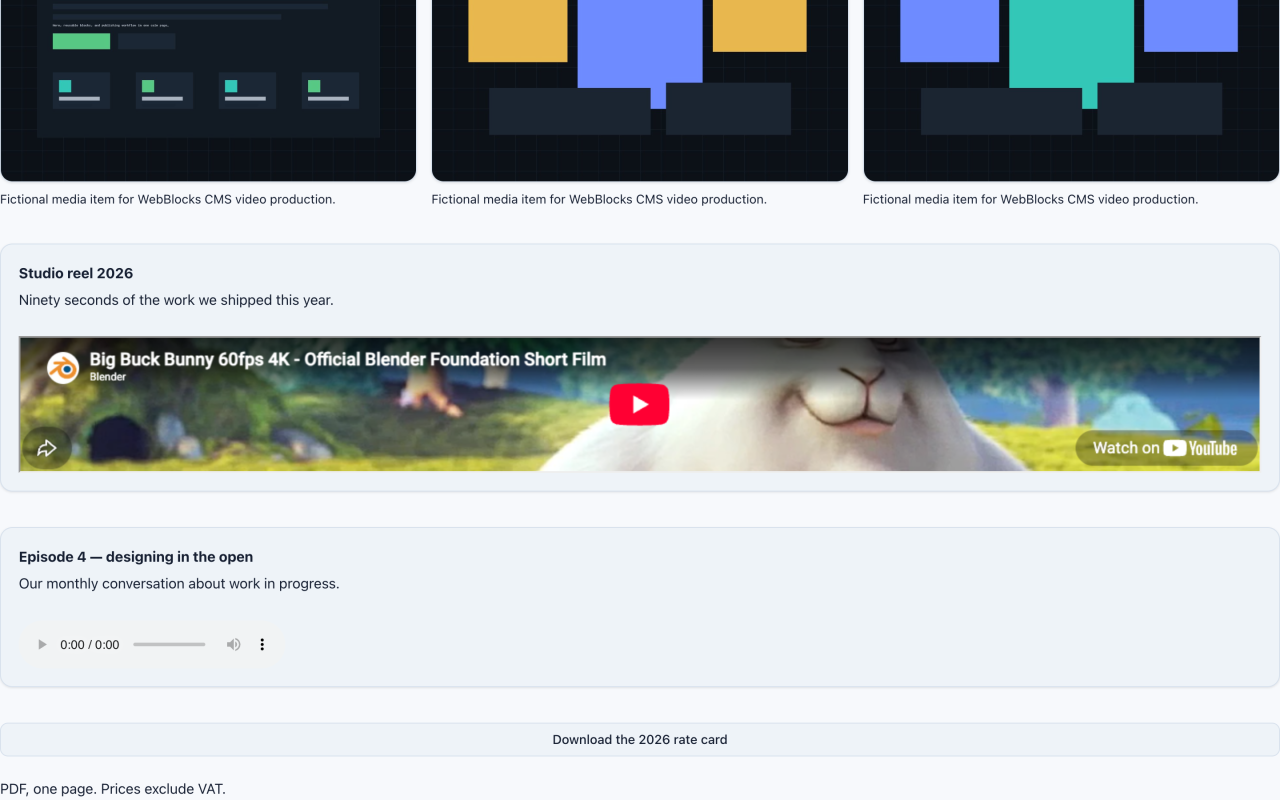
Download the 2026 rate cardtells the visitor what they get;rate-card-v3-FINAL.pdftells them about your folder structure. - The helper text is where format and size belong. People decide differently about a one-page PDF and a 40 MB deck.
- Replacing the file in the Media Library updates every Download block using it. That is the point of the library — do not upload version two as a new file and edit each page.
- A document nobody can open is not a download. Prefer PDF over formats that need a particular application.