Images & media
Add pictures, galleries, videos and downloadable files.
All guides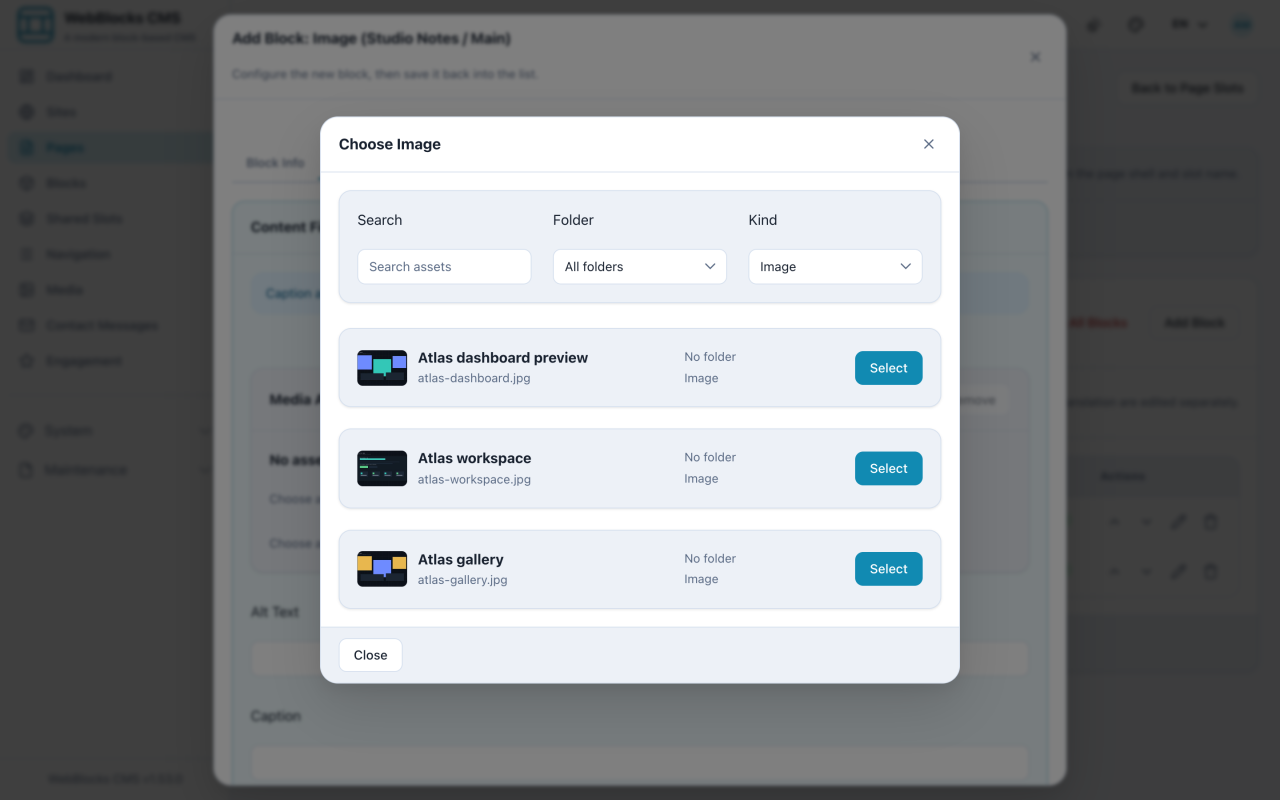
Add An Image
Place a picture on a page from the Media Library, with alt text that describes it.
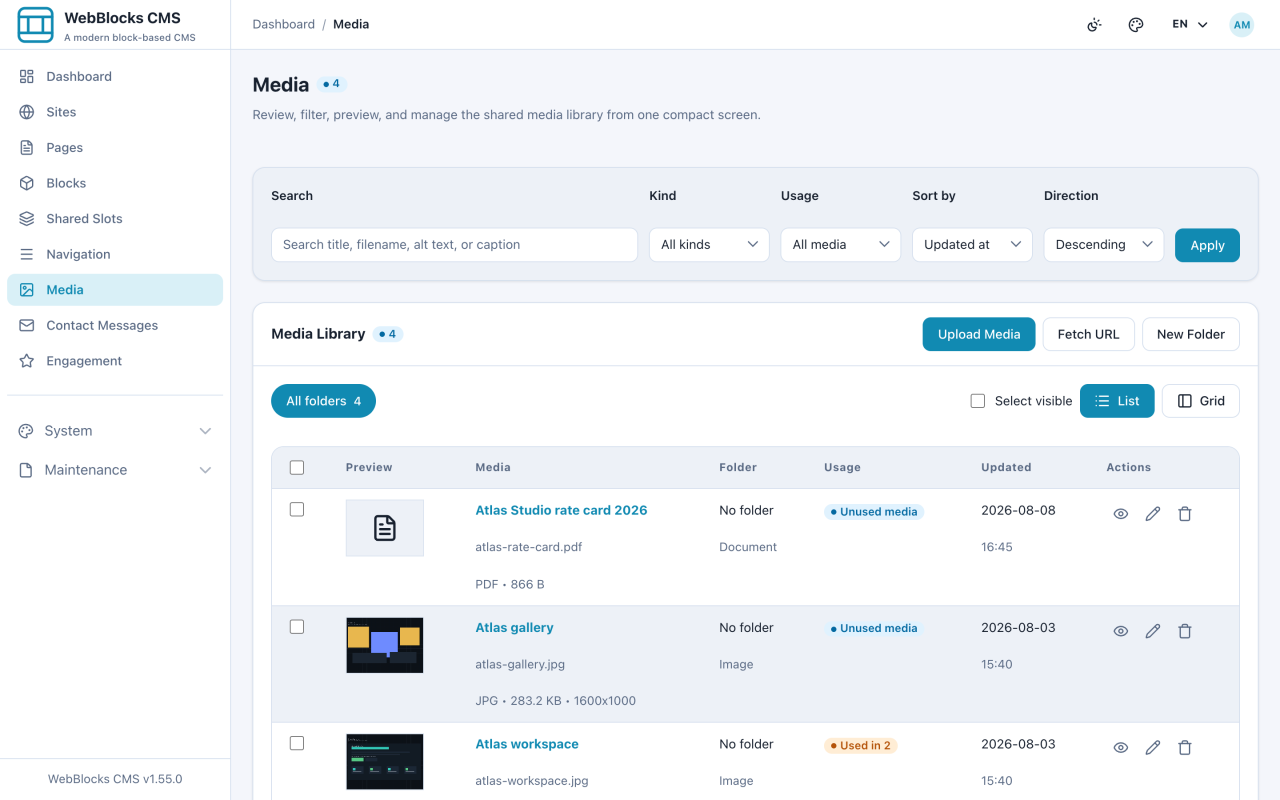
Upload Files To The Media Library
Get images and documents into the library once, then reuse them anywhere.
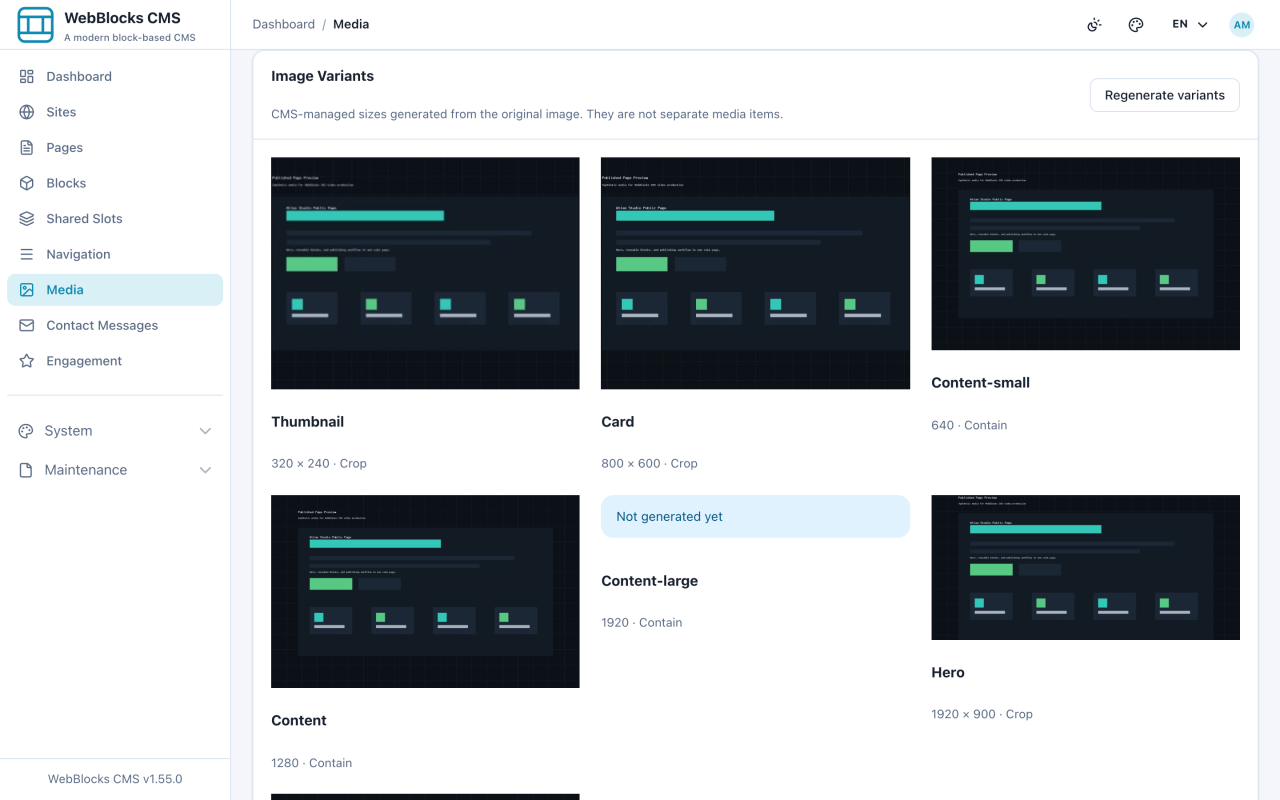
Alt Text, Captions, And Image Variants
The details that make an image usable — and the sizes the CMS makes for you.
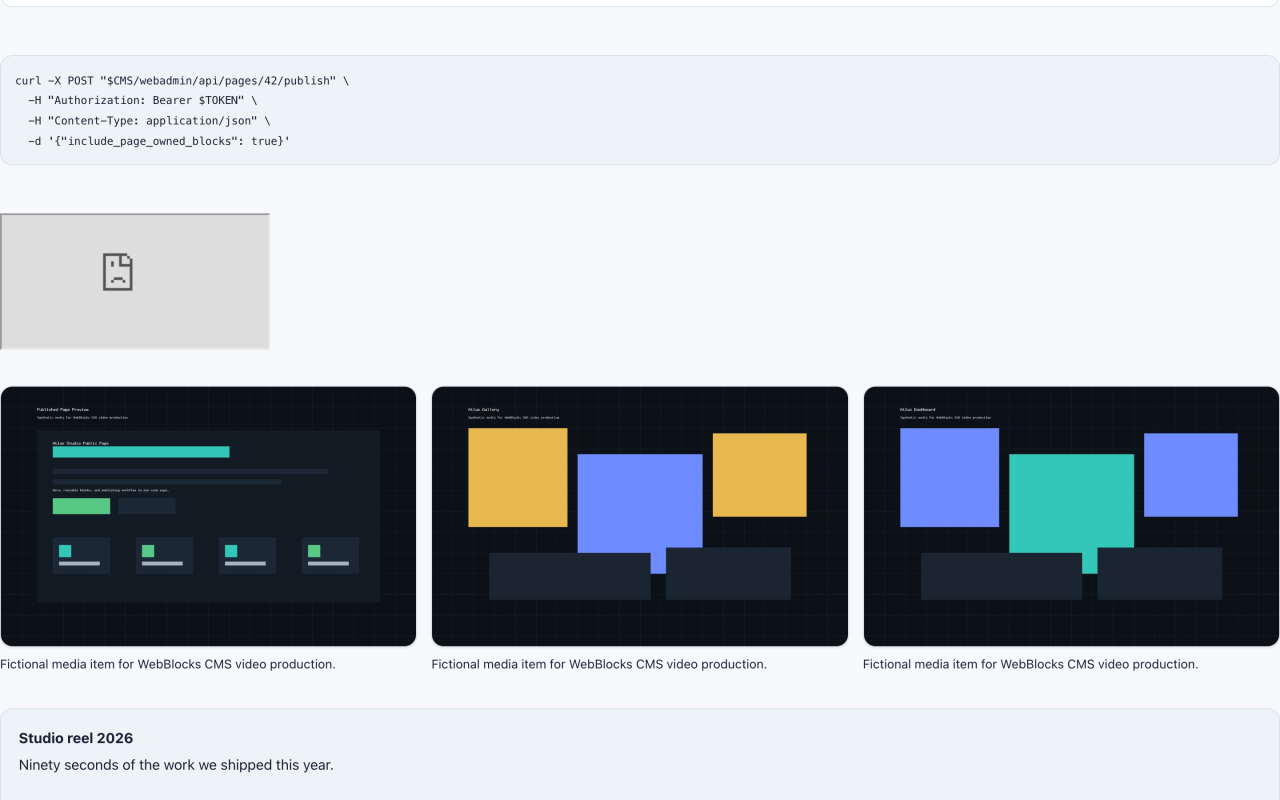
Build A Gallery
Several images as one grid, with captions and an optional lightbox.
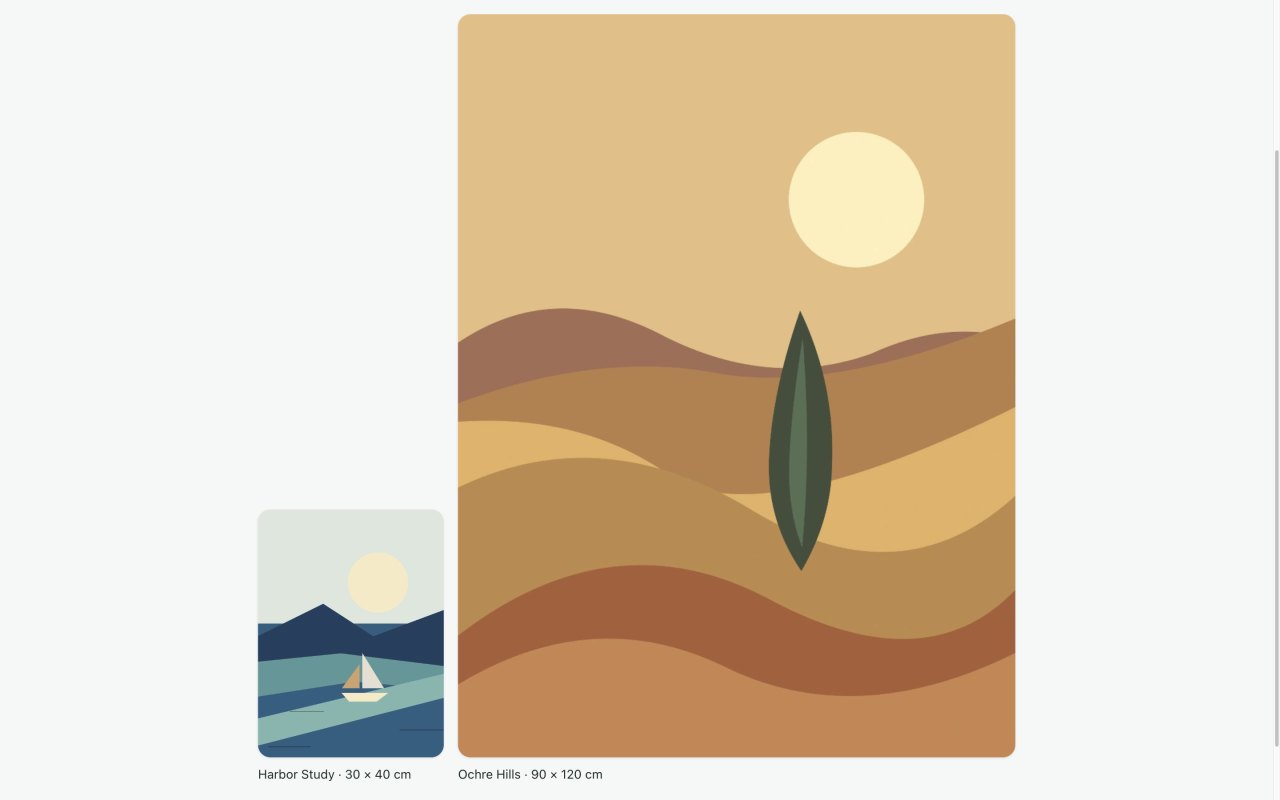
Show Artwork at Relative Scale
Enter the dimensions of two artworks and keep their relative sizes as the gallery resizes.
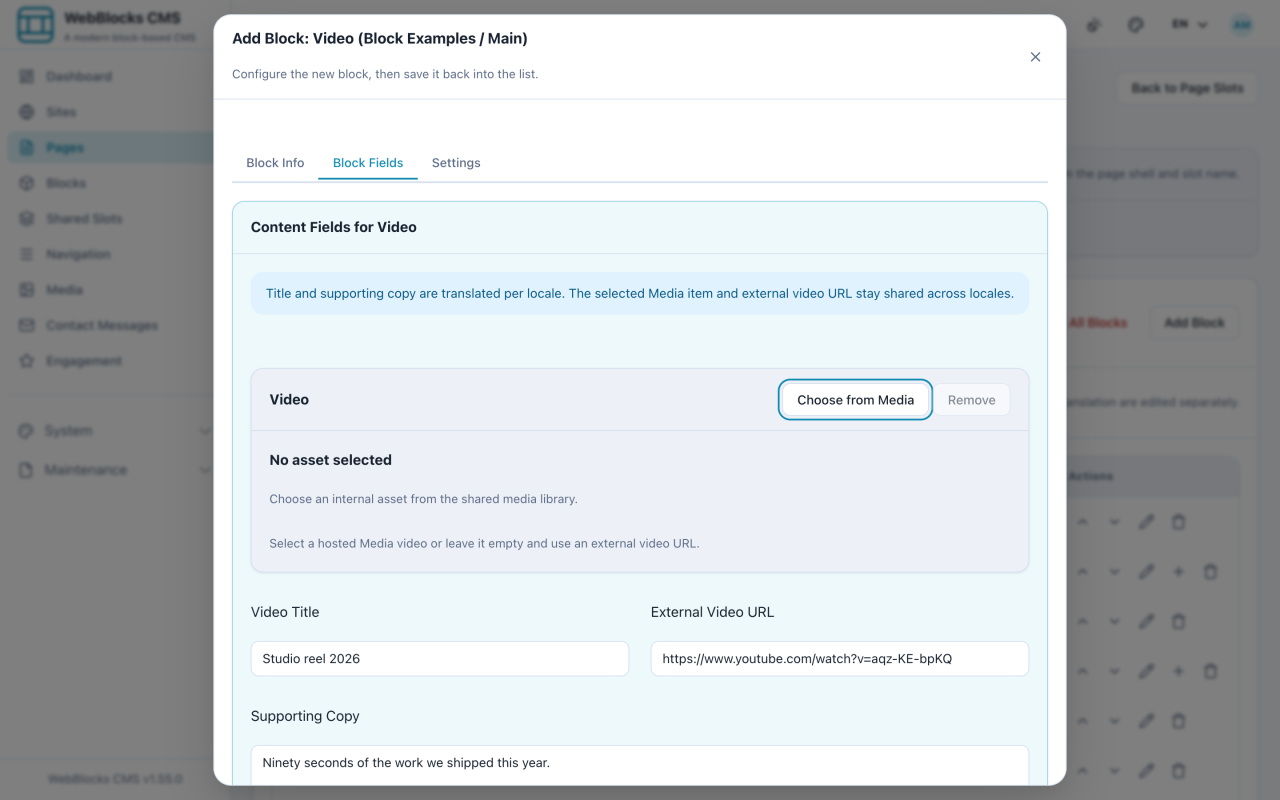
Add A Video Or Audio Block
Embed a hosted clip or point at one that lives somewhere else.
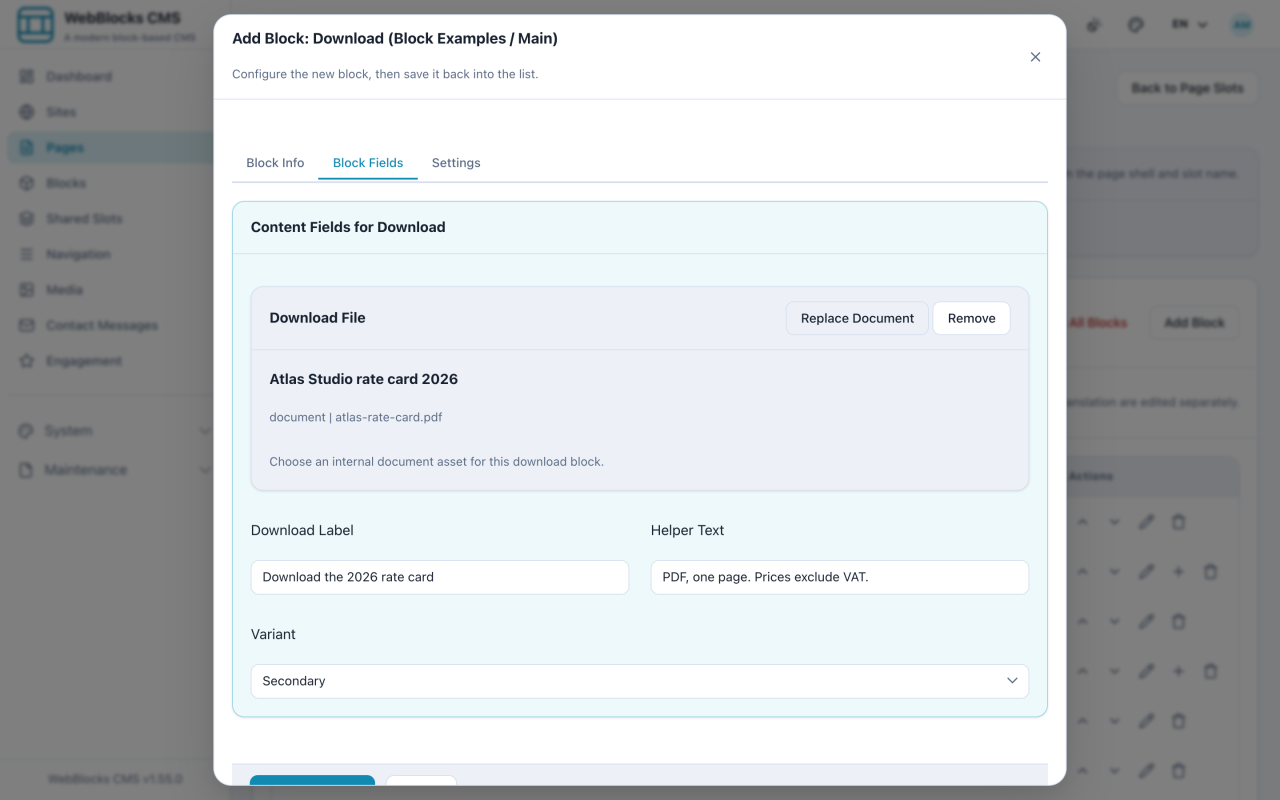
Offer A Downloadable File
A clear download action for a PDF or document, instead of a bare link.
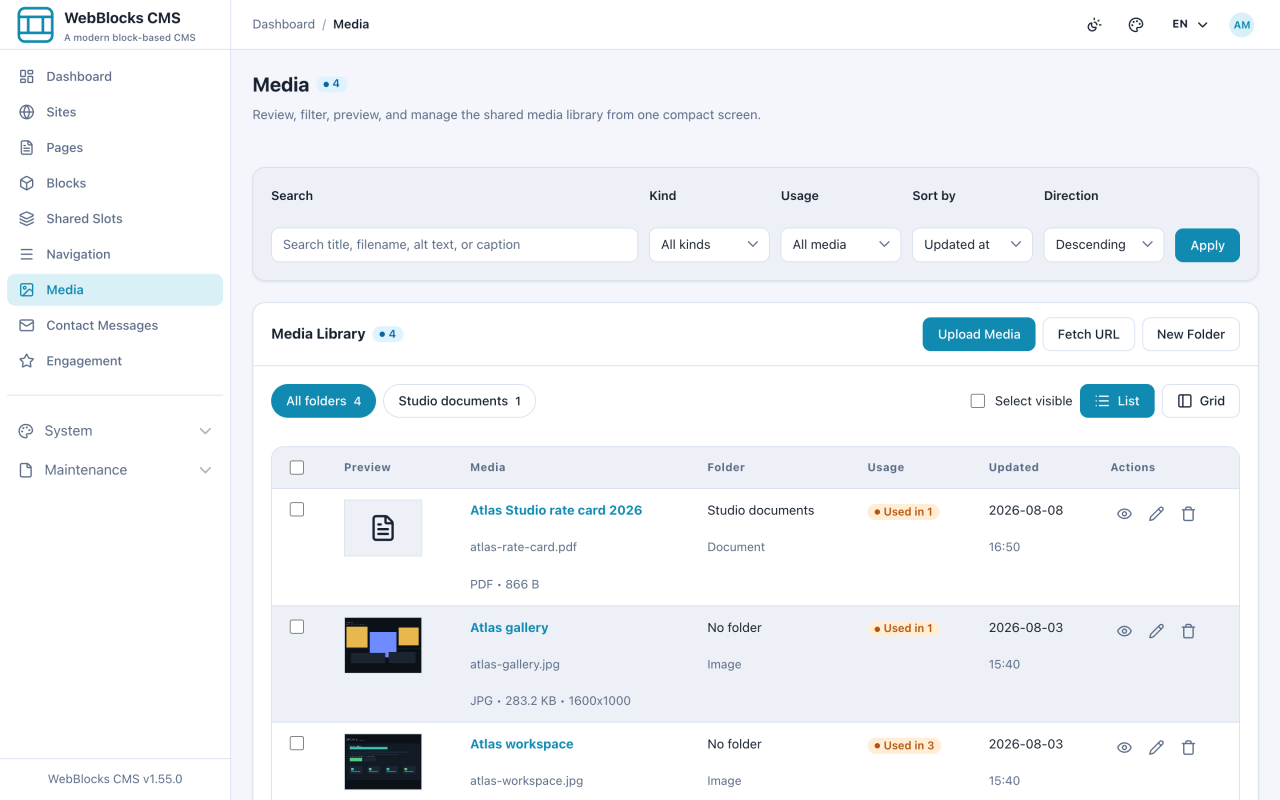
Organise Media In Folders
Keep the library findable once it holds more than a screenful.
Build an Image Slider
Build two slides, choose a mobile crop, and verify readable text and keyboard controls.