Guides WebBlocks CMS
All guides
Sign in to the admin panel The admin panel in 2 minutes Page, Layout, Slot, Block Your profile and language
Create a page Add a heading and text Add an image Publish a page Change a page address
Rich Text Hero Buttons and CTA Quote and Alert Link lists and tables Code and HTML
Upload files Alt text and variants Build a gallery Video and audio Downloads Media folders
Section and Container Columns and Grid Cluster and spacing Cards and stats Choose a page layout
Table of contents and breadcrumbs
Navigation menus Header Shared Slot Footer Shared Slot Update a Shared Slot
Draft, review, publish Revisions and restore Roles Duplicate, move, archive Connect your AI safely
Contact forms Comments and ratings Site search SEO and social
Add a language Translate a page Multiple sites Site variables
Commerce: start selling Memberships: members area Appointments: take bookings Forms: build custom forms Campaigns: send email Support: get help Live Chat: chat with visitors Polls: collect votes Redirect Manager: move URLs
  • WebBlocks CMS
  • Docs
  • Guides
  • Blogs
  • Brand
  • Plugins
Search
EN English TR Türkçe DE German ES Spanish IT Italian FR French
WebBlocks CMSDocsGuidesBlogsBrandPlugins

Sites & maintenance

Manage languages, domains, backups and updates.

All guides
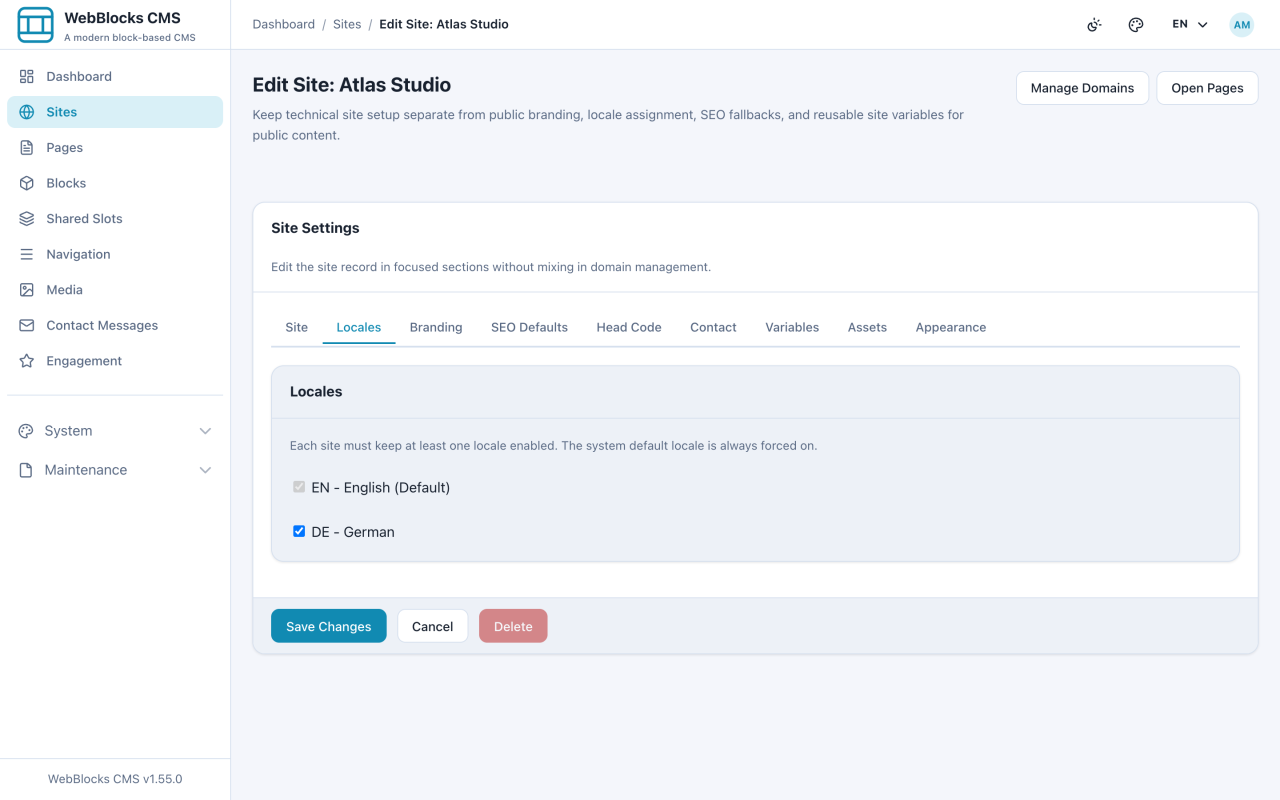
Site settings locales tab showing enabled languages for the site.

Add A Language To A Site

Two steps — register the locale, then enable it on the site that needs it.
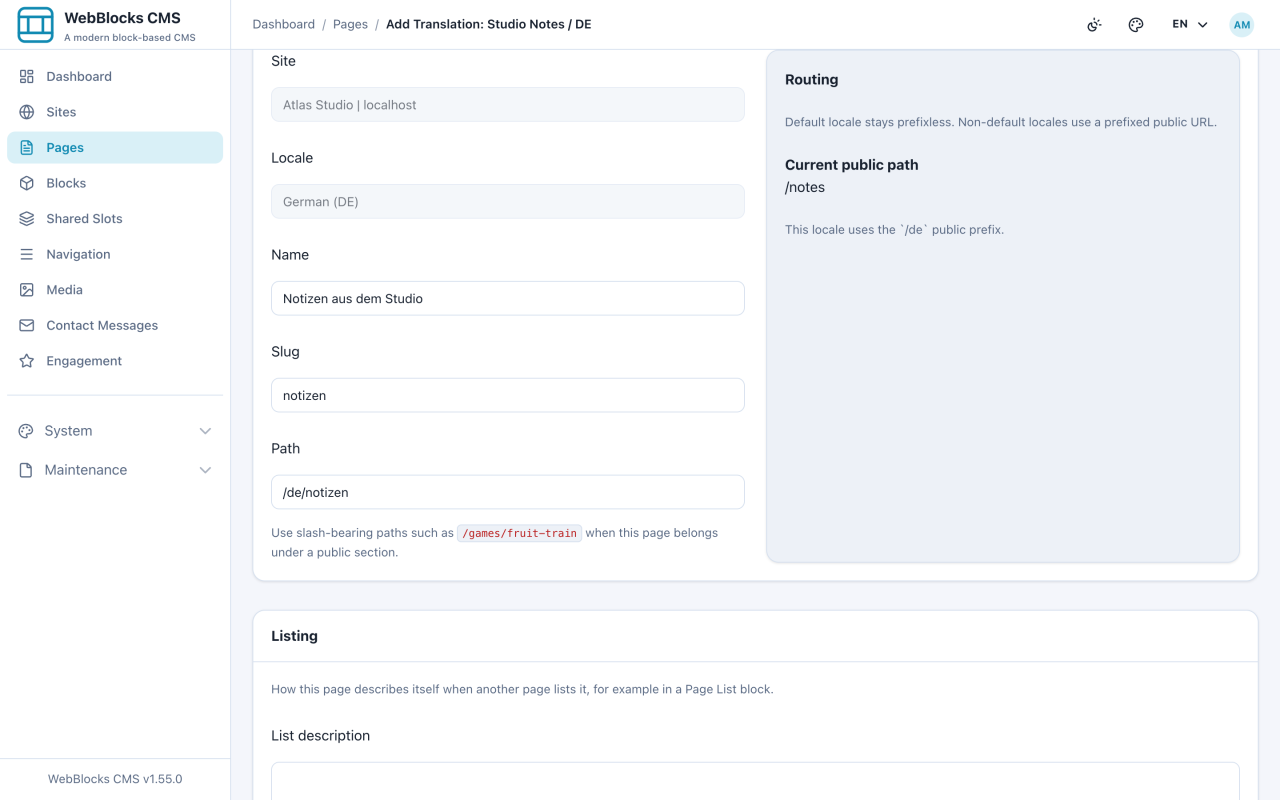
Add translation form showing routing fields for the German version of a page.

Translate A Page

Give a page a second language, with its own address and its own SEO.
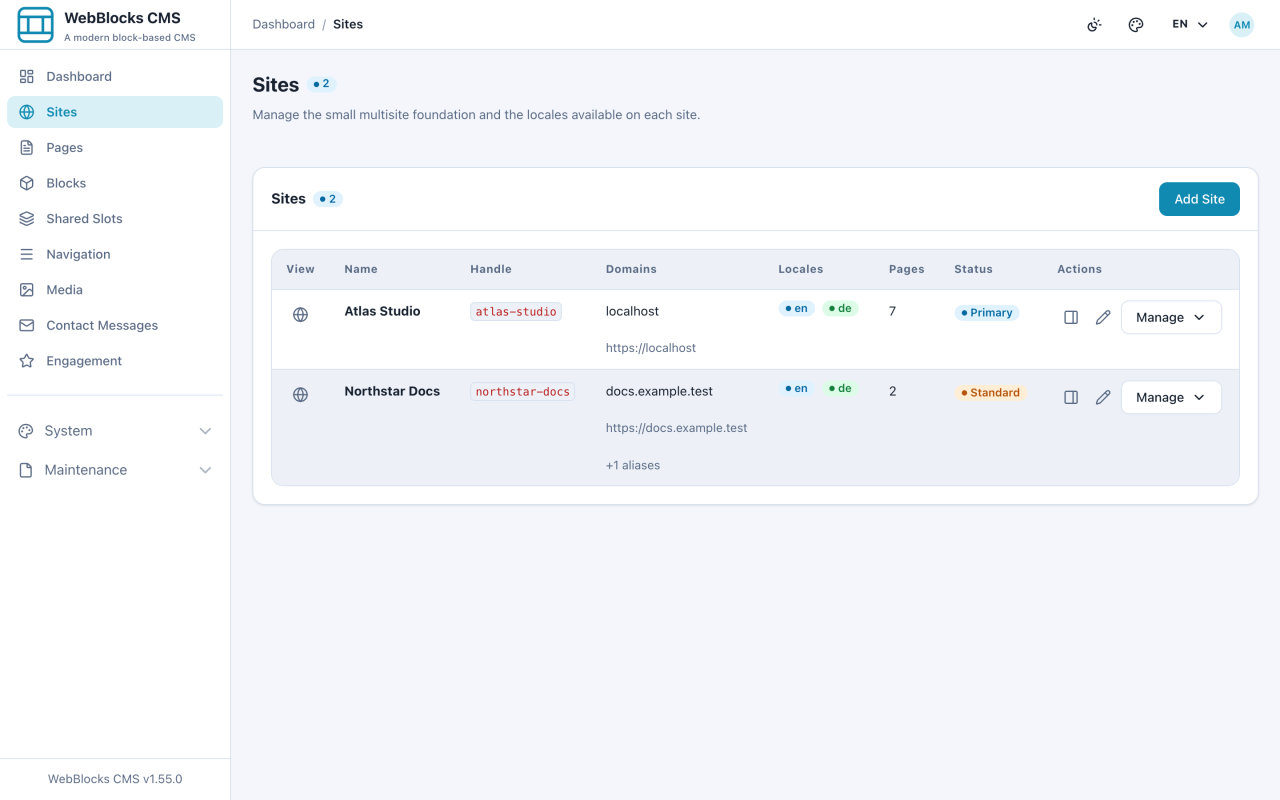
Sites screen listing the sites in the installation with their domains.

Manage More Than One Site

One installation, several sites — what is shared and what is not.
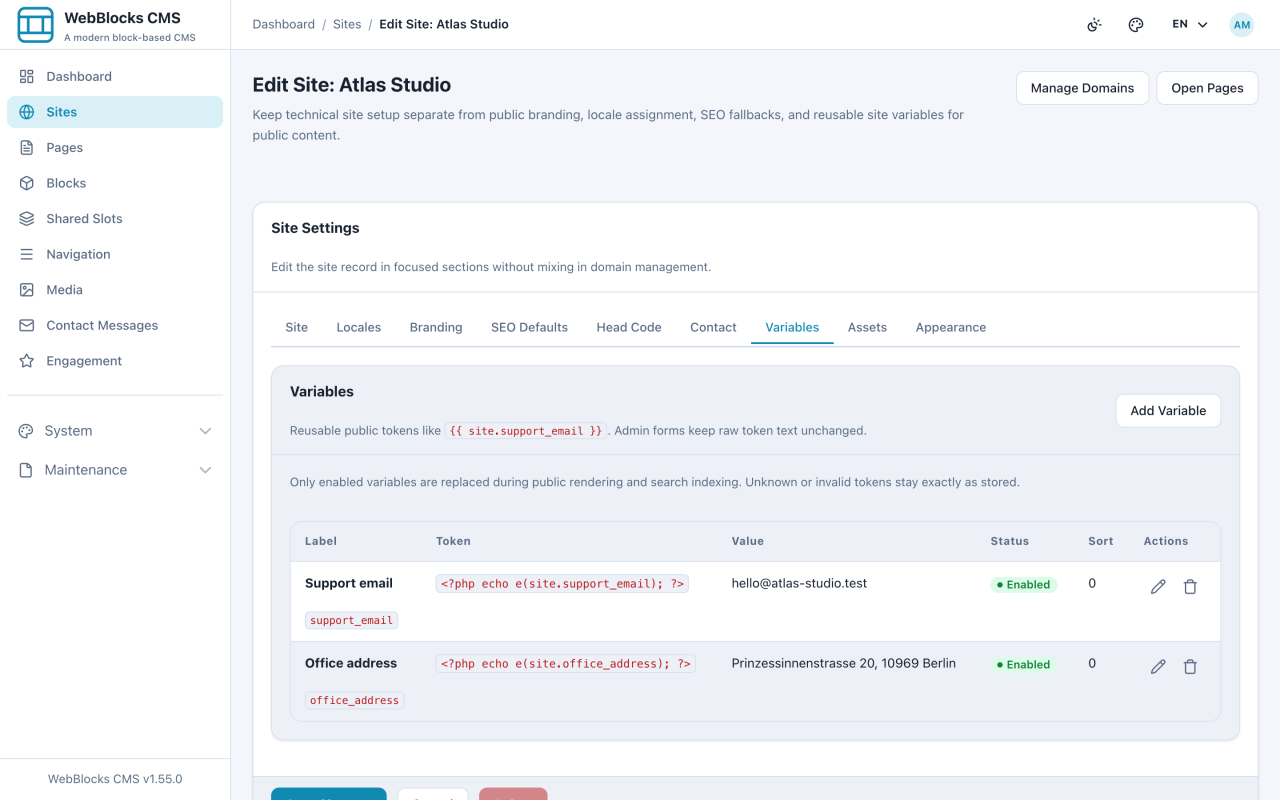
Site variables tab listing reusable public tokens with their keys and values.

Site Variables

Write a value once, use it across the site, change it in one place.
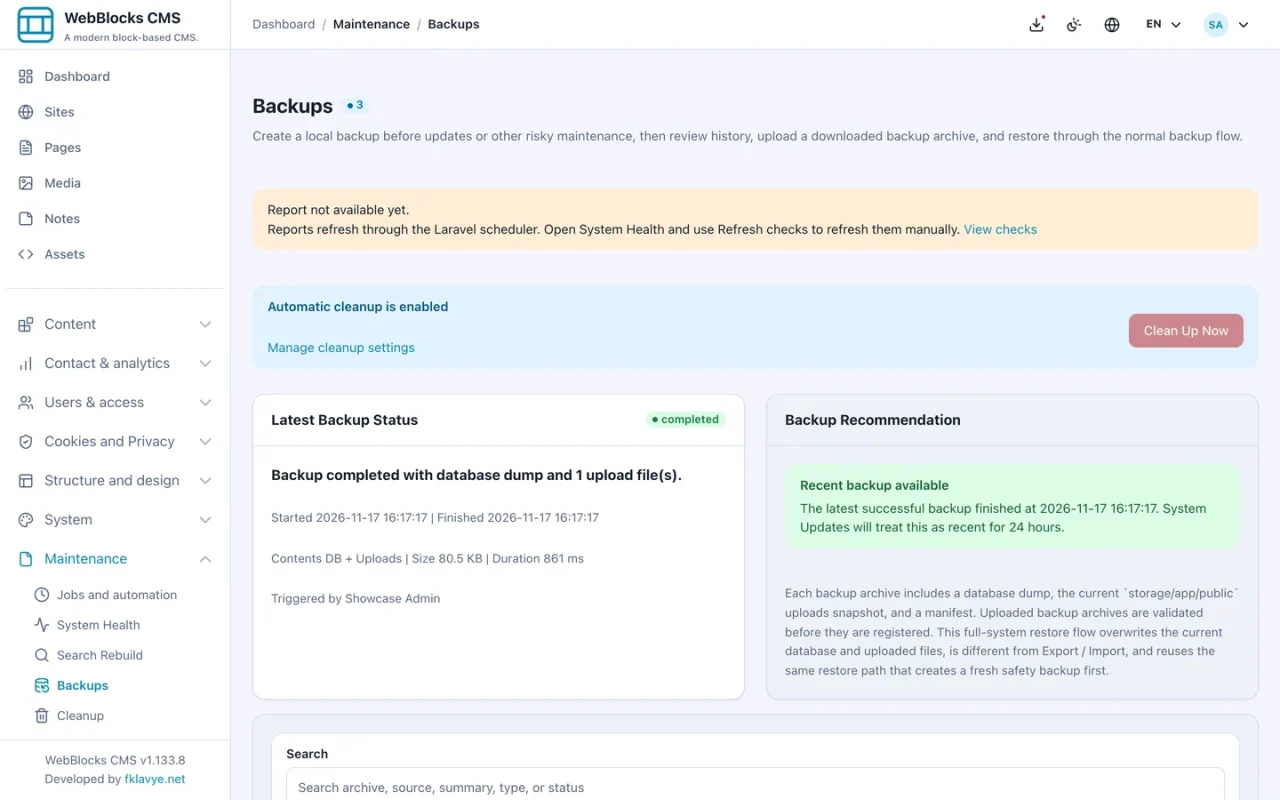
The Backups screen with completed archives for the demonstration installation.

Create and Check a Backup

Create a system backup and check the archive before relying on it.
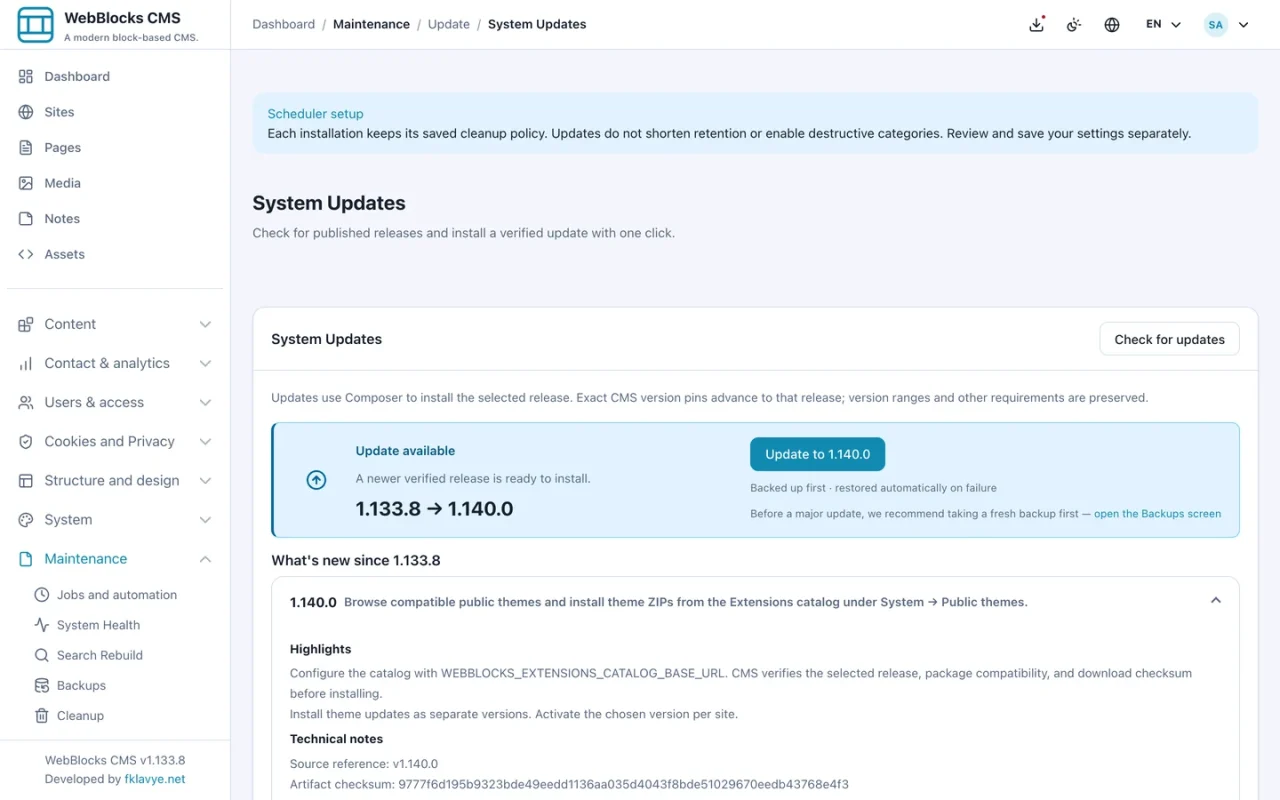
System Updates with the installed version and published release details.

Prepare a System Update

Review a published release, verify a backup, and check the update outcome.
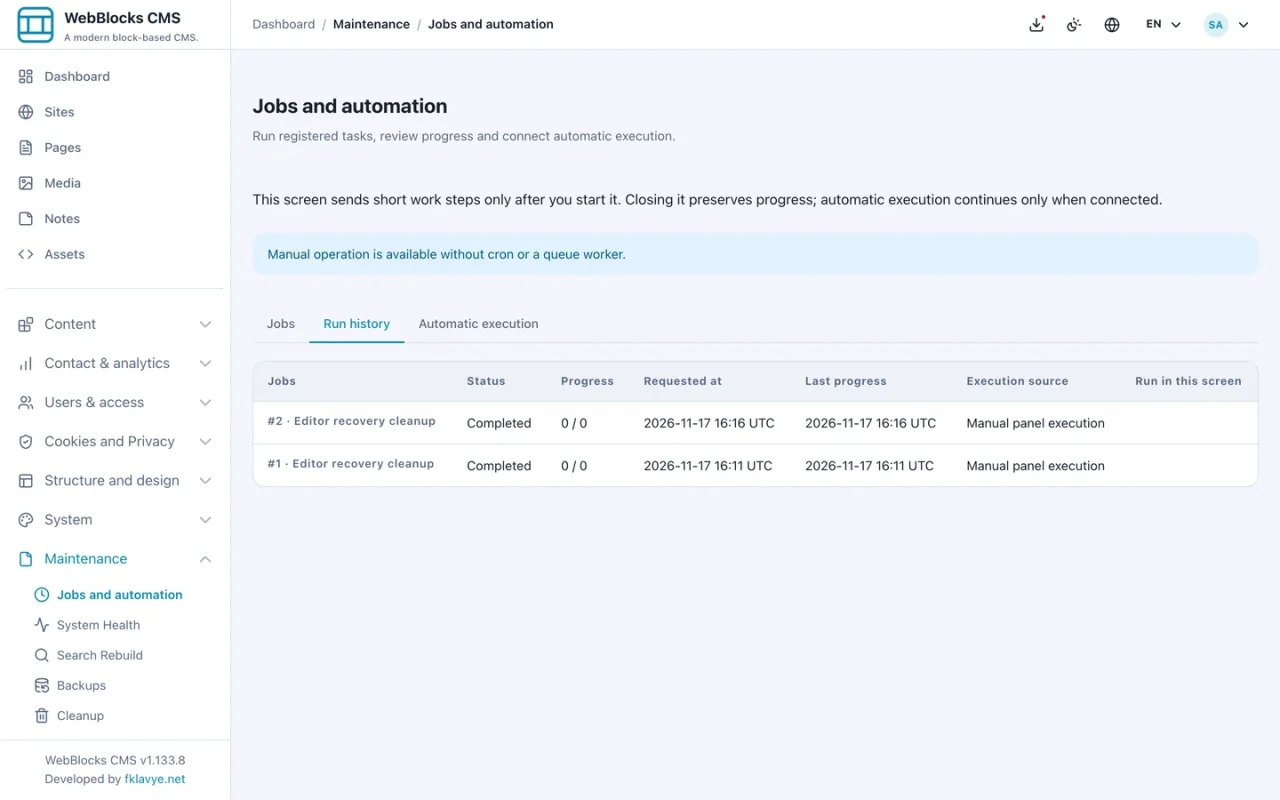
Run history showing a completed manual editor recovery cleanup.

Run Maintenance from the Panel

Request a manual job and verify the saved result in run history.
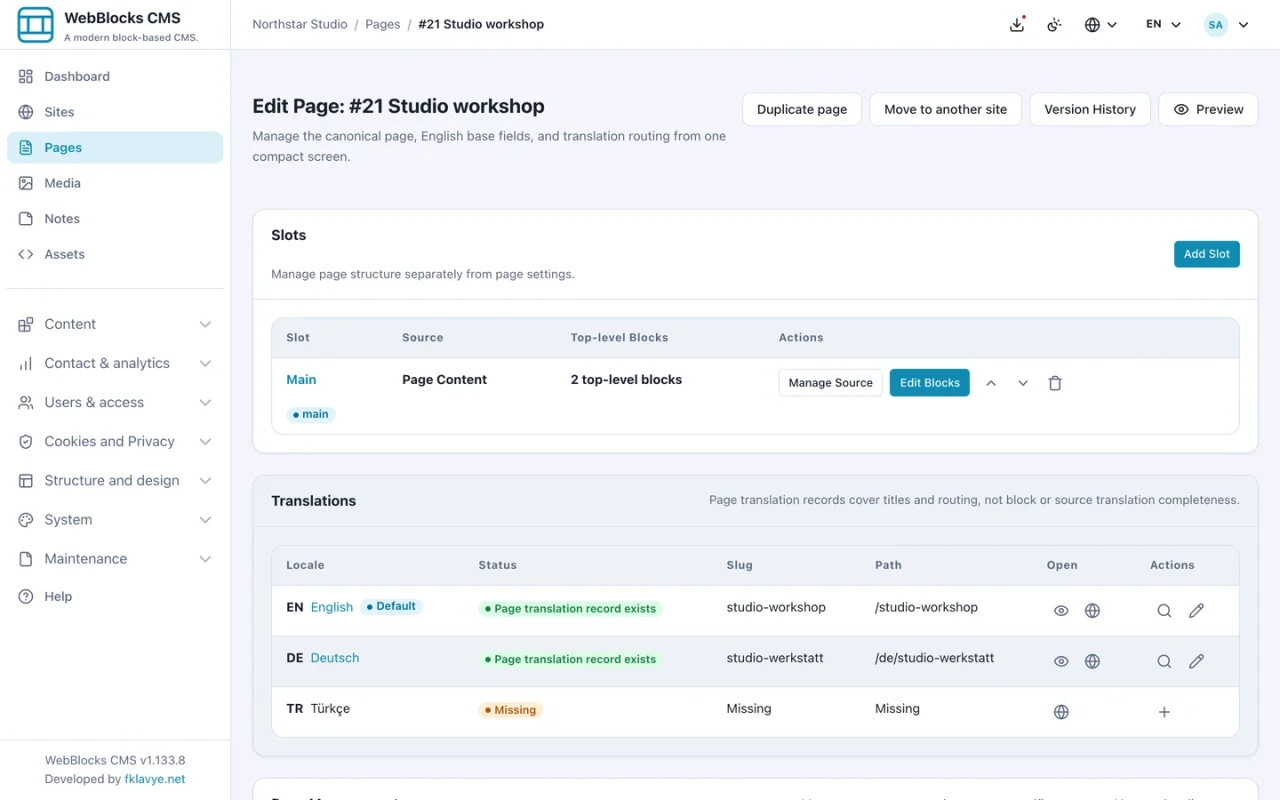
Studio workshop draft with imported English and German translations.

Import a Page from JSON

Create a new draft page from a compatible JSON file and review its translations.
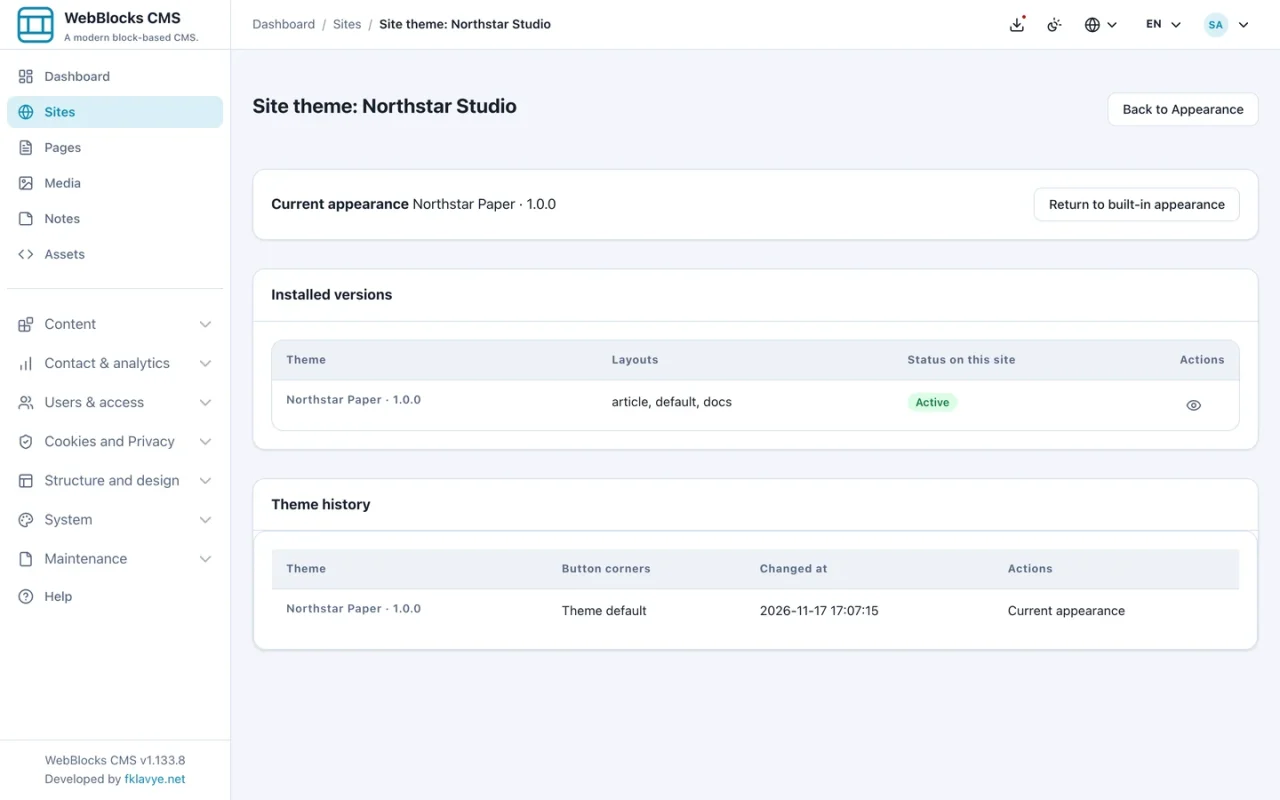
Northstar Paper shown as the active theme on Northstar Studio.

Preview and Activate a Site Theme

Install a compatible theme version, compare its appearance, and activate it on one site.
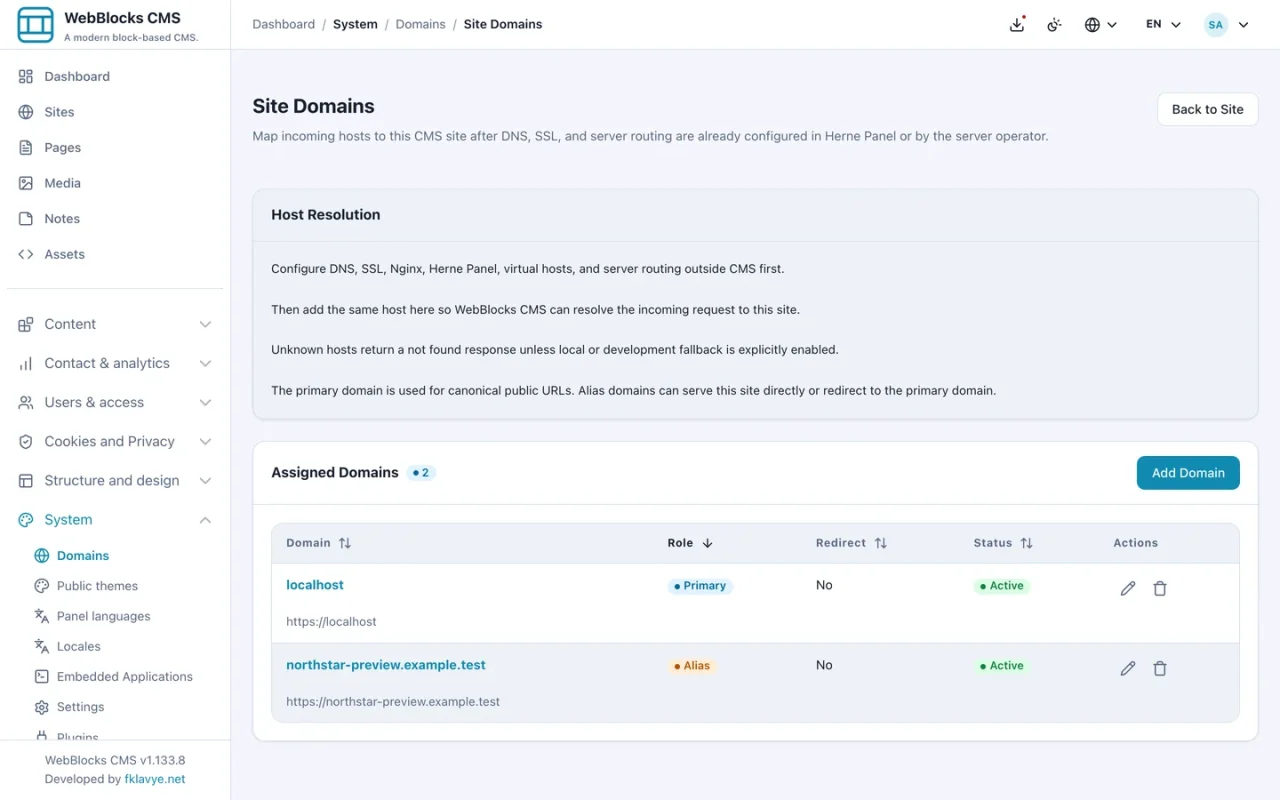
Northstar Studio primary domain and active demonstration alias.

Manage Site Domains

Add a domain alias and verify a translated address on the site.
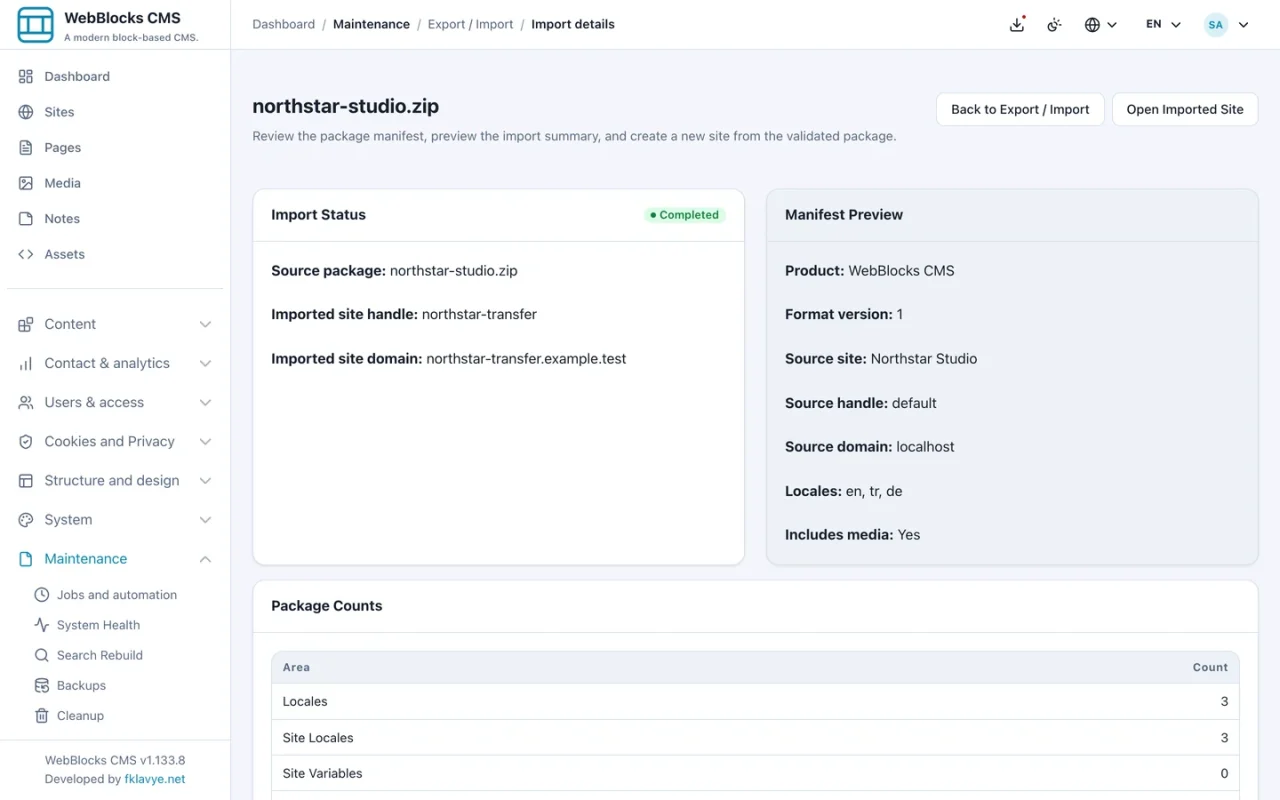
Completed Northstar Studio import on a separate showcase installation.

Transfer or Clone a Site

Copy a site within one installation or move its content to another installation.

Search

Search published content in WebBlocks CMS.

Searching...

Enter a search term to find published content for this site and locale.
Your privacy choices

We use necessary features to run this site. You can choose which optional services may load.

Your preferences could not be saved. Please try again.

Cookie and privacy preferences

Choose the services you allow. You can return here at any time.

Necessary · Always on

Required for security, remembering your consent and core site operation.

Analytics

Controls detailed visitor measurement by this CMS. Basic site counts remain available.

Your preferences could not be saved. Please try again.

Your choice is saved. Reload the page to stop scripts that have already run.