Guides WebBlocks CMS
All guides
Sign in to the admin panel The admin panel in 2 minutes Page, Layout, Slot, Block Your profile and language
Create a page Add a heading and text Add an image Publish a page Change a page address
Rich Text Hero Buttons and CTA Quote and Alert Link lists and tables Code and HTML
Upload files Alt text and variants Build a gallery Video and audio Downloads Media folders
Section and Container Columns and Grid Cluster and spacing Cards and stats Choose a page layout
Table of contents and breadcrumbs
Navigation menus Header Shared Slot Footer Shared Slot Update a Shared Slot
Draft, review, publish Revisions and restore Roles Duplicate, move, archive Connect your AI safely
Contact forms Comments and ratings Site search SEO and social
Add a language Translate a page Multiple sites Site variables
Commerce: start selling Memberships: members area Appointments: take bookings Forms: build custom forms Campaigns: send email Support: get help Live Chat: chat with visitors Polls: collect votes Redirect Manager: move URLs
  • WebBlocks CMS
  • Docs
  • Guides
  • Blogs
  • Brand
  • Plugins
Search
EN English TR Türkçe DE German ES Spanish IT Italian FR French
WebBlocks CMSDocsGuidesBlogsBrandPlugins

Publishing & teamwork

Preview changes, review drafts and recover edits.

All guides
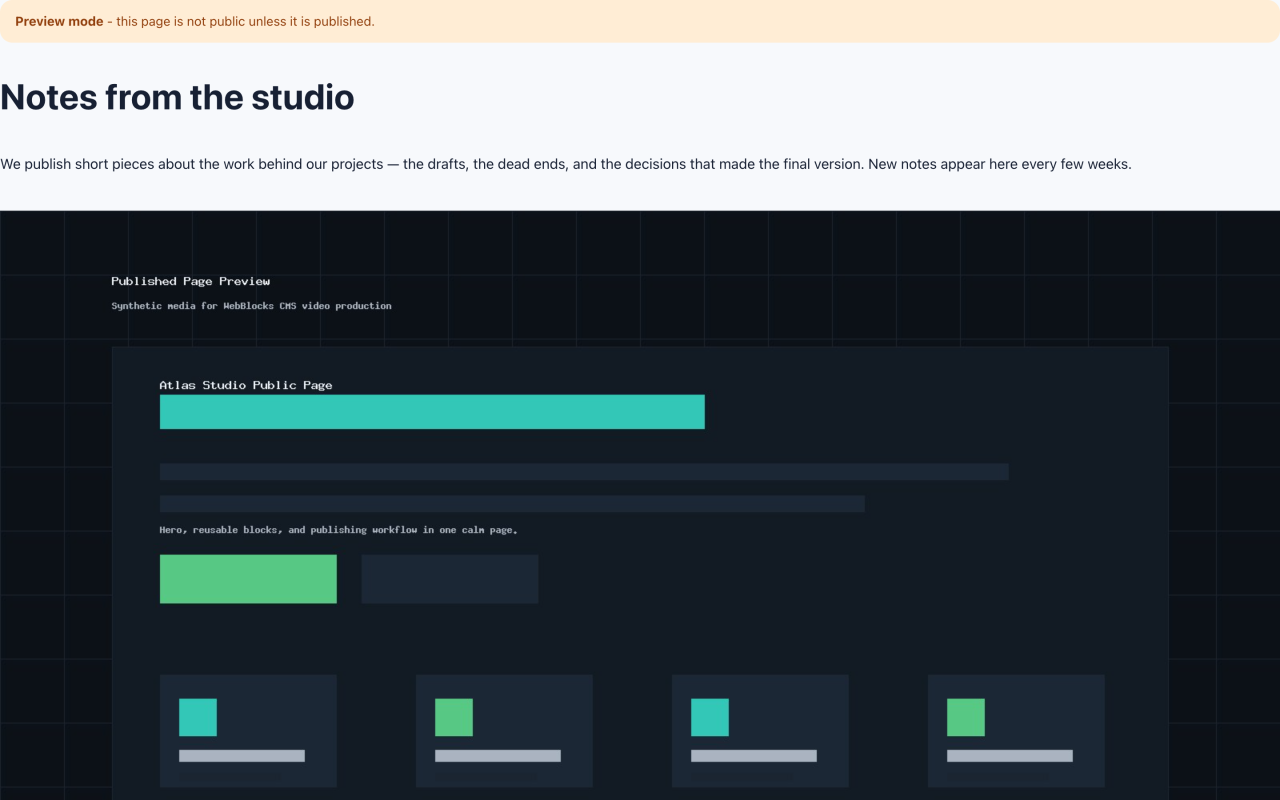
Public preview of a draft page with a preview mode notice at the top.

Publish A Page

Preview your work, then make the page visible to visitors.
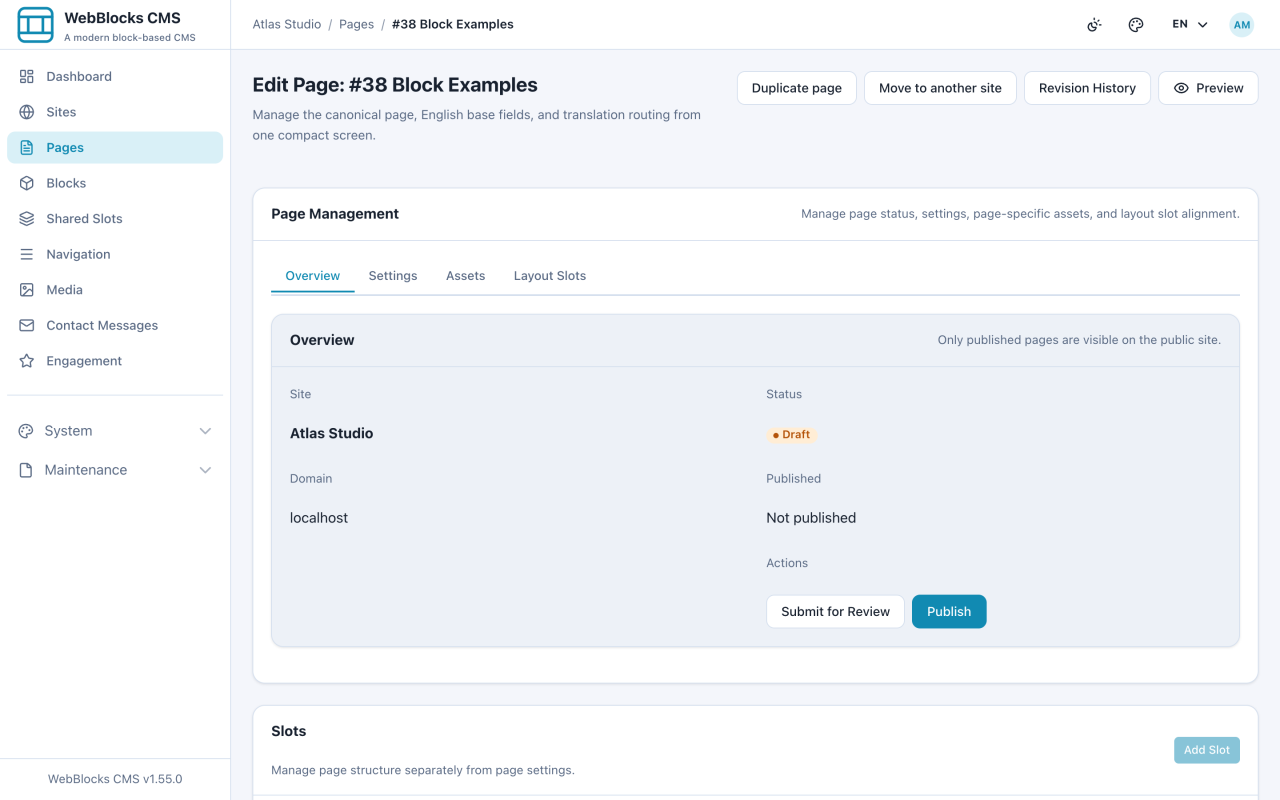
Page overview showing draft status with submit for review and publish actions.

Draft, Review, And Publish

The four states a page moves through, and who moves it.
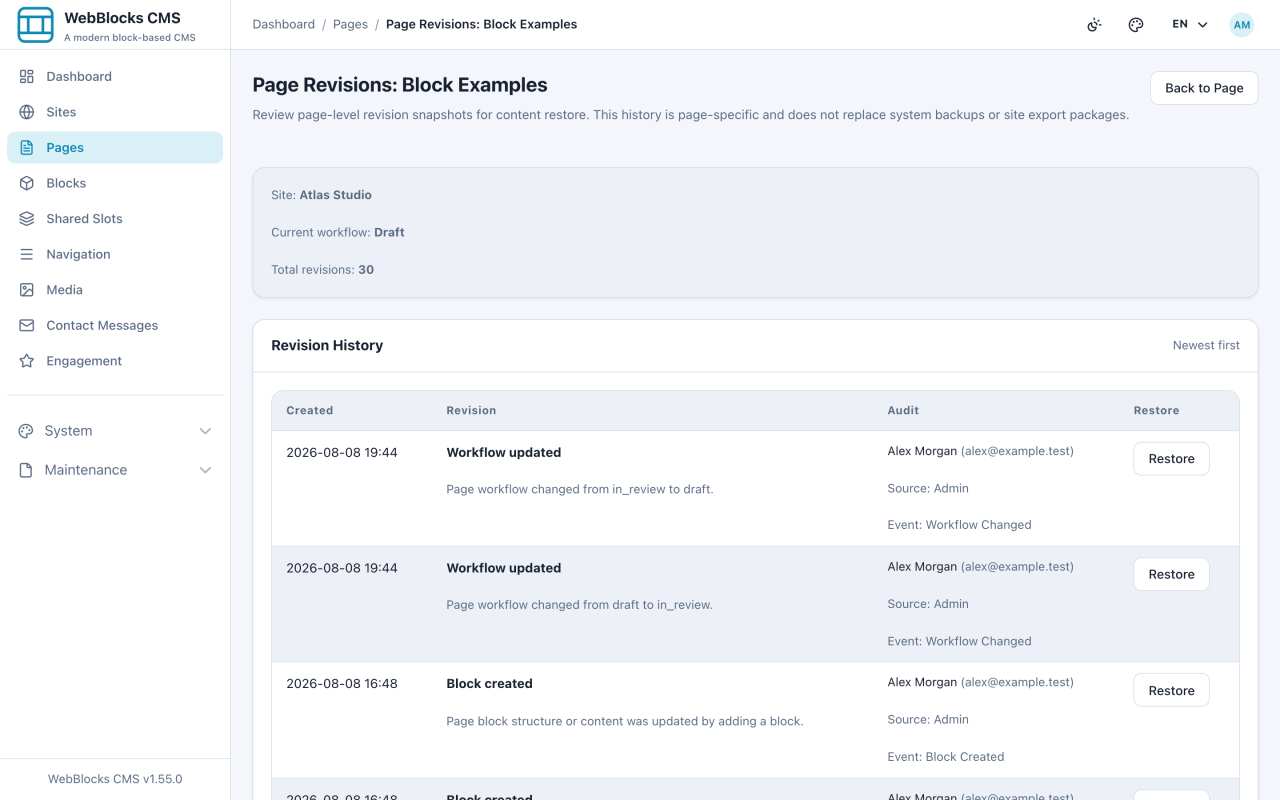
Page revision history listing workflow and block changes with author and restore actions.

Revisions: See History And Restore

Find out what changed, who changed it, and put it back.
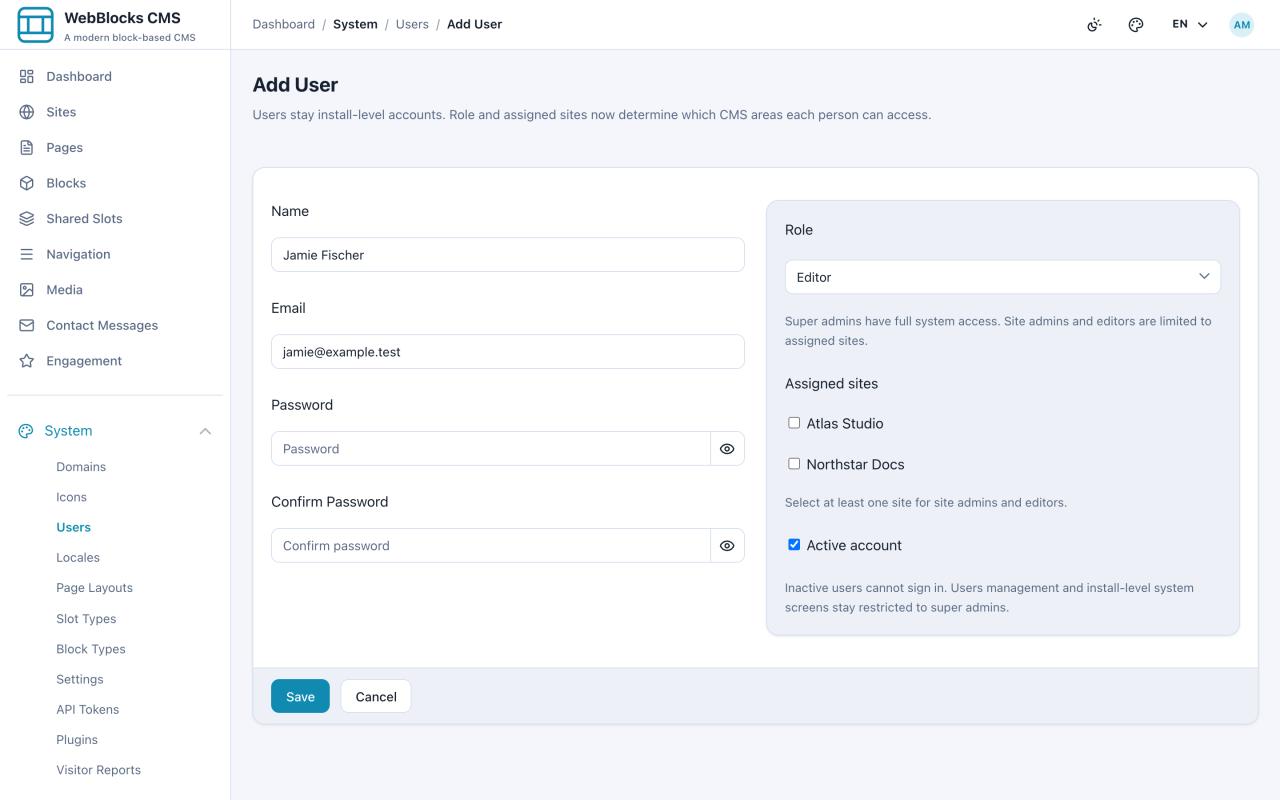
Add user form showing name, email, password, role, and per-site access checkboxes.

Roles: Who Can Do What

Built-in and custom roles, site assignments, and adding a colleague.
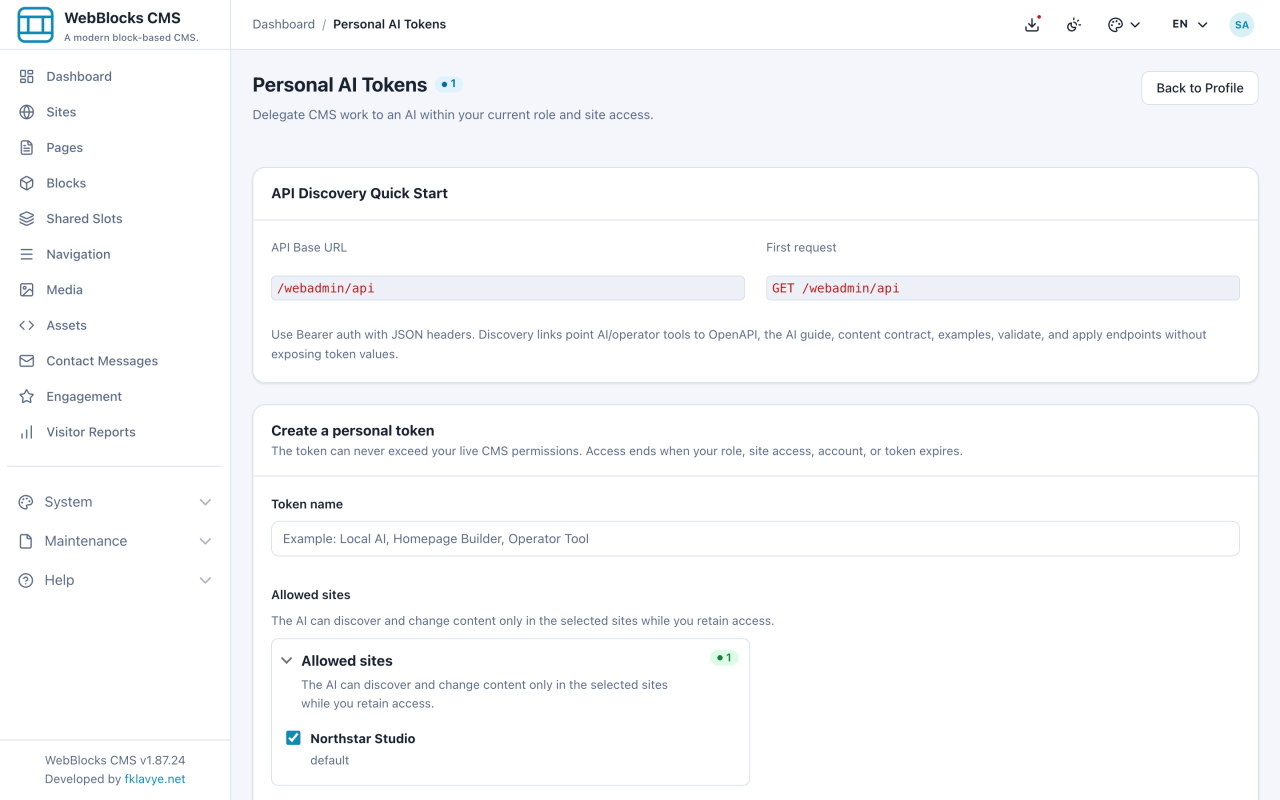
Personal AI Tokens screen showing API discovery and the start of the scoped token form.

Connect Your AI Safely

Create a personal token so an AI can work within your role and selected sites.
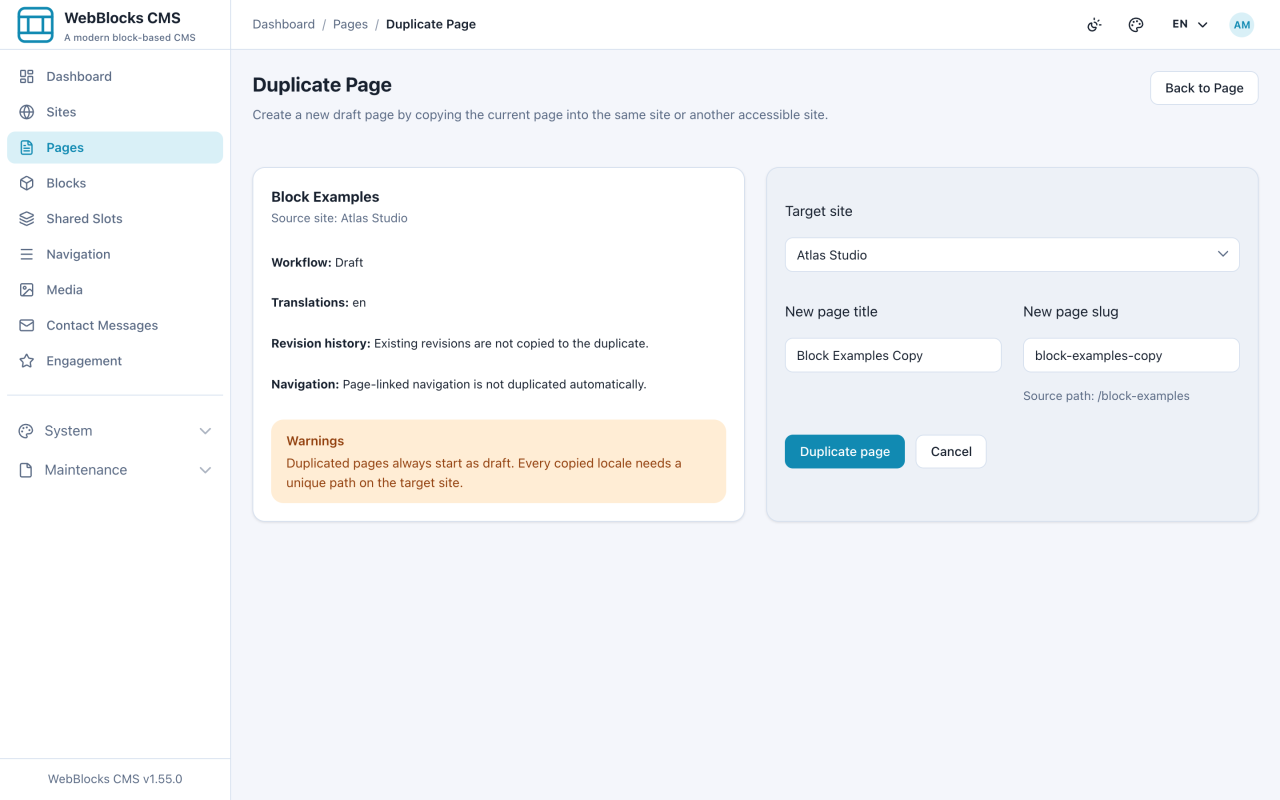
Duplicate page screen showing target site, new title and slug, and what carries over.

Duplicate, Move, And Archive Pages

Copy a page as a starting point, move it between sites, or take it down without deleting it.
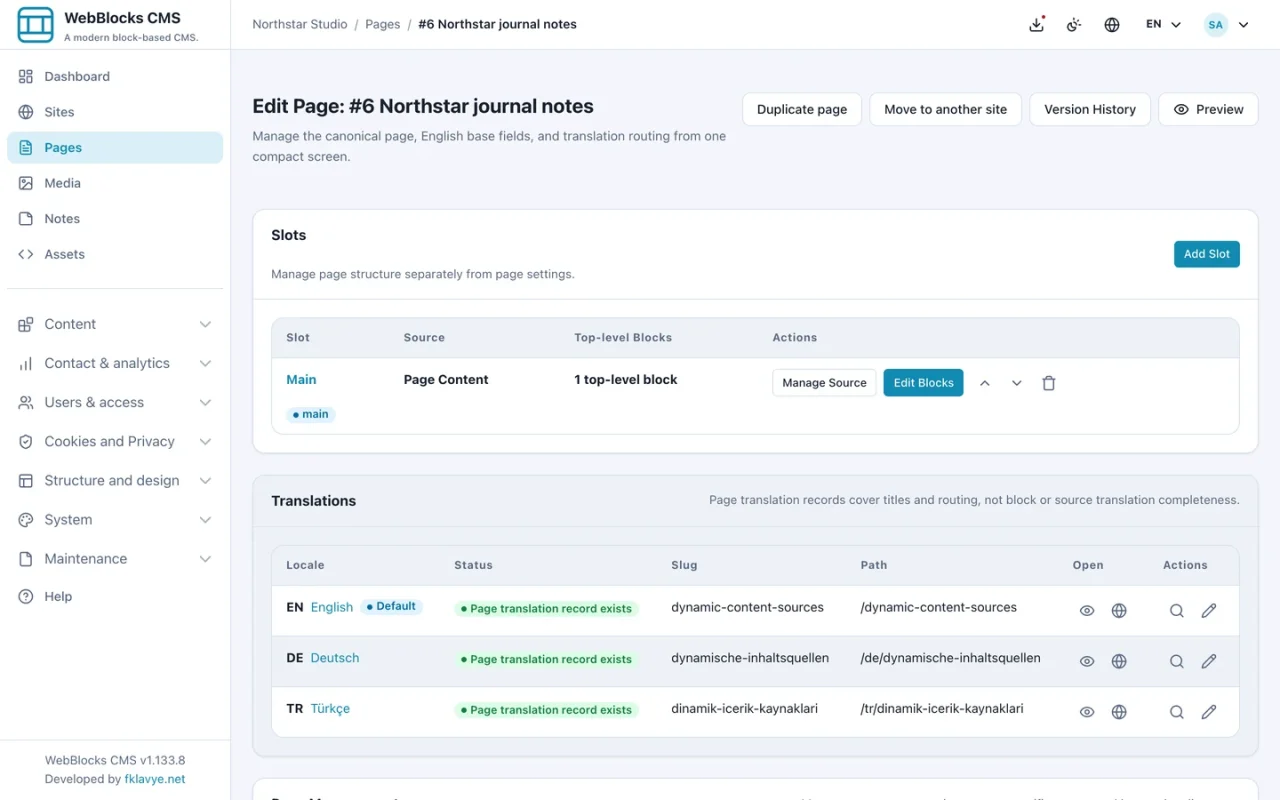
The saved Northstar journal notes title in the page editor.

Recover Unsaved Edits

Restore a confirmed editing checkpoint and save the recovered form values.

Common tasks

  • Preview before saving on an existing draft or staged page.
  • Recover unfinished form values, including new pages, new page-owned blocks and translation/SEO forms.
  • Restore one page language while keeping the current page structure and other languages.
  • Assign a custom site role and inspect the user's effective permissions.

Search

Search published content in WebBlocks CMS.

Searching...

Enter a search term to find published content for this site and locale.
Your privacy choices

We use necessary features to run this site. You can choose which optional services may load.

Your preferences could not be saved. Please try again.

Cookie and privacy preferences

Choose the services you allow. You can return here at any time.

Necessary · Always on

Required for security, remembering your consent and core site operation.

Analytics

Controls detailed visitor measurement by this CMS. Basic site counts remain available.

Your preferences could not be saved. Please try again.

Your choice is saved. Reload the page to stop scripts that have already run.