Layout & blocks
Arrange, style and combine the parts of a page.
All guides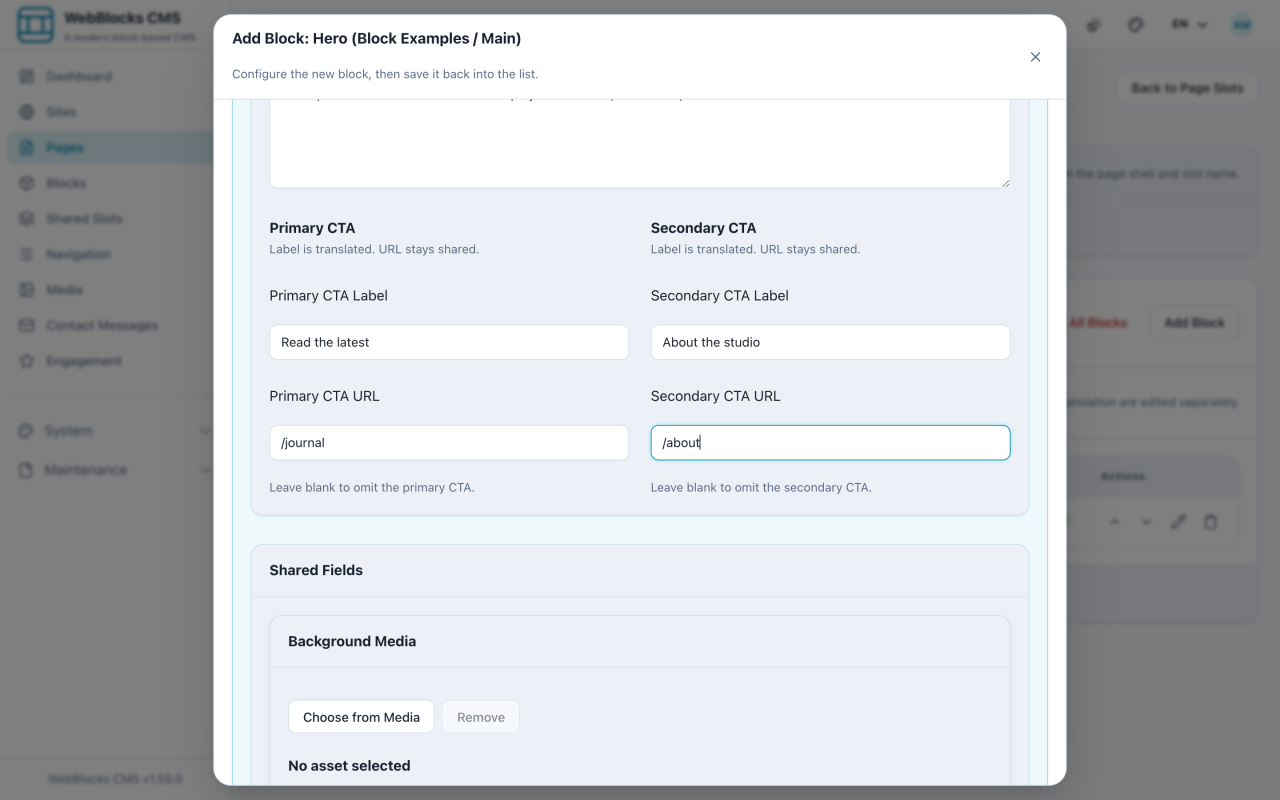
Hero: Build An Opening Section
The banner at the top of a page — title, intro, buttons, and a background image.
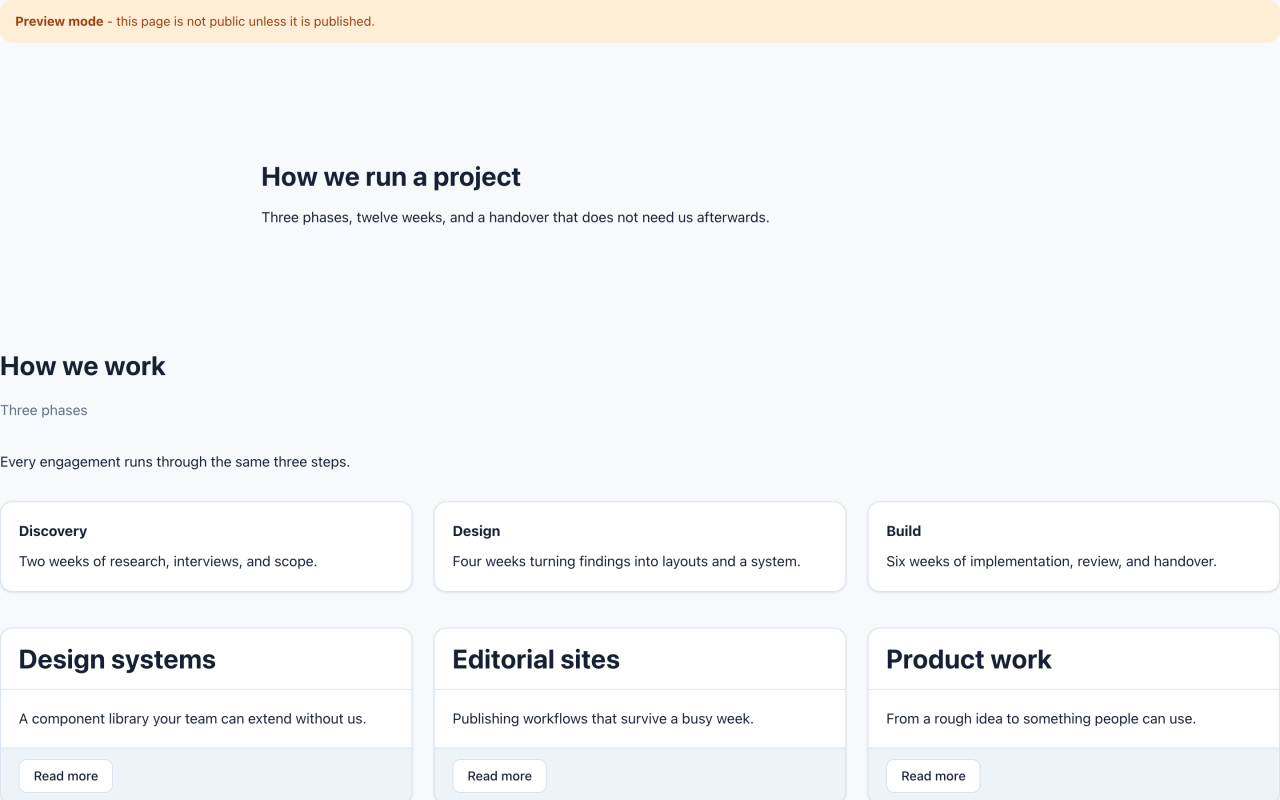
Section And Container: Control Page Width
The two wrappers that decide how wide your content sits and how much air it gets.
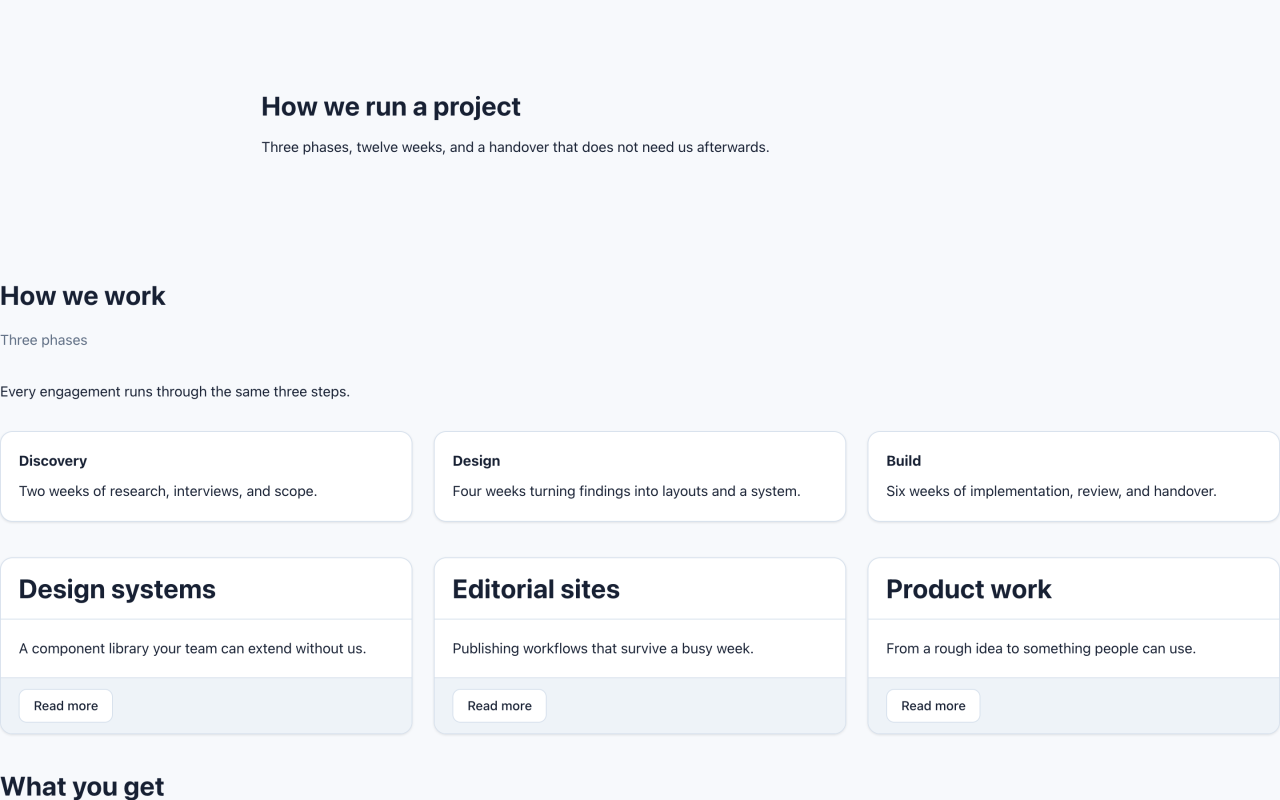
Columns And Grid
Put things side by side — with copy of its own, or as a bare arrangement.
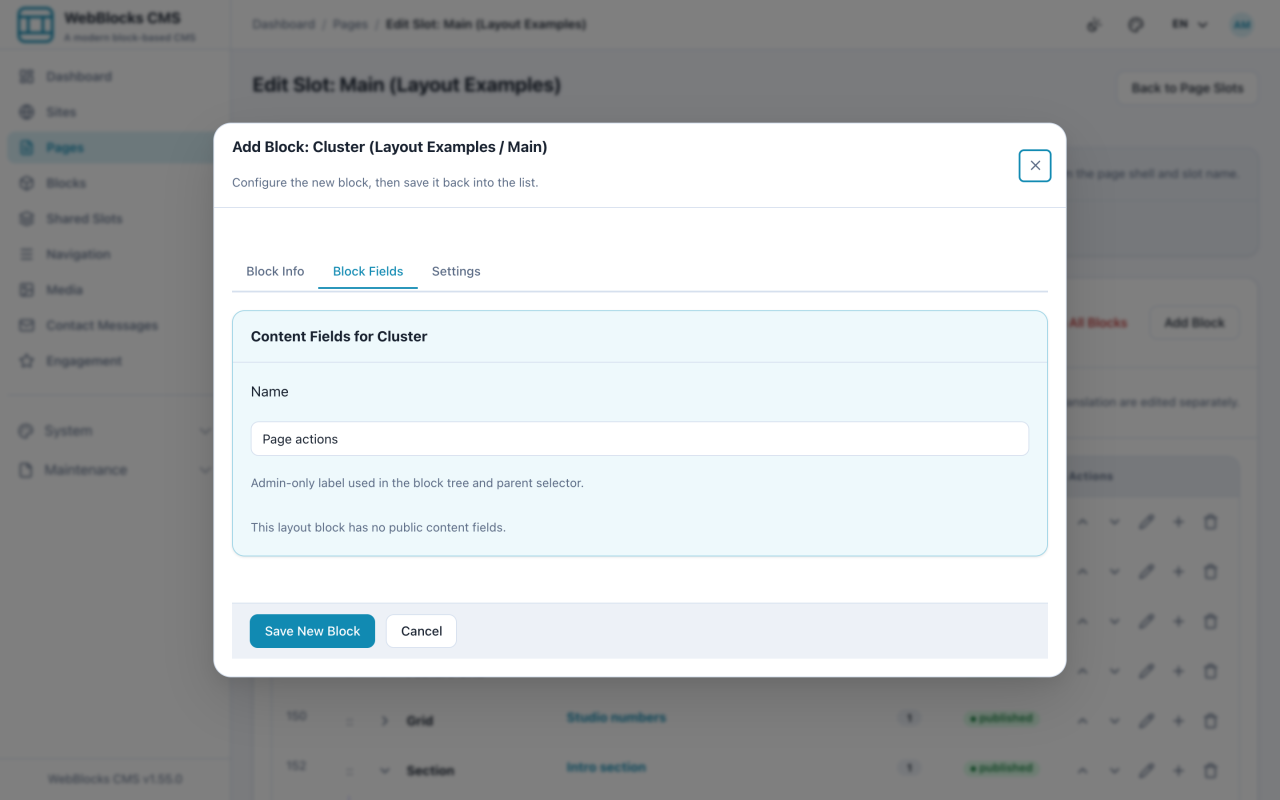
Cluster And Spacing
Line a few things up in a row, and control the air between everything else.
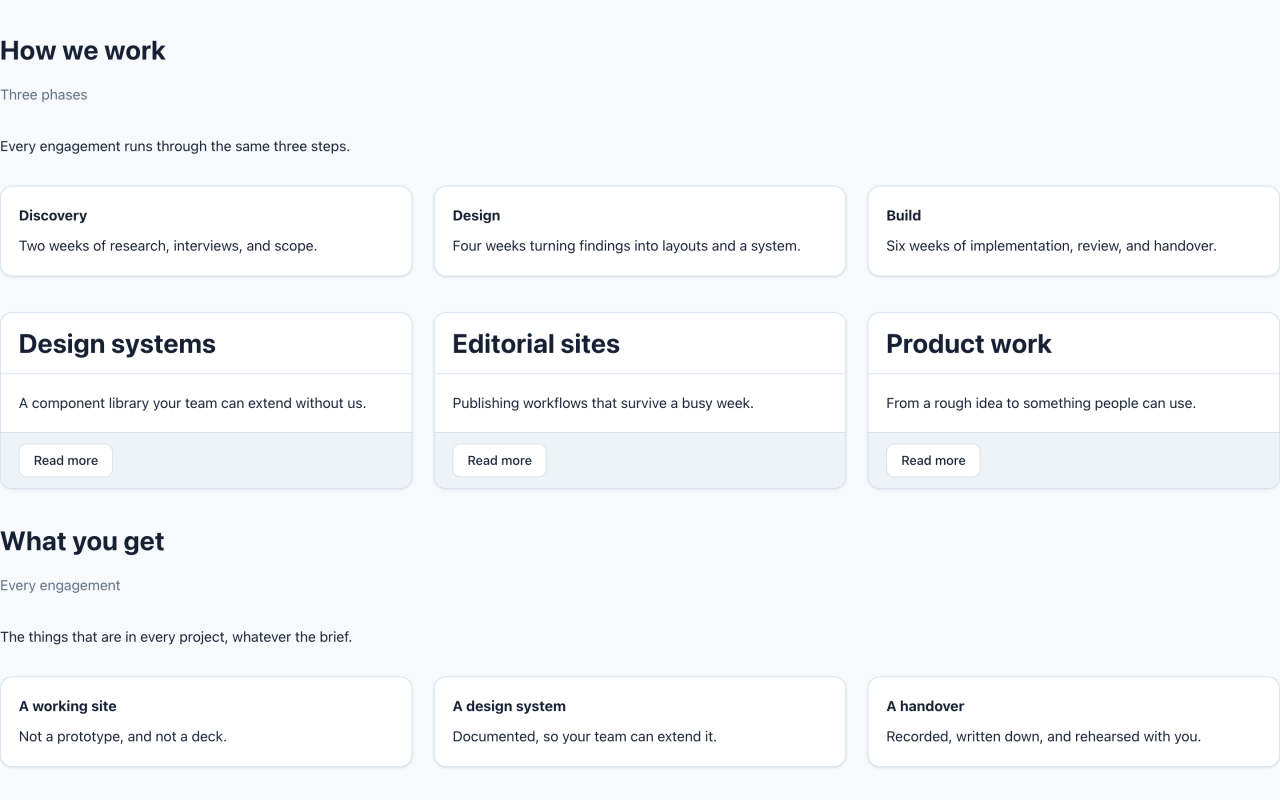
Card, Feature Grid, And Stat Card
Three ways to package a small unit of content — and when each one fits.
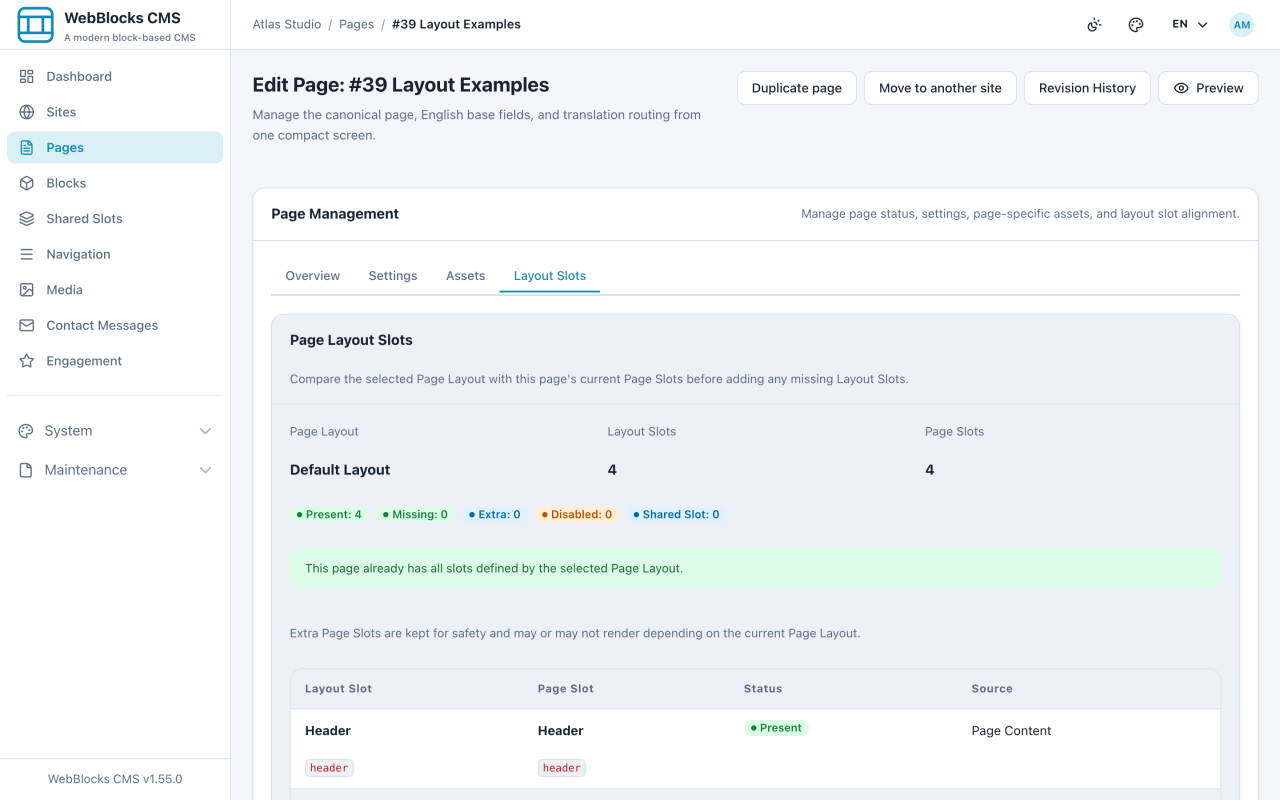
Choose And Change A Page Layout
Pick the frame a page renders in, and change it later without losing content.
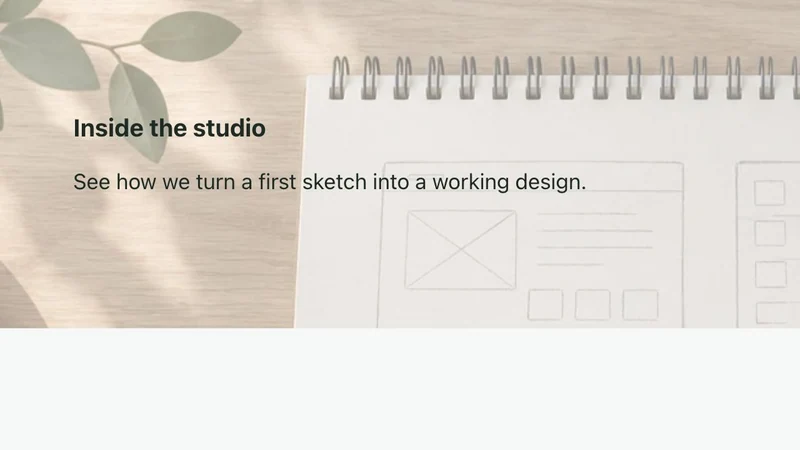
Section Block
Give a page band its own padding, background, and position in the page flow.
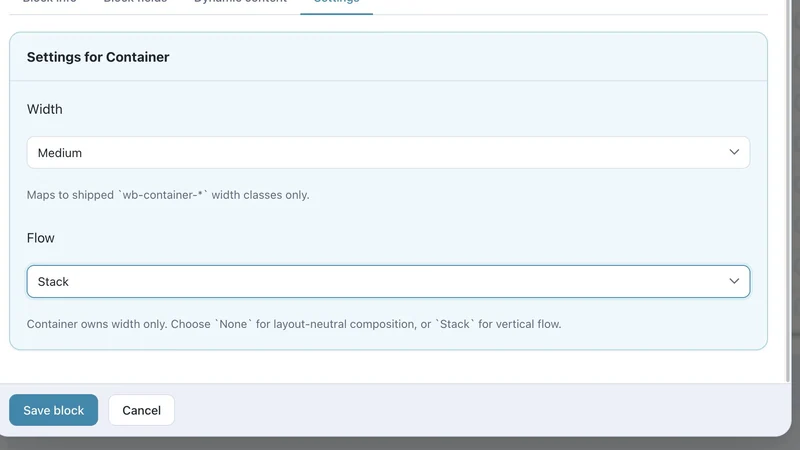
Container Block
Limit the width of a content group and choose how its children flow.
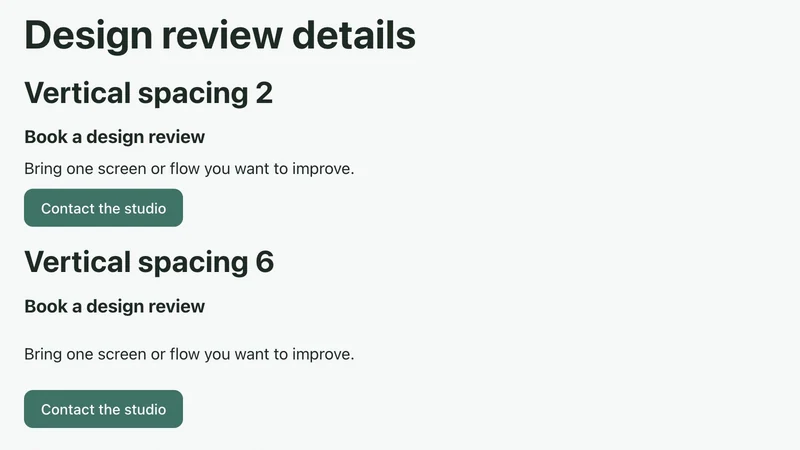
Stack Block
Arrange children vertically and adjust the space between them.
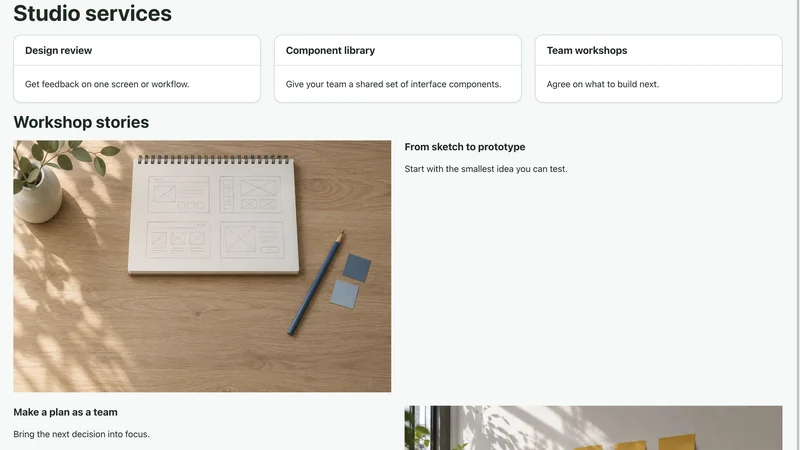
Grid Block
Arrange cards or media and text in columns that adapt to smaller screens.
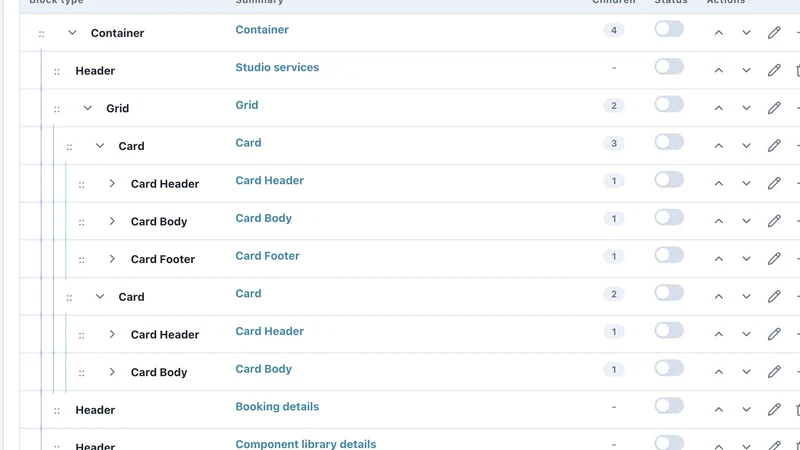
Card Block
Build a card from content regions and choose how visitors open its destination.