WebBlocks CMSDocsGuidesGuidesExamplesBlogsBrandPlugins
Live Chat in Action

Six ways to help visitors with live chat

Answer a pickup question, take a message after closing, or find an old conversation. These examples show what a visitor sees in the chat widget and what your team sees in the WebBlocks CMS inbox.

Try the controls to switch between sample states. All conversations and notifications are simulated.

A blue hardback and a paper bag waiting on a bookshop pickup counter.

Independent bookshop

Answer a pickup question while a visitor browses

A shopper wants to collect a book after work. Your team can answer in Live Chat while the shopper is still on the site.

Try the conversation

Open the widget
Visitor widget

Chat with the bookshop

The widget is ready for a new conversation.

CMS inbox

No conversation yet

A thread appears once the shopper sends a message.

Send the question
Visitor widget

Chat with the bookshop

Your question appears in the conversation.

Visitor
Can I pick up the field guide around 6 today?

CMS inbox

Unread · Awaiting reply

The pickup question appears in the selected site’s Live Chat inbox.

Send the shop’s reply
Visitor widget

Chat with the bookshop

The reply appears in the same widget.

Visitor
Can I pick up the field guide around 6 today?

Operator
Yes. We’re open until 7, and the guide will be at the pickup counter.

CMS inbox

Open · Reply sent

The operator’s reply is now the latest message in the thread.

In WebBlocks CMS
Enable the site’s widget in Live Chat → Settings. Open the visitor’s conversation in Live Chat, write a reply, and choose Send reply. The reply appears in the visitor widget.
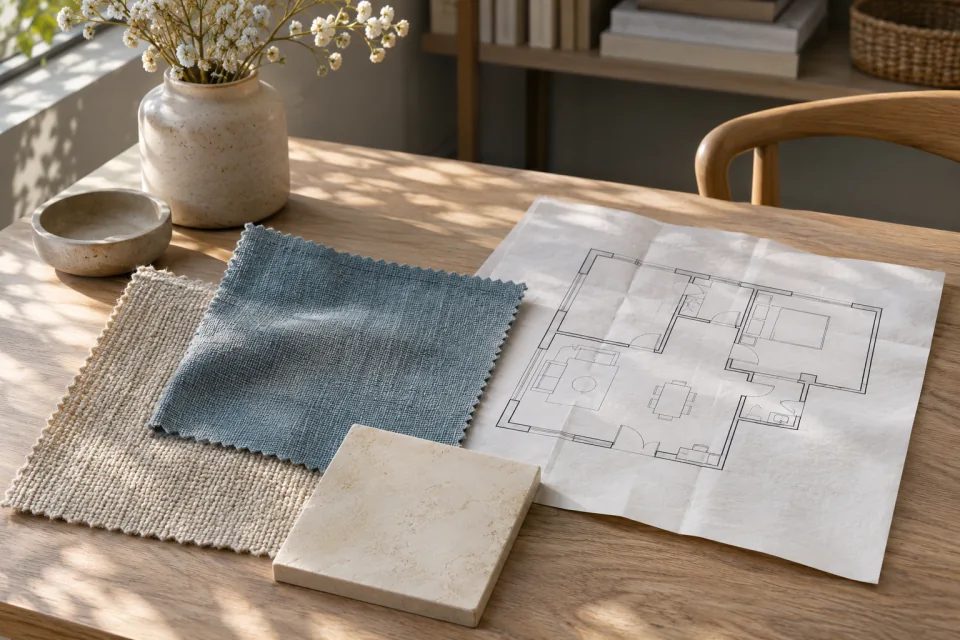

Fabric swatches, a pale tile and a floor plan on a design studio worktable.

Interior design studio

Keep a read enquiry in the reply queue

A colleague reads a sample request while you check stock. The inbox still shows that the visitor is waiting for an answer.

Try the conversation

Message arrives
Visitor widget

Ask the studio

The visitor’s question is in the thread.

Visitor
Do you have the blue linen swatch in the studio?

CMS inbox

1 unread · 1 awaiting reply

There is one new visitor message to check.

Read the latest message
Visitor widget

Ask the studio

The visitor is still waiting for an answer.

Visitor
Do you have the blue linen swatch in the studio?

CMS inbox

0 unread · 1 awaiting reply

The message has been read. The thread is still in Awaiting reply.

Reply to the visitor
Visitor widget

Ask the studio

The visitor can read the answer in the widget.

Visitor
Do you have the blue linen swatch in the studio?

Operator
Yes. We can show it at your visit on Thursday.

CMS inbox

0 unread · 0 awaiting reply

The thread is open and the latest message is the operator’s reply.

In WebBlocks CMS
Reading the latest message at the bottom of a visible conversation clears its unread state. Use Awaiting reply to find open threads whose latest message is still from a visitor.

A commuter bicycle on a stand in a repair shop at dusk.

Bicycle repair shop

Take a repair enquiry after closing

A visitor discovers a flat tyre after the shop closes. The offline widget sets an expectation and collects a message for the team to read later.

Try the conversation

Open after hours
Visitor widget

Leave the workshop a message

We’re away. Leave a message and we’ll reply here. Email is required for this new conversation.

CMS inbox

Availability · Offline

The public widget is enabled and uses the site’s offline intake settings.

Leave a sample message
Visitor widget

Leave the workshop a message

The sample message is in the widget. The visitor can return in the same browser for a reply.

Visitor
Can I bring a bike in tomorrow for a rear puncture?

CMS inbox

Offline enquiry · Awaiting reply

The message is saved in the inbox. An operator email alert depends on the notification settings and mail policy.

Reply when the shop opens
Visitor widget

Workshop conversation

The reply appears in the original conversation.

Visitor
Can I bring a bike in tomorrow for a rear puncture?

Operator
Yes. Bring it to the workshop from 9 and we’ll check the tyre.

CMS inbox

Open · Reply sent

The shop has replied in Live Chat.

In WebBlocks CMS
In Live Chat → Settings, set Availability to Offline and turn on Require email when offline for new enquiries. If staff need an alert, enable offline operator notifications and check the inherited site email policy. Replies appear in the visitor widget.

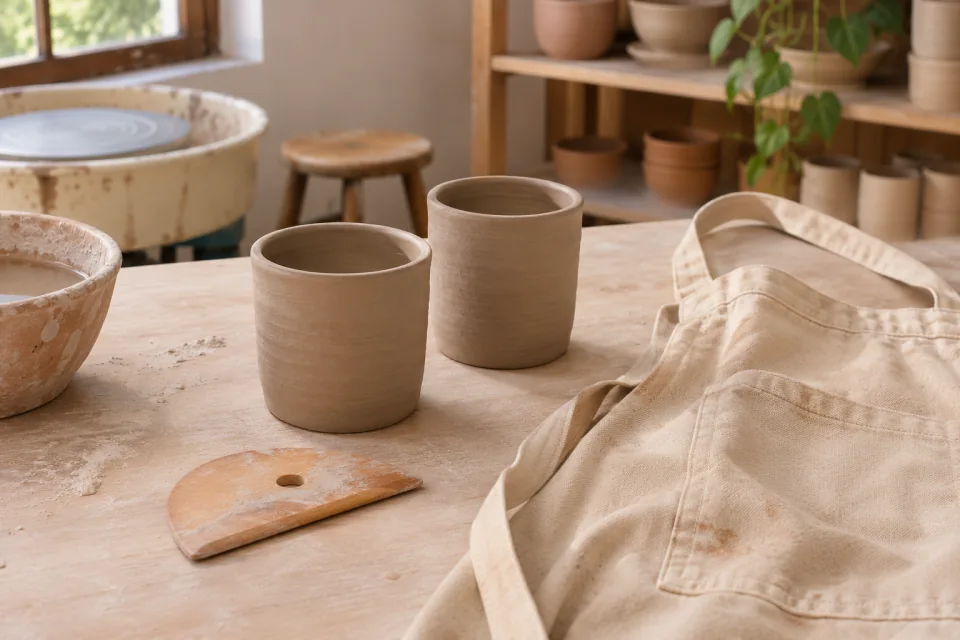
Unfired clay cups, a wooden pottery tool and an apron on a workshop table.

Pottery workshop

Close a finished conversation and reopen it when needed

A participant has their arrival details. Close the conversation once the question is settled. If the same topic needs a follow-up, staff can reopen the original thread.

Try the conversation

Review the answered thread
Visitor widget

Pottery class conversation

The visitor can read the arrival details and send a follow-up.

Visitor
What time should I arrive for the pottery class?

Operator
Please arrive 10 minutes before the 2 p.m. class. We’ll have aprons ready.

CMS inbox

Open · Reply sent

The operator can close the finished conversation.

Close the conversation
Visitor widget

Pottery class conversation

This conversation is closed. The widget offers Start a new conversation.

Visitor
What time should I arrive for the pottery class?

Operator
Please arrive 10 minutes before the 2 p.m. class. We’ll have aprons ready.

CMS inbox

Closed

The original conversation is retained in Closed.

Reopen the same thread
Visitor widget

Pottery class conversation

Replies are available again in the original widget thread.

Visitor
What time should I arrive for the pottery class?

Operator
Please arrive 10 minutes before the 2 p.m. class. We’ll have aprons ready.

CMS inbox

Open

The original messages are still in the thread.

In WebBlocks CMS
Use Close conversation in the operator view to move the thread to Closed. Choose Reopen conversation to restore replies for a visitor who can still access the original thread in the same browser.

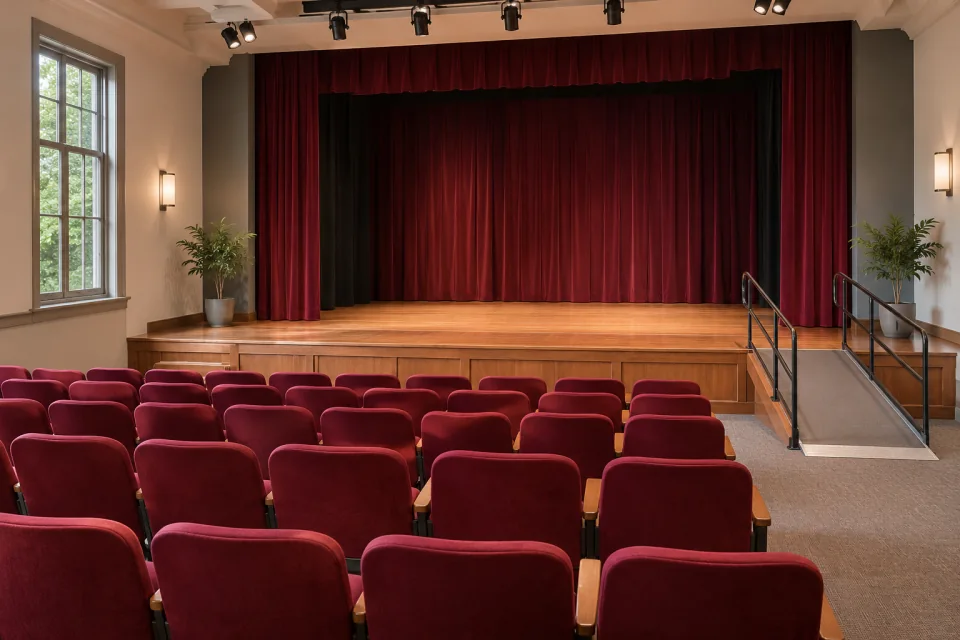
A small venue with a wooden stage, burgundy seats and an access ramp.

Community venue

Find an older accessibility question

A visitor asked about the stage ramp, then sent a newer message about the date. Search for the earlier topic without losing the context of the latest message.

Try the conversation

View open conversations
Visitor widget

Venue conversation

The venue thread contains both the access question and the date.

Visitor
Is there a ramp to the stage?

Operator
Yes. The ramp is beside the front row.

Visitor
Thanks. Our event is on Saturday.

CMS inbox

Open conversations

The latest preview reads “Thanks. Our event is on Saturday.”

Filter for “ramp”
Visitor widget

Venue conversation

The visitor’s conversation stays the same while the operator searches.

Visitor
Is there a ramp to the stage?

Operator
Yes. The ramp is beside the front row.

Visitor
Thanks. Our event is on Saturday.

CMS inbox

1 matching conversation

An older message matches “ramp.” The row still previews “Thanks. Our event is on Saturday.”

Clear the filter
Visitor widget

Venue conversation

The visitor can still read the same exchange.

Visitor
Is there a ramp to the stage?

Operator
Yes. The ramp is beside the front row.

Visitor
Thanks. Our event is on Saturday.

CMS inbox

Open conversations

The inbox returns to the default open view for the site.

In WebBlocks CMS
Select the site and inbox view, enter ramp in the search field and choose Filter. Search includes message history. The result still previews the latest message in the thread.

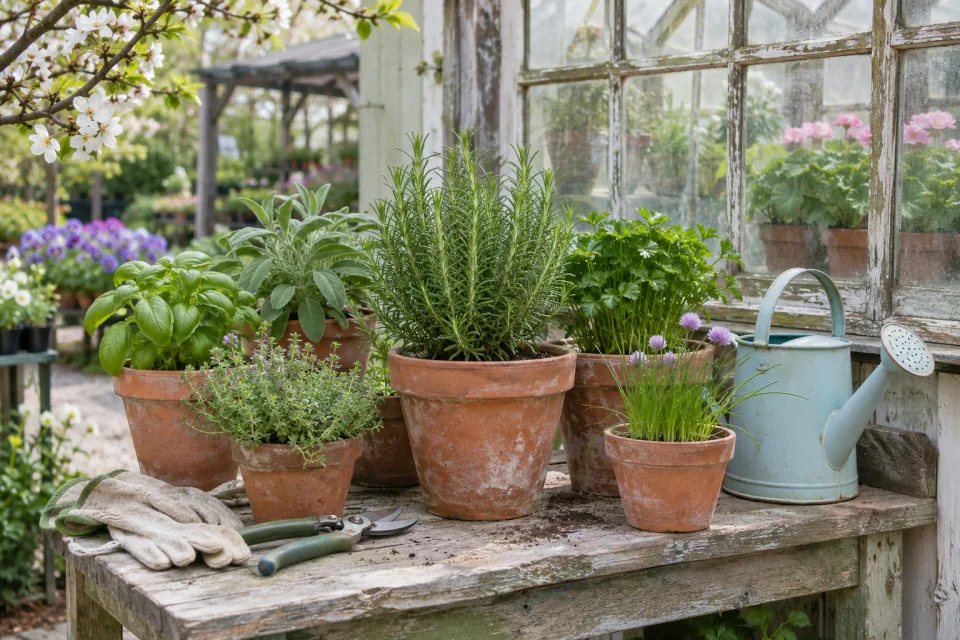
Potted herbs and a pale blue watering can on a greenhouse bench.

Garden nursery

Welcome visitors in the site’s language

A nursery offers English and German pages. It gives visitors a launcher and welcome message in the language they are browsing.

Try the conversation

English page
Visitor widget

Ask the nursery

Chat with us

Ask us about plants or pickup times. We’ll reply here.

CMS inbox

Language texts · English

The English page uses the English launcher and welcome copy.

German page
Visitor widget

Fragen an die Gärtnerei

Mit uns chatten

Frag uns nach Pflanzen oder Abholzeiten. Wir antworten hier.

CMS inbox

Language texts · German

The German page uses its saved German widget copy.

In WebBlocks CMS
Under Live Chat → Settings → Language texts, fill in the widget title, welcome message, offline message and button label for each enabled site language.