Open-source · Laravel 13 · PHP 8.4
Add structured publishing to Laravel—without replacing your application.
WebBlocks CMS is a block-based Composer package for teams managing content across sites, languages and reviewed publishing workflows.
composer require fklavyenet/webblocks-cmsA complete content operation inside Laravel
Editors get a governed workspace. Developers keep ownership of the application, deployment and data.
Structured blocks
Model reusable page structures instead of relying on one-off HTML compositions.
Multisite and localization
Manage domains, navigation, pages and translated content from one installation.
Media and revisions
Keep media, previews, publishing history and restoration close to the content.
Roles and editorial workflow
Separate drafting, review, publishing and administrative authority.
Automation APIs
Let trusted tools discover schemas and prepare changes through permission-scoped APIs.
No frontend build chain
The CMS package ships its own static assets without requiring Node, npm or Vite.
Built for editors, developers and trusted automation
One explicit content model serves each participant without turning the CMS into a hosted black box.
Editors
Compose pages, manage media and languages, preview changes and publish through visible states.
Developers
Keep Laravel as the application boundary and extend documented package contracts.
Automation and AI assistants
Inspect capabilities first, validate proposed changes and publish only with explicit authority.
Know the integration boundary before installing
WebBlocks CMS installs into a Laravel 13 host application. The host owns authentication outside the CMS, environment configuration, queues, mail, deployment, backups and the public document root.
Current requirements
- PHP 8.4
- Laravel Framework 13
- Composer 2
- mbstring, sodium and zip extensions
- Optional GD for image transformations
Laravel-native
WebBlocks CMS installs into a Laravel 13 host application. The host owns authentication outside the CMS, environment configuration, queues, mail, deployment, backups and the public document root.
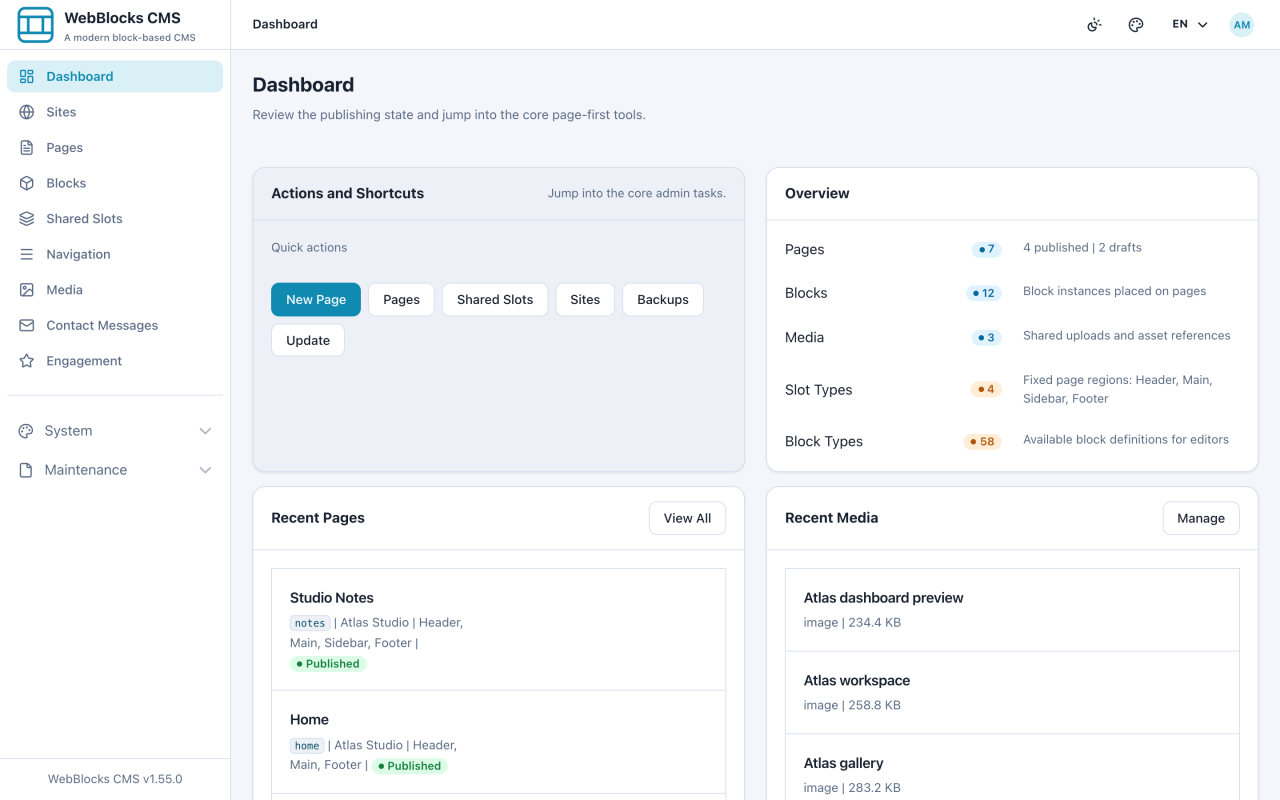
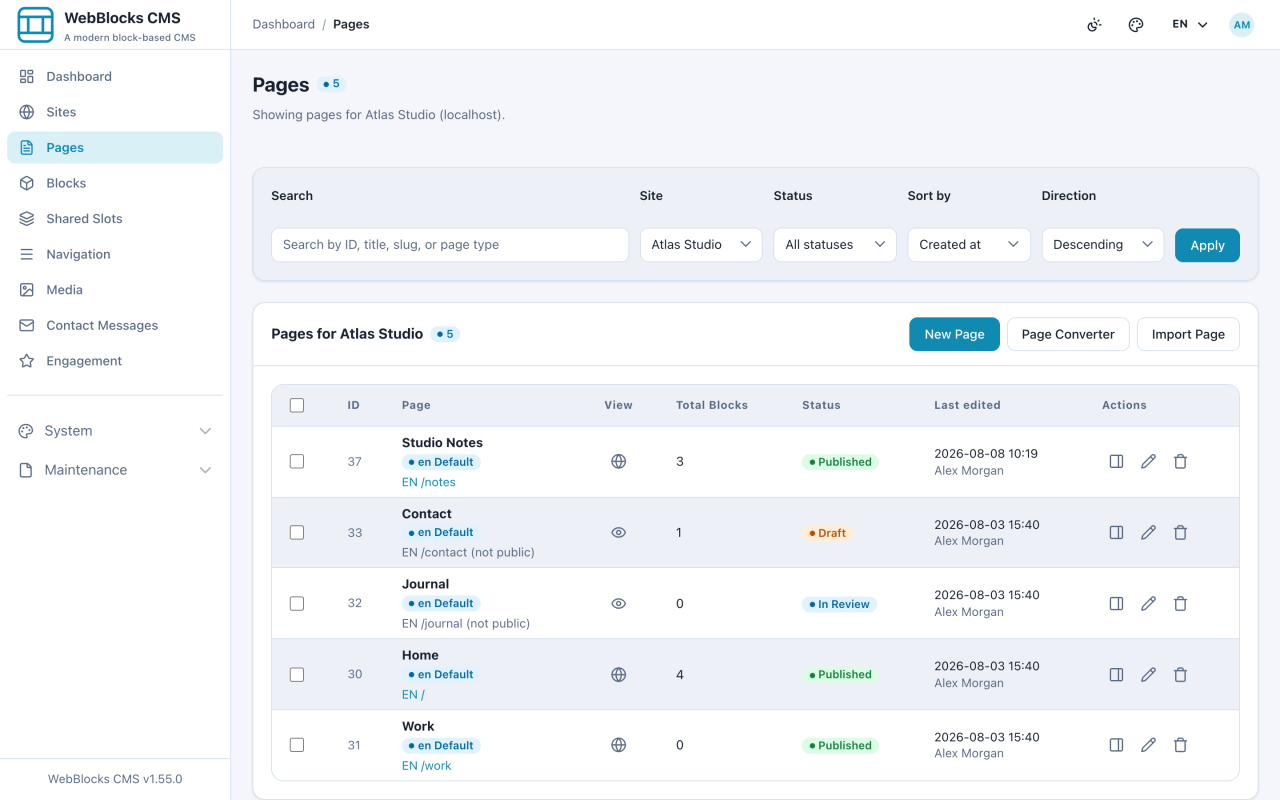
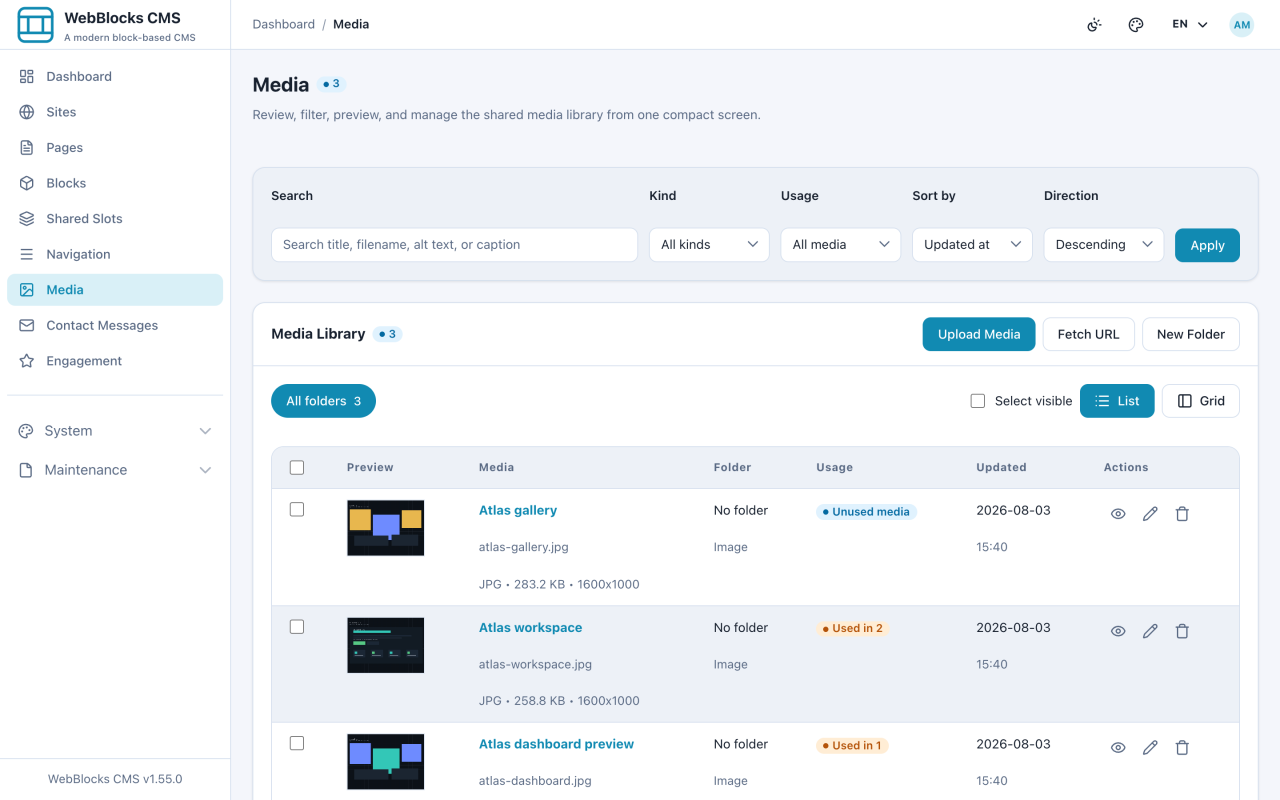
See WebBlocks CMS in action
Explore real screens from the WebBlocks CMS administration workflow.
Inspect it, install it, keep control
Start with the installation guide or walk through the real administration workflow.
Is WebBlocks a Laravel CMS package?
Yes. It is installed into a Laravel host application with Composer; it does not replace Laravel or own the surrounding product architecture.
Does it support multiple sites and languages?
Yes. Sites, domains, locales, navigation and translated block content are managed as explicit CMS records.
Does the CMS require a Node build?
No. The CMS package ships static public assets. The host application may still use its own frontend toolchain independently.